
Booltool
Web image editing suiteEdit, retouch, and animate images online
Highlights
What you can do with it
- Remove backgrounds from product photos so items stand out.
- Add filter and animation effects to photos for social content.
- Resize and compress images to speed up website loading.
How to use it
- 1 Open Booltool in your browser and start the free trial.
- 2 Upload the image you want to edit.
- 3 Pick a tool, such as background removal or filters.
- 4 Adjust the result until it looks right.
- 5 Download the edited image.
Who it is for
Pros
- Many editing tasks in one browser-based toolkit.
- Free trial lets you test before choosing a plan.
- Aimed at practical e-commerce and marketing workflows.
Limitations
- Free trial is limited and pricing can change with usage.
- Browser-based editing may be slower for large batches.
- Advanced retouching may still need dedicated design software.
What Booltool is
Booltool is an online image editing toolkit that runs in the browser. It brings together the edits that product and social visuals usually need, so you can handle several steps in one place. The suite includes portrait background removal, object background removal, object erasing, image enhancement, filter effects, image resizing, image compression, and animation effects. It is designed for online store owners, content creators, digital marketers, and graphic designers who want quick results without installing heavy desktop software. Pricing is described as customizable based on usage, and a free trial is available, so you can try the tools before deciding on a plan. The focus is practical: clean product shots, lighter images, and eye-catching effects.
What you can do with it
- Remove backgrounds from portraits and objects for clean product images.
- Erase unwanted objects and enhance image quality.
- Apply filter and animation effects to make photos stand out.
- Resize and compress images to improve website loading speed.
Who it is for
- Online store owners who need tidy product photos.
- Content creators adding effects to photos and social posts.
- Digital marketers optimizing images for faster web pages.
What to watch out for
The free trial is a way to test the toolkit, not a permanent free plan. Pricing is tied to usage and can change, so review the current plans before you depend on it for regular work. Because editing happens in the browser, large batches or high-resolution files may feel slower than desktop software, and a stable connection helps. The tools cover common edits well, but advanced retouching, layering, or complex compositing may still call for dedicated design software. If you are editing images for a store or campaign, keep your originals safe and review the output before publishing. Test a few images first to see whether the results match the quality you need before committing to a plan.
FAQ
Is Booltool free?
It offers a free trial, with pricing that is customizable based on usage. Check the site for current plans.
What editing tools are included?
It covers portrait and object background removal, object erasing, enhancement, filters, resizing, compression, and animation effects.
Who is it for?
It is designed for online store owners, content creators, digital marketers, and graphic designers.
Why it is free
What the official page says: free trial
Free limits, trial length and features are decided by the official site and can change at any time.
Product preview
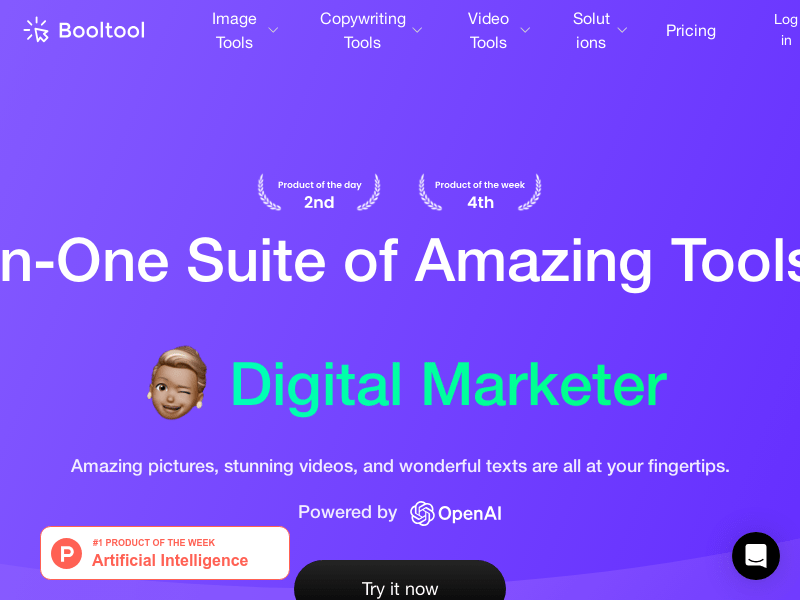
Screenshot archived from the listing page, for preview only.











