
Bosi AIPPT
One-click AI PPT generatorTurn ideas and files into presentations
Highlights
What you can do with it
- Create a product launch presentation for marketing
- Build an interactive teaching deck for class
- Generate a design proposal quickly
How to use it
- 1 Visit the Bosi AIPPT site or download the app
- 2 Register and start the free trial
- 3 Input or upload content for the PPT
- 4 Use intelligent layout and AI rewriting to optimize
- 5 Pick a template, edit, then preview and download
Who it is for
Pros
- Fast, one-click generation
- Imports several file formats
- Templates and AI rewriting included
Limitations
- Free trial only, then paid
- Generated content and layout need review
- Depends on the online service being available
What Bosi AIPPT is
Bosi AIPPT is an online tool that generates PPT presentations with AI. You can create a deck at the click of a button, import files such as Word, PDF, TXT, or Markdown to auto-extract their content, and use structured outline parsing with intelligent layout and AI rewriting to shape the slides. It offers many templates across industries like marketing, education, and design, so you can find a look that fits your topic. The interface is simple enough for beginners, and a free trial lets you edit content online before choosing a plan.
What you can do with it
- Generate a full PPT with one click
- Import Word, PDF, TXT, or Markdown files
- Use intelligent layout and AI rewriting on your content
- Apply templates from a large library
Who it is for
- Marketers building campaign and results decks
- Educators creating teaching presentations
- Designers and product managers drafting proposals
- Students making reports and project decks
What to watch out for
Only a free trial is offered, after which you need a paid plan, and that pricing can change. AI-generated content and layout are a first draft and still need your review for accuracy, tone, and branding, so do not present without checking the facts. Because it is an online service, it depends on Bosi AIPPT staying available, so keep exports of important decks and do not wait until the last minute to build a presentation you must deliver. Generated suggestions are for reference only, so verify anything that affects professional judgment or important data. Start with a small sample to confirm the output meets your expectations before processing the full batch.
FAQ
How does Bosi AIPPT work?
You input or upload content and the AI generates a PPT with layout and templates.
What files can I import?
It supports formats such as Word, PDF, TXT, and Markdown.
Is there a free trial?
Yes. You can edit PPT content online during the free trial.
Why it is free
What the official page says: free trial
Free limits, trial length and features are decided by the official site and can change at any time.
Product preview
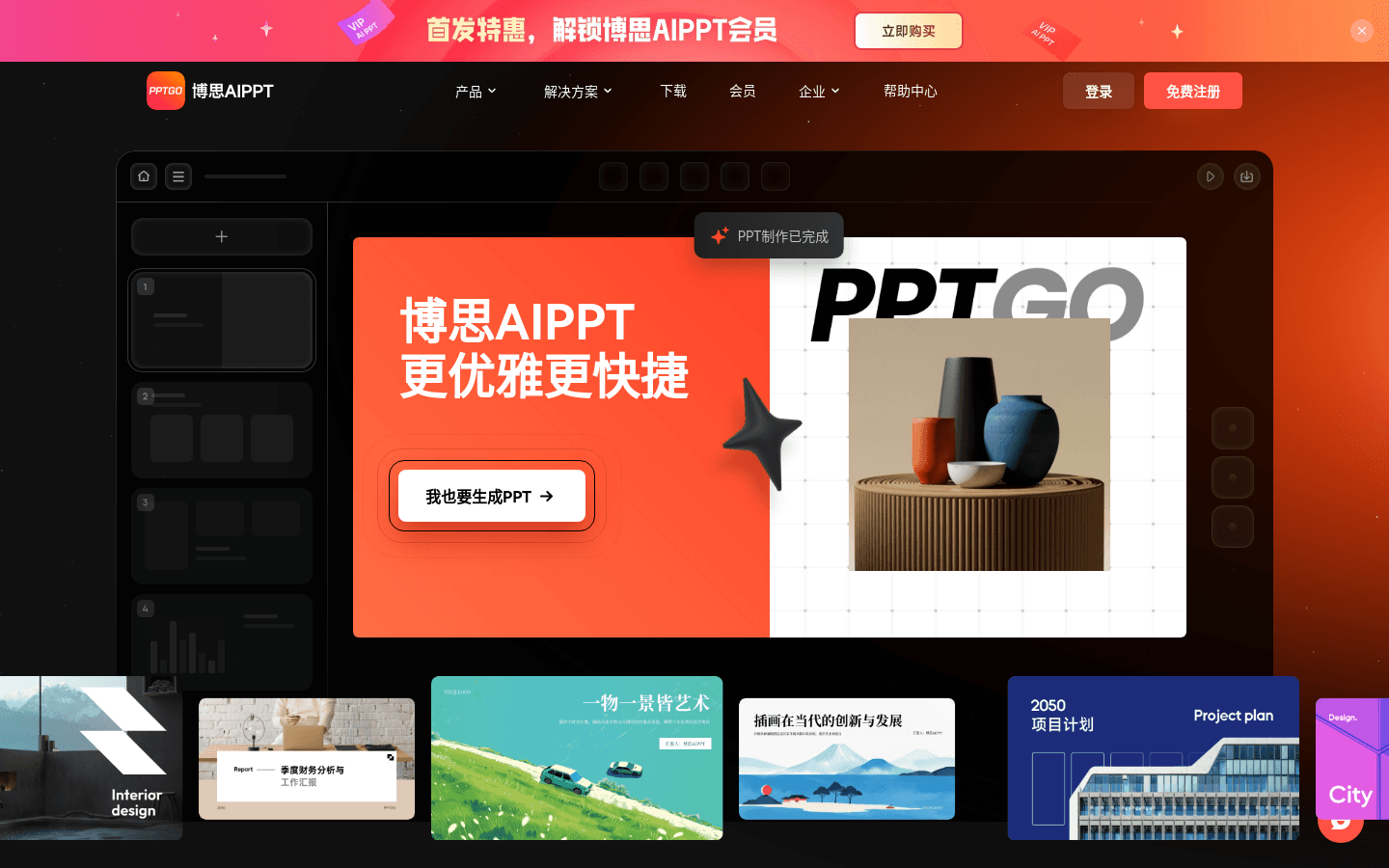
Screenshot archived from the listing page, for preview only.











