BragHumble
AI fitness counting appAuto-count your workouts with your camera
Highlights
What you can do with it
- Count workout reps automatically with the camera
- Track your progress and action data over time
- Challenge yourself against your own records
How to use it
- 1 Open the BragHumble app
- 2 Allow camera access for movement tracking
- 3 Choose the fitness movement you want to do
- 4 Start the session and let it count your reps
Who it is for
Pros
- Free to use
- Automatic counting saves manual tracking
- Gives clear data and progress over time
Limitations
- Free access and features can change over time
- Camera tracking may miscount some movements
- Needs good lighting and camera placement
What BragHumble is
BragHumble is a fitness counting app that uses a front-facing camera and AI to automatically count and record your fitness movements, and it is free. Users can understand their capabilities through the app and challenge themselves over time. It provides detailed action data and progress, audio assistance and a timer, and it supports multiple fitness movements. It is meant for anyone who wants a clearer picture of their fitness level without extra gear.
What you can do with it
- Auto-count reps with your phone camera
- Track detailed action data and progress
- Use audio cues and a timer during sessions
- Challenge yourself against your own records
Who it is for
- Anyone who wants to track workout reps
- Home fitness users without extra equipment
- People testing and improving their fitness level
What to watch out for
It is free, but free access and features can change over time. Camera-based counting can miscount some movements, so treat the numbers as a guide. Good lighting and camera placement matter for accurate tracking. As with any exercise, move safely and stop if you feel pain. Generated suggestions are for reference only, so verify anything that affects professional judgment or important data. Start with a small sample to confirm the output meets your expectations before processing the full batch. Name and archive exported files consistently so you can find and reuse them, and keep a backup copy of key data. When quality matters, export a small draft first to confirm the result before producing the final file. Processing speed depends on file size and network conditions, so retry later if a task stalls during peak hours.
FAQ
Is BragHumble free?
Yes. It is free and suitable for anyone who wants to track their fitness level.
How does it count movements?
It uses a front-facing camera and AI to count and record your fitness movements.
What does it provide?
It provides detailed action data, progress, audio assistance, and a timer.
Why it is free
What the official page says: 免费
Free limits, trial length and features are decided by the official site and can change at any time.
Product preview
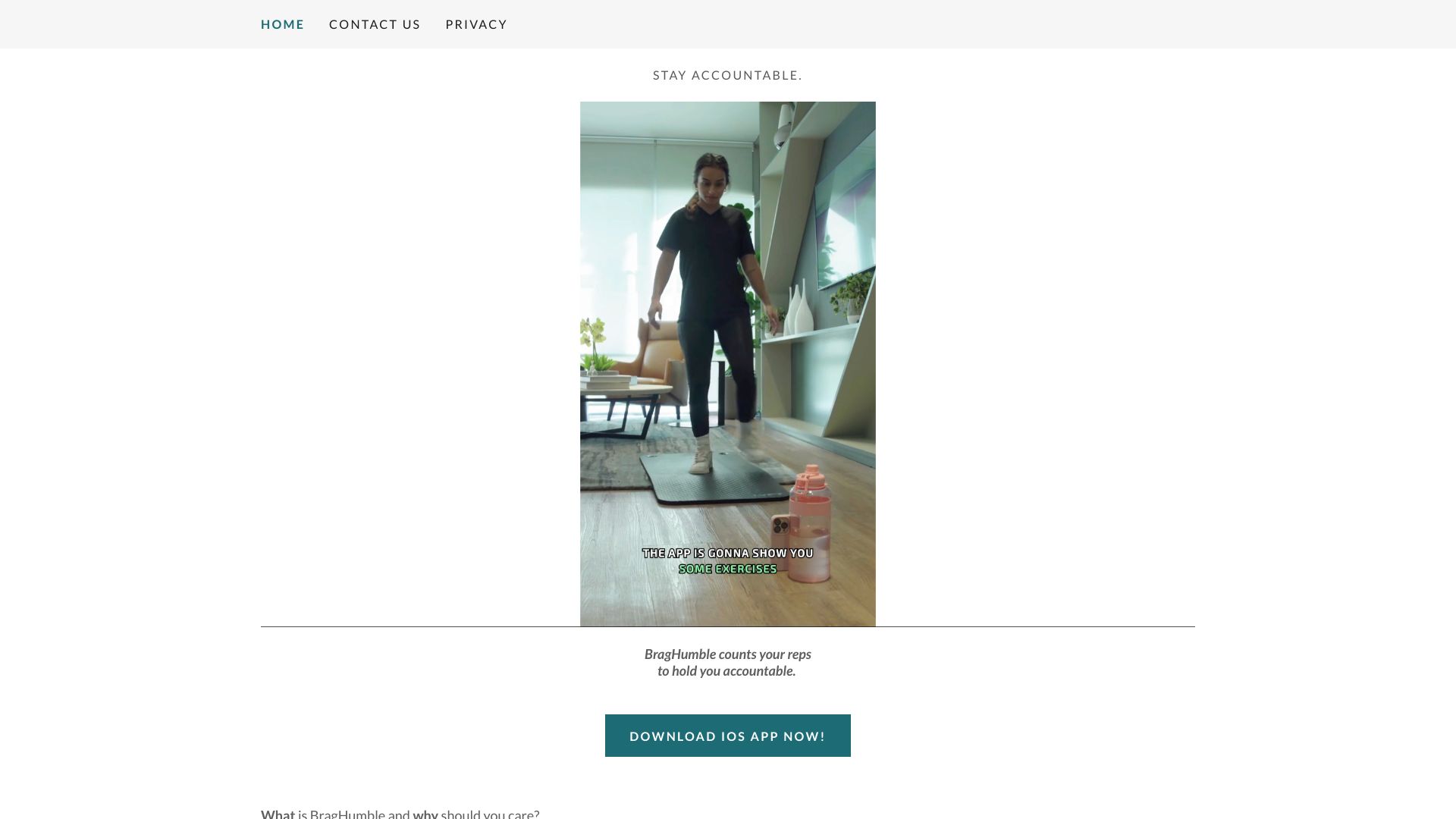
Screenshot archived from the listing page, for preview only.