
Bunsho
Novel software with continuity checksCatch plot holes before readers do
Highlights
What you can do with it
- Catching a key clue described inconsistently across chapters during revision
- Building a complex interstellar world with consistent planets, cultures, and technology
- Getting a first scene draft from Director Mode, then revising it by hand
How to use it
- 1 Download Bunsho for macOS or Windows from the official website.
- 2 Install it and start writing in the editor, which works without an account; register free for AI features.
- 3 Track characters, timelines, and world rules as the software records them automatically.
- 4 Use the world and planning views to manage story elements and chapter goals.
- 5 Run the continuity or plot hole checker, then use Director Mode when you need a draft.
Who it is for
Pros
- Continuity and plot hole checks catch issues before publication
- Editor is free to download and use without an account
- Four views keep draft, world, plan, and continuity in one workspace
Limitations
- AI features need free registration, and subscription prices or free allowances can change
- The checker flags possible issues, not certain ones, so author judgment stays essential
- Director Mode output reflects your instructions, so drafts still need rewriting
What Bunsho is
Bunsho is writing software for novelists, available on macOS and Windows. It keeps drafts, character notes, and world rules in one workspace and checks continuity as you write: the continuity checker and plot hole checker flag problems in characters, timelines, world rules, and scenes before readers find them. The software extracts characters, locations, and objects from your prose, offers chapter planning cards, and switches between editor, world, planning, and continuity views. Director Mode can draft a scene from your instructions after you review its plot summary. The editor downloads for free without an account, and AI features unlock with free registration. The workspace is built around continuity first, which separates it from general writing apps.
What you can do with it
- Draft a novel while the software tracks characters, timelines, and world rules automatically.
- Run continuity and plot hole checks that mark errors and gaps in the manuscript.
- Plan chapters with cards and manage story elements across four different views.
- Use Director Mode to get a scene draft from your own instructions, starting from a plot summary.
Who it is for
- Novelists who care about story logic and internal consistency.
- Plot planners who need a clear structure before and during drafting.
- Exploratory writers who want to capture inspiration while still keeping the story coherent.
What to watch out for
The editor is free without an account, but AI features need free registration, and subscription plans such as Quill at $8 per month, Storyteller at $15 per month, and Saga at $29 per month unlock more capacity. These prices and free allowances can change over time. The checker flags possible issues rather than certain ones, so judgment stays with the author. Director Mode drafts from your instructions, which means the prose reflects your input as much as the tool.
FAQ
Does the editor cost money?
The editor downloads for free without an account. AI features are unlocked with free registration.
What does the continuity checker do?
It scans the manuscript and marks continuity errors and plot holes in characters, timelines, world rules, and scenes.
Which systems are supported?
Bunsho runs on macOS and Windows.
Why it is free
What the official page says: for freefree version
Free limits, trial length and features are decided by the official site and can change at any time.
Product preview
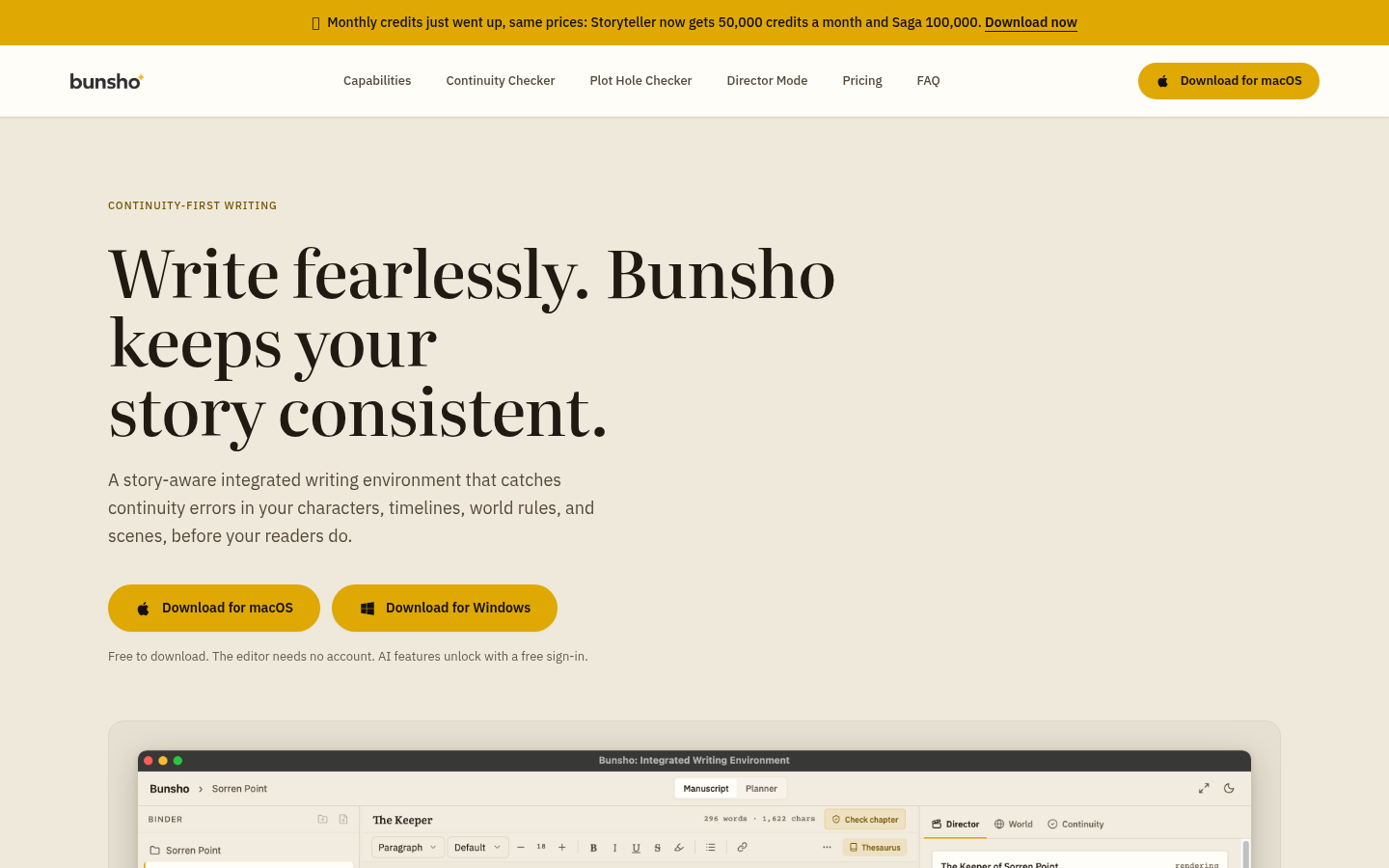
Screenshot archived from the listing page, for preview only.











