
Buzz Mail
An AI reply writer for GmailDraft instant email replies from inside your inbox
Highlights
What you can do with it
- Answer routine customer emails in a few seconds
- Reply to a long thread without rereading every message
- Keep a consistent professional tone across a busy inbox
How to use it
- 1 Install Buzz Mail from the Google Workspace Marketplace.
- 2 Open Gmail and select the message you want to answer.
- 3 Click reply and let Buzz Mail draft a response.
- 4 Review the draft, edit if needed, and send.
Who it is for
Pros
- Drafts appear inside Gmail, so there is no copy-and-paste step
- Template suggestions cut the time spent on routine replies
- A free version lets you test the drafting quality first
Limitations
- The free version has limits the listing does not detail, and those can change
- Drafts still need review before sending, especially for sensitive topics
- It depends on Gmail and the Workspace plugin listing staying available
What Buzz Mail is
Buzz Mail is an AI plugin for Gmail that writes email replies. Installed from the Google Workspace Marketplace, it sits inside your inbox and drafts a response to the message you are reading, so there is no copy-and-paste step. It also suggests reply templates based on what the email says, which helps when the same questions arrive over and over. The aim is faster replies with a steady professional tone. Both free and paid versions are offered, so you can test the drafting quality before paying for more.
What you can do with it
- Draft a reply to an email without typing from scratch.
- Get template suggestions based on the message content.
- Edit the draft and send it straight from Gmail.
Who it is for
- Professionals who answer a lot of email every day.
- Small teams handling support questions without a dedicated desk.
- Anyone who wants a first draft before writing a careful reply.
What to watch out for
A drafted reply is a starting point, not a finished message. Names, dates, commitments, and tone all need a quick read before you press send, especially when the email is sensitive or contractual. The free version has limits that the listing does not spell out, and those limits can change. Since the plugin runs inside Gmail, it also depends on the Workspace marketplace listing staying available and on your account having permission to install plugins. Sending a draft without reading it is the fastest way to a mistake, so treat the output as a base you rewrite. For best results, start with a small test file and review the output carefully before working on anything important.
FAQ
Where does Buzz Mail run?
It is a plugin for Gmail, installed from the Google Workspace Marketplace.
How does it write replies?
It composes a response based on the email content and can suggest reply templates.
Is there a free version?
Yes, the listing mentions both free and paid versions.
Why it is free
What the official page says: 免费版免费
Free limits, trial length and features are decided by the official site and can change at any time.
Product preview
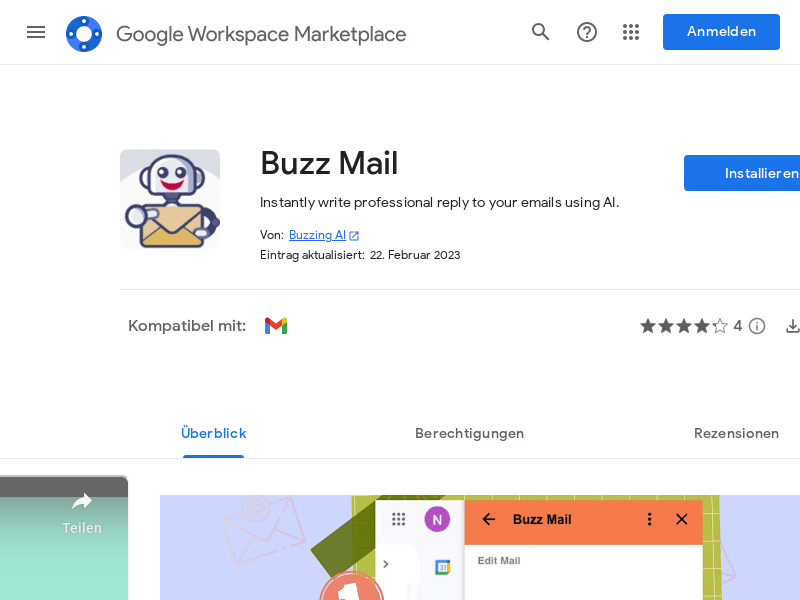
Screenshot archived from the listing page, for preview only.