
CalidadIA
Free AI image quality improverSharper photos in seconds, free
Highlights
What you can do with it
- Repair a blurry, badly lit family photo from years ago.
- Fix pixelated product images before uploading them to a catalogue.
- Improve social media images without design skills or a paid editor.
How to use it
- 1 Open https://mejorarcalidad.com in a browser.
- 2 Upload the image that needs work.
- 3 Wait a few seconds while the AI processes it.
- 4 Check the result on the page.
- 5 Download the watermark-free file if you are happy with it.
Who it is for
Pros
- No install and no editing skills needed; upload and wait.
- Handles several common problems in one place: blur, noise, size, and brightness.
- Free to try, with watermark-free downloads.
Limitations
- The site lists paid packages with different credit limits, so heavy use can run into limits, and what is free today may change.
- AI reconstruction can invent detail, so results on badly damaged photos may not match the original.
- Watermark removal should only be used on images you own or have permission to edit.
What CalidadIA is
CalidadIA is a free online tool for improving image quality. You upload a picture and the site applies AI processing to raise resolution, correct blur, brighten dark areas, remove watermarks, and enlarge the frame. The company says results come back in seconds, that no program installation is needed, and that the workflow is simple enough for someone with no editing background. It positions the tool as completely free with no watermark on downloaded files, while also listing paid packages with different credit limits and functions for people who need more. The stated method is a new generation AI model that reconstructs lost detail and reduces noise instead of simply stretching pixels.
What you can do with it
- Raise the resolution of a small or low-quality image so it holds up when enlarged.
- Repair blurry photos and bring out detail in dark or flat shots.
- Remove watermarks from an image while keeping the rest of the picture intact.
- Expand an image to a larger size while trying to keep it looking natural.
Who it is for
- Everyday users who want better photos without learning an editor.
- E-commerce sellers who need clean, detailed product images for a catalogue.
- Designers and photographers who want a quick automatic pass before manual retouching.
What to watch out for
Free use has edges. The site lists paid packages with different credit limits, so heavy or repeated work can run into limits, and what is free now may change later. Because the model reconstructs detail rather than recovering it, results on badly damaged photos can look plausible but not accurate, so check faces and text carefully. Watermark removal should only be used on images you own or have permission to edit, since stripping marks from someone else's work can raise copyright problems.
FAQ
Is CalidadIA free?
The core improvement tools are described as completely free, and the site also offers paid packages with different credit limits and functions.
What kinds of problems can it fix?
Low resolution, blur, dark exposure, and watermarks, plus enlarging an image while keeping quality.
Do I need to install anything?
No. You open the site in a browser, upload the image, and download the result.
Why it is free
What the official page says: for freecompletely free
Free limits, trial length and features are decided by the official site and can change at any time.
Product preview
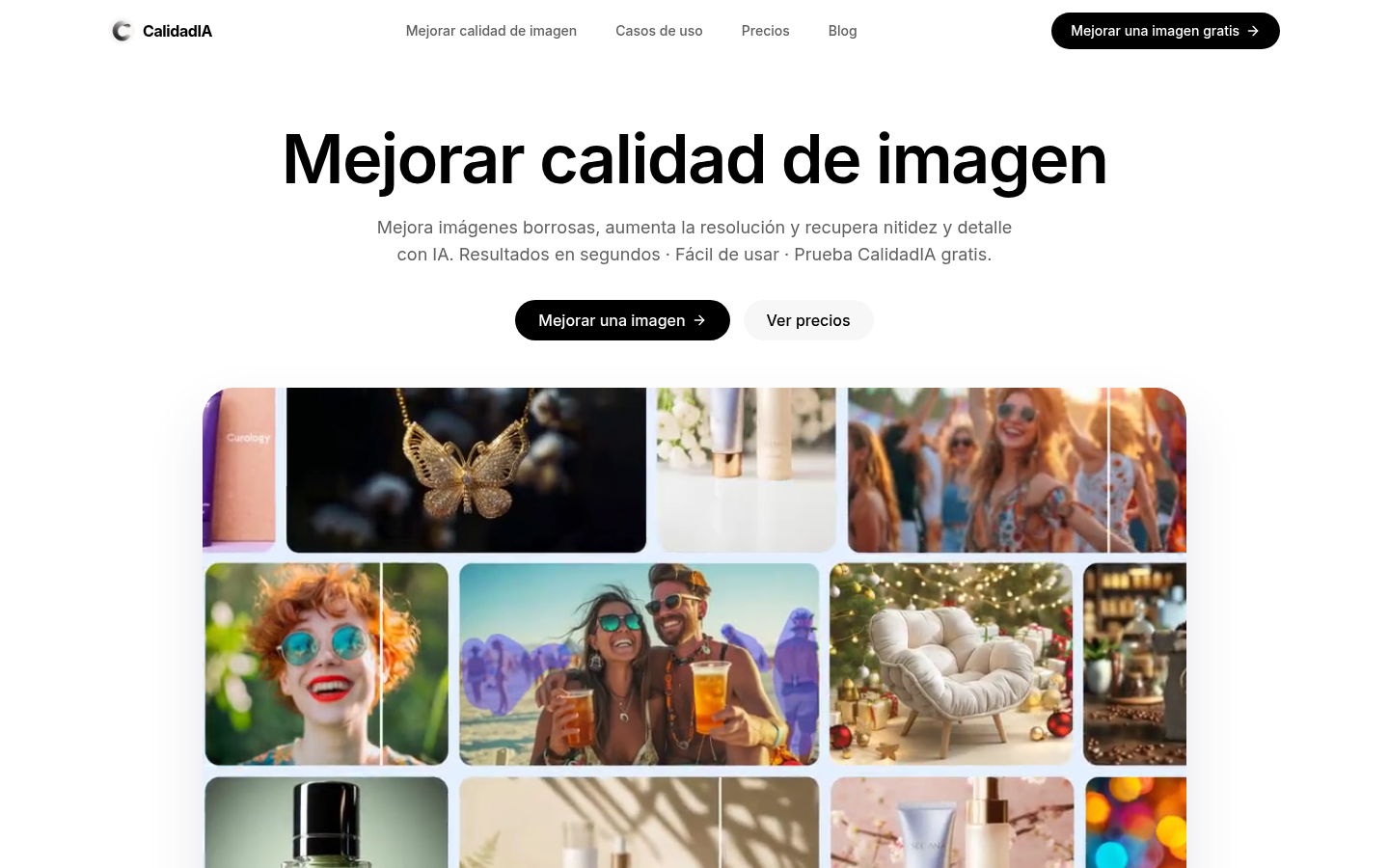
Screenshot archived from the listing page, for preview only.











