
Carousel Studio
Free AI LinkedIn carousel makerCreate LinkedIn carousels in minutes
Highlights
What you can do with it
- Build a carousel that shows off your services to potential clients
- Create a series of posts introducing company culture
- Generate product promotion carousels for LinkedIn
How to use it
- 1 Open the Carousel Studio website and log in, with Canva account integration supported.
- 2 Pick a preset carousel template or start from a blank design.
- 3 Use the AI content generation feature to fill in text and images.
- 4 Edit the generated content so it matches your brand and message.
- 5 Adjust colors, themes, and fonts to fit your style.
- 6 Preview the carousel to check everything looks right.
- 7 Export it and publish it to LinkedIn.
Who it is for
Pros
- Completely free according to the site
- Works inside Canva rather than asking you to learn new software
- AI generated content gives you a first draft fast
- Templates plus brand controls save setup time
- Tutorials and guidance help beginners get started
Limitations
- Built for LinkedIn carousels specifically, not general design work
- The free position is a site policy and may change over time
- AI generated text and images still need editing to sound like you
- Deep Canva integration means you depend on Canva being available
What Carousel Studio is
Carousel Studio is a design tool focused on one job: helping you create LinkedIn carousels quickly. It integrates deeply with Canva, which means you do not have to learn a new design tool to get a result. The tool uses AI to generate the content of the carousel, and you can then edit and adjust that content so it matches your brand and your message. There are preset templates for fast starts, customisable colors, themes, and fonts, and a quick export path for sharing the finished carousel to LinkedIn. The site describes it as completely free for all users, says it provides detailed tutorials for beginners, and reports that more than 8,500 creators use it each month.
What you can do with it
- Generate a LinkedIn carousel from a preset template or a blank design
- Use AI content generation to fill in text and images, then edit them
- Adjust colors, themes, and fonts to match your brand identity
- Preview, export, and publish the carousel to LinkedIn
Who it is for
- Freelancers who want a simple way to present their services to potential clients
- Small businesses building a visible presence on LinkedIn
- Marketers and creators who need regular visual content for the platform
What to watch out for
This is a single purpose tool for LinkedIn carousels, so it will not replace a general design suite for other work. The site presents it as completely free, and free rules can change, so check the current terms before you build a content plan around it. AI generated text and images are a first draft: you should rewrite the copy so it sounds like you, and check that any imagery fits your brand and your rights. Because the workflow leans on deep Canva integration, you depend on Canva being available and on your account working, and the login step means you cannot use it entirely anonymously. Results also depend on the quality of the brief you give the generator, so vague prompts tend to produce vague slides.
FAQ
What is Carousel Studio for?
It helps you create LinkedIn carousels quickly, with AI generated content and Canva integration.
Do I need to learn a new design tool?
No. It integrates deeply with Canva, so you can work in an environment you already know.
How much does it cost?
The site describes Carousel Studio as completely free for all users.
Can I keep the design on brand?
Yes. Colors, themes, and fonts are customisable, and there are preset templates to start from.
Is there help for beginners?
The site says it provides detailed tutorials and guidance to help beginners get started quickly.
Why it is free
What the official page says: completely free
Free limits, trial length and features are decided by the official site and can change at any time.
Product preview
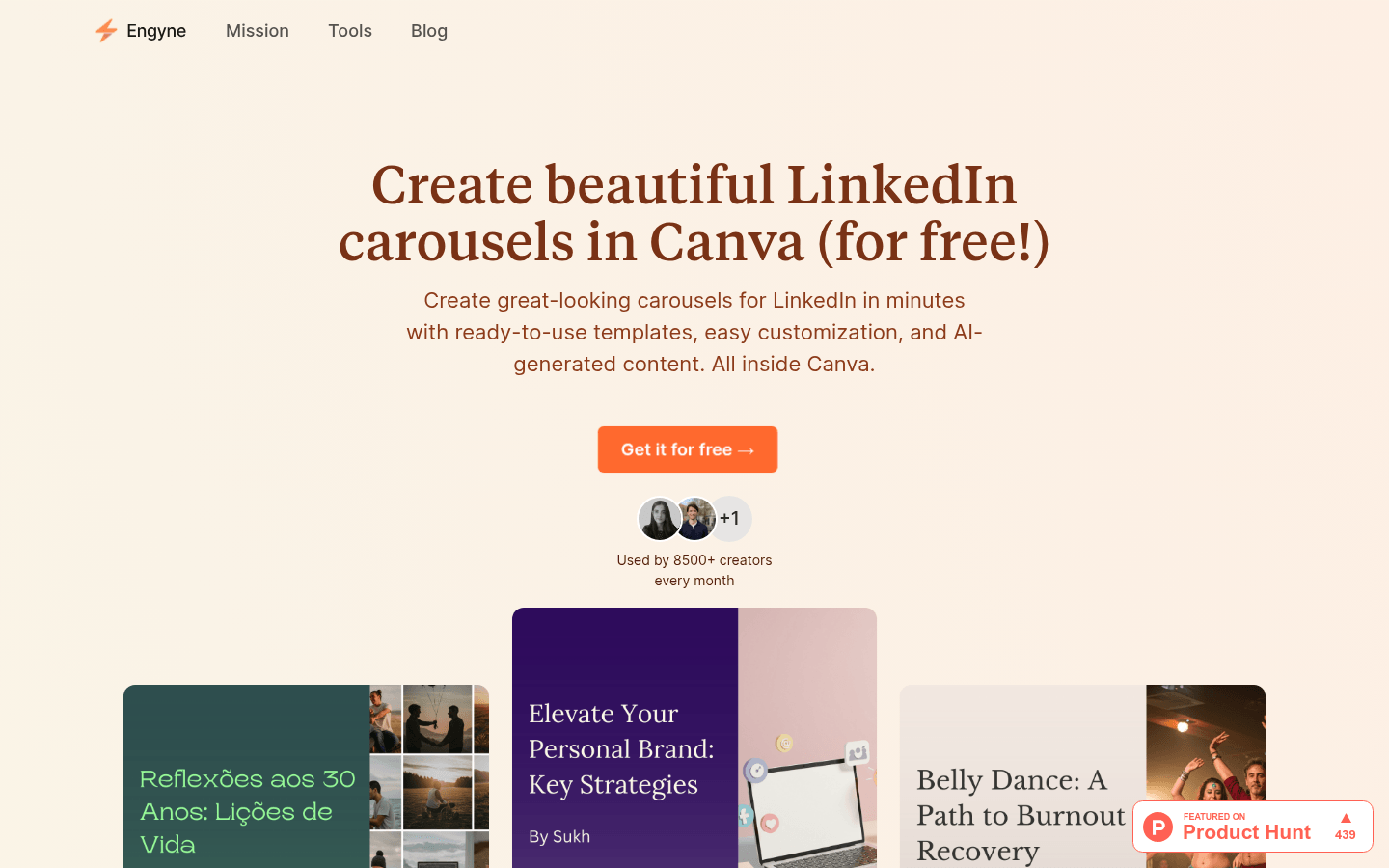
Screenshot archived from the listing page, for preview only.











