
CastReader
Read aloud app with synced highlightingListen to web pages, PDFs, and books in 9 languages
Highlights
What you can do with it
- Listen to a web article while doing something else
- Follow along in a PDF with highlighted text
- Use reading assistance when text is hard to read
How to use it
- 1 Install CastReader on your device or browser
- 2 Open a web page, PDF, or book
- 3 Choose the language and start playback
- 4 Follow the highlighted text as it reads
- 5 Upgrade to Pro if you need features beyond the free version
Who it is for
Pros
- One app covers web pages, PDFs, and Kindle books
- Synced highlighting helps you keep your place
- Works across phones, tablets, and major browsers
Limitations
- Only nine languages are supported, so coverage is limited
- Some features sit behind the paid Pro version
- Free tier rules and pricing can change over time
What CastReader is
CastReader is an app that reads content out loud. It handles web pages, PDFs, and Kindle books, and it highlights the text as it speaks so you can follow along. Nine languages are supported, and the app runs on iOS, iPadOS, Android, Chrome, Edge, and Firefox, so the same material can move between your phone, your tablet, and your browser. The listing is clear that it is a standalone product and is not associated with Amazon or Kindle, even though it can read Kindle books. There is a free version and a paid Pro version, so you can try the reading experience before deciding whether the extra features are worth paying for.
What you can do with it
- Listen to a web page while doing something else
- Follow a PDF with highlighting as it reads
- Use it as reading assistance when text is hard to read
- Switch between the nine supported languages
Who it is for
- Commuters who want to listen instead of reading on a small screen
- Readers who like audio paired with visual highlighting
- People who need reading assistance for long documents
What to watch out for
Only nine languages are supported, so coverage is limited if you read in something else. Some features sit behind the paid Pro version, which means the free tier is an entry point rather than the full product. Because it runs across phones, tablets, and several browsers, behaviour can differ between them, so test it on the device you plan to use most. Free tier rules and pricing can change, and since the app is independent of Amazon, any Kindle support is handled separately from Amazon's own services.
FAQ
Is CastReader made by Amazon?
No, the listing states it is a standalone app and is not associated with Amazon or Kindle.
How many languages does it support?
Nine languages are listed.
Is there a free version?
Yes, there is a free version alongside a paid Pro version.
Why it is free
What the official page says: 免费版免费
Free limits, trial length and features are decided by the official site and can change at any time.
Product preview
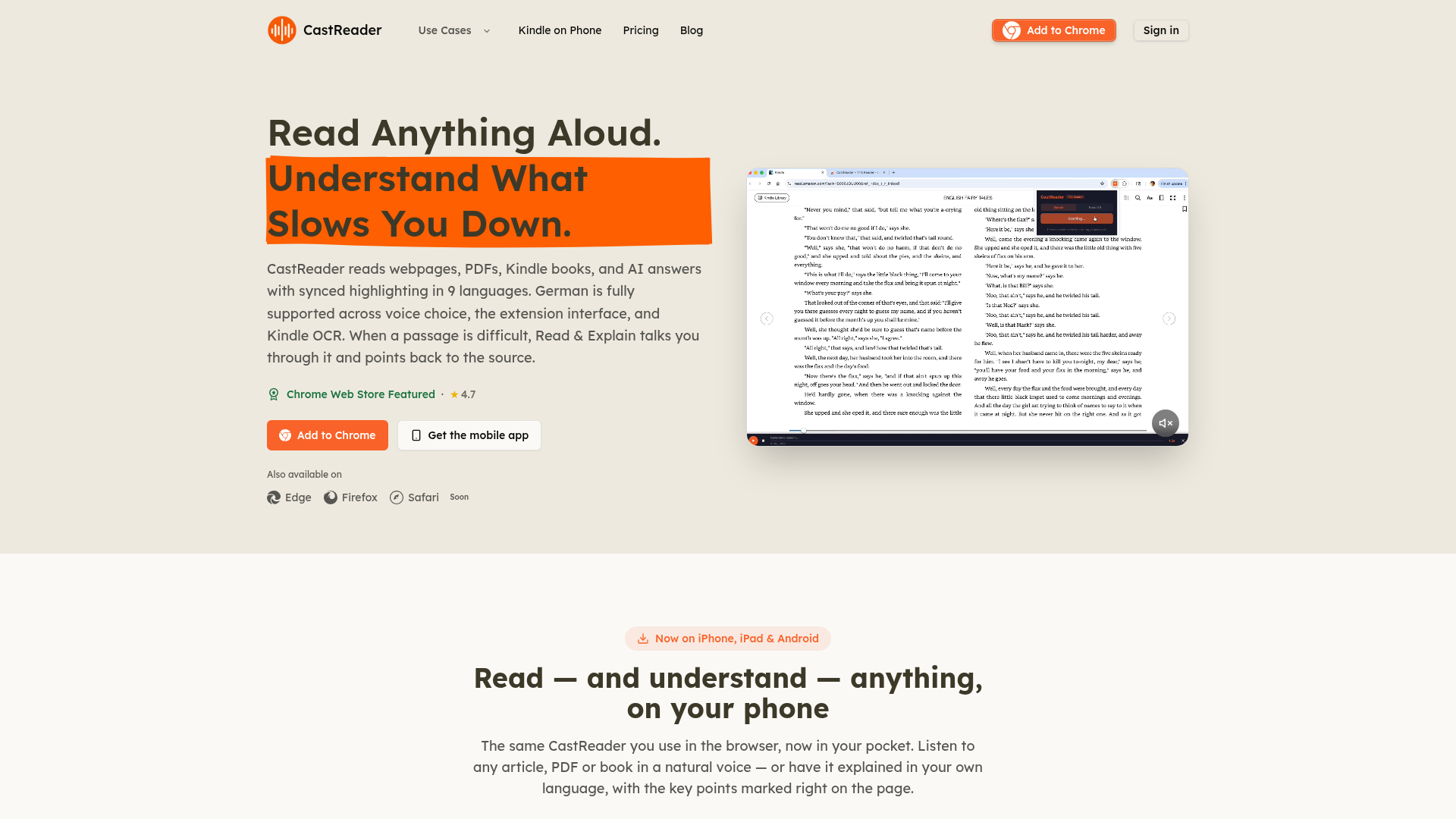
Screenshot archived from the listing page, for preview only.