
Celebrity Voice Changer AI
Canva based design toolDesign, edit, and share with ease
Highlights
What you can do with it
- Create social media covers, posters, and images from ready made templates.
- Design business cards and simple print material for personal or business use.
- Work on a shared design with teammates and send the finished file out.
How to use it
- 1 Open the page and start a new design.
- 2 Pick a template or element set that matches the job.
- 3 Edit text, images, and layout to fit your needs.
- 4 Invite teammates to edit in real time if you are working together.
- 5 Share or export the finished design.
Who it is for
Pros
- No professional design experience is required.
- Templates and elements cover posters, covers, cards, and images.
- Real time collaboration and sharing are built in.
Limitations
- The details available describe a general design editor rather than voice changing functions.
- Advanced features and the larger material library sit behind the paid version, and free plan rules can change.
- If you use voice changing features anywhere, altering a real person's voice without permission can break platform or school rules, and the consequences fall on you.
What Celebrity Voice Changer AI is
This entry links to a page built on the Canva site builder, and the details we have describe the Canva design editor rather than a voice changing tool. Canva is a design platform that ships templates and design elements for images, posters, business cards, social media covers, and similar work. The interface is built so that people without professional design experience can still produce something presentable. Edits can be customised, and several people can work on the same project in real time and share it afterwards. There is a free version and a paid version, and the paid one adds advanced features and a bigger material library. Both personal and commercial use are covered.
What you can do with it
- Start from templates for posters, covers, cards, and images.
- Edit and customise text, images, and layout in the browser.
- Collaborate with teammates on the same file in real time.
- Share the finished design or export it for use.
Who it is for
- People who need a decent looking visual but have no design training.
- Small teams that want to edit and hand off one file together.
- Personal and commercial users who work from templates.
What to watch out for
The information we have describes a general design editor, not voice changing, so if that is what you came for, check the live page before you count on it. The free version is limited and the stronger features sit behind a paid plan, and those limits can change at any time. Separately, voice changing tools in general carry real risk: cloning or imitating a real person's voice without clear permission can break platform rules, school rules, or the law, and any consequence lands on you. Use that kind of feature only with the consent of everyone involved.
FAQ
What is this page about?
The link leads to a site built on Canva, and the information available describes Canva's online design tools: templates, editing, collaboration, and sharing.
Is there a free option?
Yes. The description mentions a free version, with a paid version that adds advanced features and a larger material library.
Can I use it for commercial work?
The description says the tool suits both personal and commercial users, though the paid plan is where the extra features and assets live.
Why it is free
What the official page says: 免费版免费
Free limits, trial length and features are decided by the official site and can change at any time.
Product preview
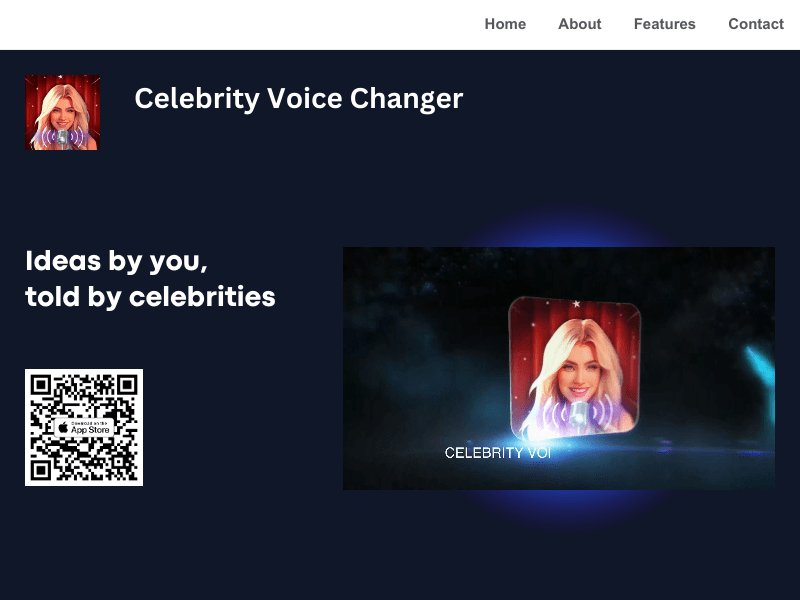
Screenshot archived from the listing page, for preview only.











