
Charios
Browser tool for 2D character animationLayer, bind, and animate a character in minutes
Highlights
What you can do with it
- Animate characters for a 2D game project
- Add motion to personal illustrations
- Collaborate on character animation with a team plan
How to use it
- 1 Open charios.com and register an account
- 2 Upload the character PNG and check the automatic layers
- 3 Bind layers to bones and pick motion capture clips
- 4 Test run, then export as GIF, Unity prefab, or JSON
Who it is for
Pros
- Runs in the browser with no install
- Free version unlocks all editing functions
- Exports straight into common game engines
Limitations
- Free version caps you at three active projects
- Paid Pro and Studio plans are needed for larger workloads
- Binding and rigging still takes practice for clean results
What Charios is
Charios is a browser based tool for 2D character animation. Instead of drawing every frame, you upload a static character image and the tool does the structural work. It detects transparent regions such as the head, torso, limbs, and accessories, then separates them into layers you can bind to bones. Dragging a layer near a joint attaches it, and the character deformation updates as you work, so you see the result immediately.
What you can do with it
- Upload one character PNG and get automatic layering
- Bind layers to bones by dragging them near joints
- Apply hundreds of built-in motion capture animations
- Import your own BVH or FBX motion files
- Test run idle, walk, run, jump, and attack actions
- Export as GIF, Unity prefab, JSON, or into Godot
Who it is for
- Game developers producing 2D character animation
- Independent artists who draw characters but do not rig them
- Animation teams that need shared projects
- Developers who want prefabs wired for Unity
What to watch out for
The free version is generous on features but strict on project count, with three active projects as the ceiling, so parallel work pushes you toward Pro or Studio. Automatic layering works best on clean character art with clear separations; complex outfits may need manual adjustment. Binding and weight handling has a learning curve, and the motion library, while large, still needs auditioning to find clips that suit your character's proportions. When quality matters, export a small draft first to confirm the result before producing the final file. Generated suggestions are for reference only, so verify anything that affects professional judgment or important data.
FAQ
Does the free version limit features?
No, it unlocks all editing functions but allows up to three active projects.
What can I export?
GIF for development logs, Unity prefabs with connected layers, JSON, and formats for engines such as Godot.
Can I use my own motion data?
Yes, you can upload your own BVH or FBX files alongside the built-in library.
Why it is free
What the official page says: free version
Free limits, trial length and features are decided by the official site and can change at any time.
Product preview
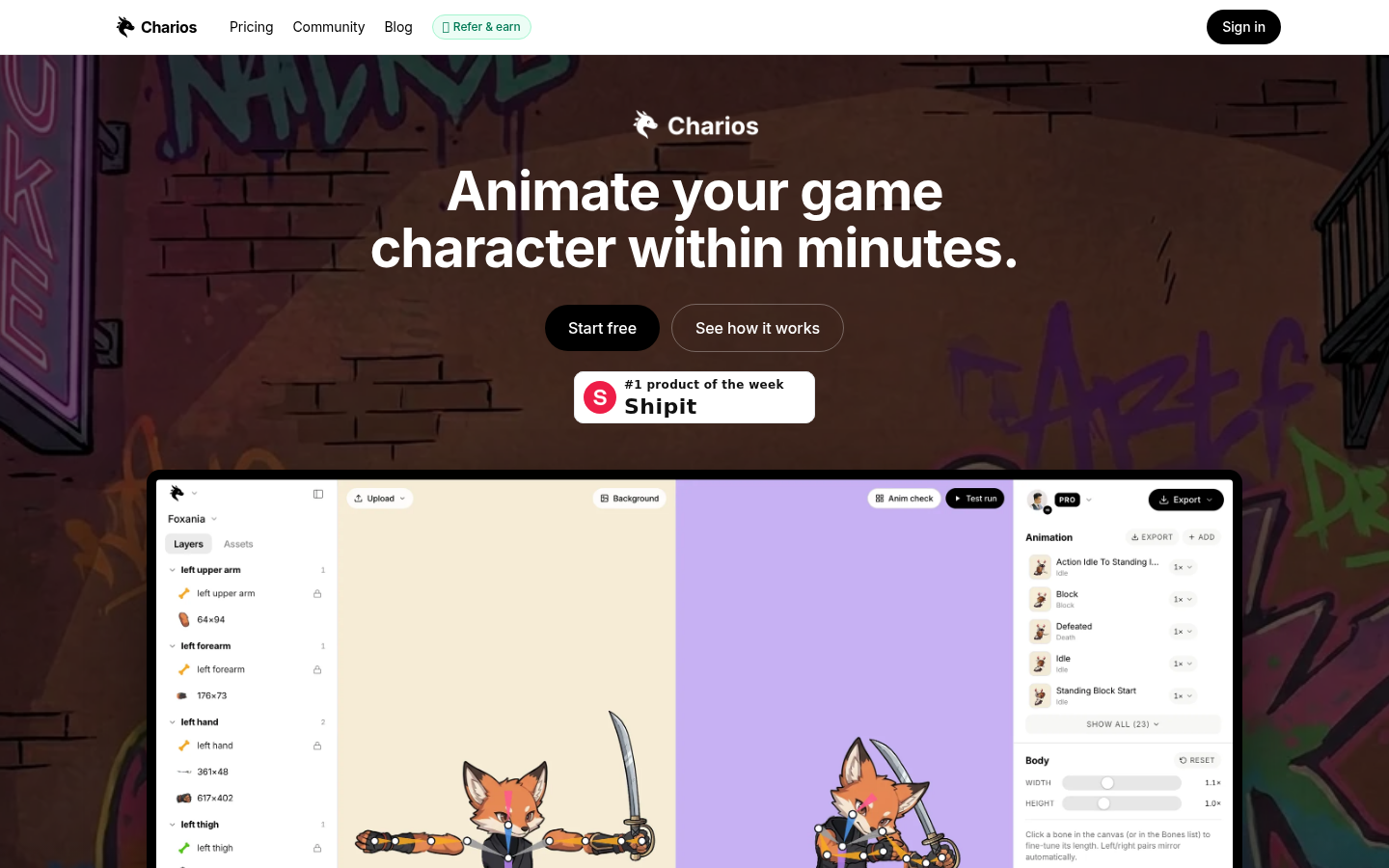
Screenshot archived from the listing page, for preview only.











