
ChartDB
Free open-source database schema design editorOne query in, a shareable schema diagram out
Highlights
What you can do with it
- Database administrators generating schema diagrams for team sharing
- Developers producing DDL scripts automatically to speed up builds
- Data analysts reading database structure visually before analysis
How to use it
- 1 Open the ChartDB website
- 2 Choose the database type you want to visualize
- 3 Run the provided single query to import the schema
- 4 Edit and adjust the diagram in the visual editor
- 5 Use AI export for DDL, or export the diagram as an image
- 6 Share the diagram with your team or embed it in docs
Who it is for
Pros
- Open source and free to use
- Schema import is one query instead of manual entry
- Broad database coverage including SQLite and SQL Server
- Exports fit both running scripts and documentation
Limitations
- AI export quality depends on the model behind it, so review generated DDL
- Requires credentials and query access to the target database
- Editor features are still growing, as with any active open-source project
- Focused on schema design, not query tuning or monitoring
What ChartDB is
ChartDB is a free and open-source database design editor. Rather than drawing tables by hand, you run one query against your database and the whole schema is imported, giving you an accurate starting point. From there you edit tables and relationships on a fully visual canvas, with undo and redo available. The tool lists support for MySQL, MariaDB, PostgreSQL, Microsoft SQL Server, and SQLite, so most common stacks are covered. It also ships pre-designed examples, which help when you want to see how a finished diagram looks before you build your own. Because it is open source, the cost of trying it is close to zero.
What you can do with it
- Import an entire schema with a single query
- Edit tables, columns, and relationships in a visual editor
- Export DDL scripts, including AI-generated DDL for a specific dialect
- Export the diagram as an image for documentation or sharing
Who it is for
- Database administrators who document systems for a team
- Developers who need DDL fast instead of typing it
- Analysts and new joiners who want to read a schema quickly
What to watch out for
You need working credentials and permission to run the import query against the target database, so access control is on you. AI-generated DDL should be reviewed before you run it anywhere near production, since dialect details matter and the model can miss them. As an active open-source project, features and defaults can shift between versions, so pin what you rely on. Scope is schema design and documentation; it is not a monitoring or query tuning tool, and it will not tell you whether your indexes are any good.
FAQ
Does ChartDB cost anything?
The listing describes it as free and open source, so there is no licence fee to start.
How do I import a schema?
Run the single query the tool provides for your database type, and the schema is pulled in automatically.
Which databases are supported?
MySQL, MariaDB, PostgreSQL, Microsoft SQL Server, and SQLite are listed.
Can I export the result?
Yes. You can export DDL scripts, including AI-generated DDL for a chosen dialect, or export the diagram as an image.
Why it is free
What the official page says: 免费
Free limits, trial length and features are decided by the official site and can change at any time.
Product preview
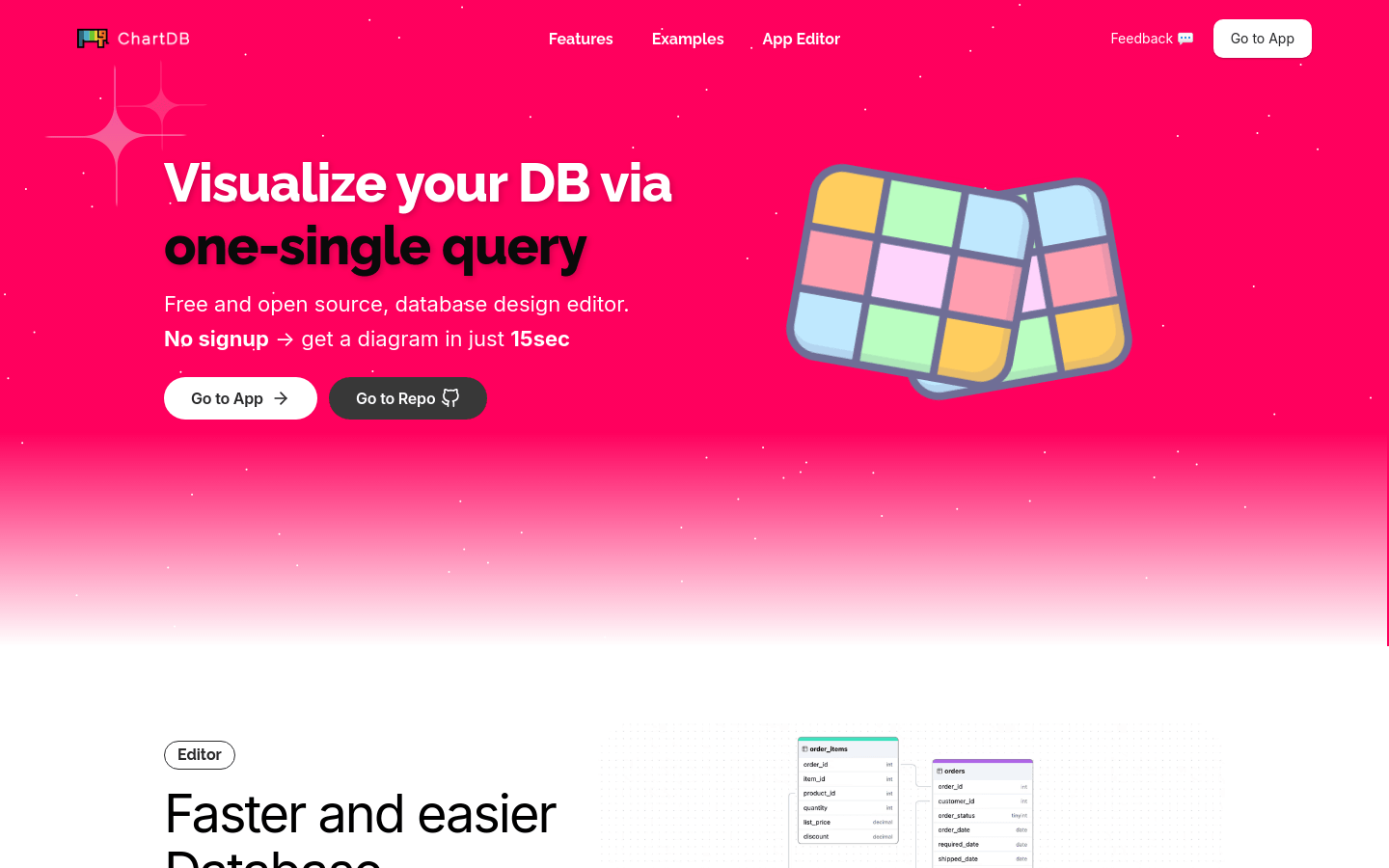
Screenshot archived from the listing page, for preview only.











