
ChatGPT Writer
Free AI writing assistant extensionWrite, fix, and shorten text anywhere
Highlights
What you can do with it
- Drafting a reply to a long email thread in seconds
- Rewriting a rough message into a more polite tone
- Summarizing a long page before you forward it
How to use it
- 1 Install the ChatGPT Writer extension in your browser
- 2 Open the site or text box where you want to write
- 3 Describe what you want written, or paste text to fix
- 4 Review the suggestion and edit it before sending
Who it is for
Pros
- Works inside the pages you already use
- The site describes it as entirely free
- Covers drafting, correcting, paraphrasing, and summarizing
Limitations
- Suggestions still need a human read before you send them
- Free access and feature sets for extensions can change
- It depends on the sites you visit allowing extension input
What ChatGPT Writer is
ChatGPT Writer is an AI powered writing assistant delivered as a browser extension. Its job is to help with the small pieces of writing that fill a working day: emails, replies, messages, and similar short text. Because it lives in the browser rather than in a separate app, it can be used on any website where you type, which removes the copy and paste step between tools. The feature set is deliberately narrow rather than a full document suite: it drafts, it corrects grammar, it changes writing style, it paraphrases, and it summarizes. The site describes the product as entirely free.
What you can do with it
- Draft an email or a message from a short instruction.
- Correct grammar in text you have already written.
- Change the tone or style of a passage.
- Paraphrase a sentence or paragraph into different words.
- Summarize a longer piece of text into something shorter.
Who it is for
- People who answer a high volume of email at work.
- Non-native speakers who want a quick grammar and phrasing check.
- Anyone who needs a rough message rewritten in a more suitable tone.
- Readers who want a short summary before forwarding a long thread.
What to watch out for
Generated text still needs a human read before you send it, especially for anything that carries commitments, numbers, or names. A browser extension depends on the pages you visit allowing it to work, and some sites restrict extension input. Free access and the feature set of an extension can also change over time, so it is worth confirming the current terms rather than assuming today's free access is permanent.
FAQ
Is ChatGPT Writer free?
The site describes it as entirely free to use.
Where does it work?
It runs as a browser extension, so it can be used on any website.
What can it do besides write?
It corrects grammar, changes style, paraphrases, and summarizes text.
Why it is free
What the official page says: 完全免费免费
Free limits, trial length and features are decided by the official site and can change at any time.
Product preview
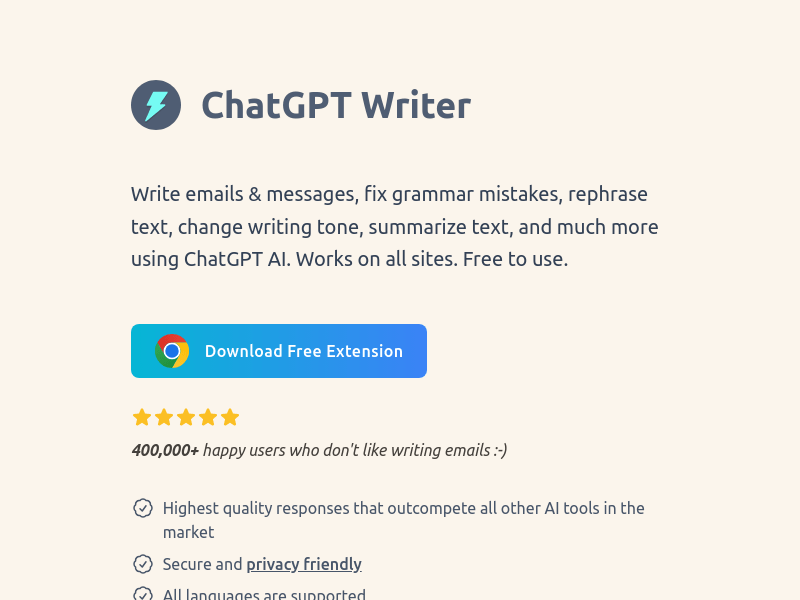
Screenshot archived from the listing page, for preview only.











