
Choppity
Turn podcasts into social shortsAI clips from long form video
Highlights
What you can do with it
- Cutting a one hour podcast into clips for TikTok
- Making YouTube Shorts from an interview episode
- Repurposing a webinar recording into Instagram Reels
How to use it
- 1 Upload your podcast or long form video
- 2 Let the transcription run and review the suggested clips
- 3 Adjust subtitles, branding, and framing
- 4 Export the vertical shorts for each platform
Who it is for
Pros
- Free trial with five shorts and no card required
- Subtitle and branding controls are included
- Transcription based editing speeds up clip selection
- Customer support is included in the offer
Limitations
- The free offer covers five shorts, so continued use is a paid decision
- Speed and cost claims come from the vendor and will vary by project
- Long or noisy recordings still need manual review
- Clip quality depends on how watchable the source is
What Choppity is
Choppity is a tool that uses AI to convert long form podcast video into short social media clips. The problem it targets is simple: a one hour recording contains several good moments, but finding and cutting them by hand takes longer than most creators have. Choppity transcribes the audio, suggests where the strong moments are, and assembles vertical clips with subtitles, framing, and branding already applied.
The feature list covers AI powered editing suggestions and transcription editing, customizable subtitle animations and styles, smart face cropping so speakers stay centered in a vertical frame, and a one click branding package. The listing also makes two strong comparative claims: editing up to ten times faster than traditional software such as Premiere Pro, and up to thirty five times cheaper than outsourcing social video editing. Those are vendor claims rather than measured results, so treat them as direction rather than promise. The entry point is friendly: try it free, create five podcast shorts, and no credit card is required.
What you can do with it
- Cut a long podcast into short vertical clips
- Edit clips by working from the transcript instead of scrubbing video
- Apply custom subtitle animations and styles
- Use smart face cropping to keep speakers in frame
- Apply a branding package across every clip
Who it is for
- Podcasters who want clips without hiring an editor
- Social media managers repurposing long form content weekly
- Solo creators producing on a tight budget
- Teams that need a steady supply of vertical content
- Interview shows that sit on hours of usable footage
What to watch out for
The free offer covers five podcast shorts, so anything beyond that is a paid decision and you should check current pricing on the official site. The speed and cost comparisons are the vendor's own and will vary with recording length, audio quality, and how much polish you want. Transcription mistakes happen, especially with names, jargon, and crosstalk, so read the suggested clips before you publish. Finally, a good clip still needs a good moment in the source; if the recording is rambling, the tool can shorten it but it cannot make it interesting.
FAQ
What does Choppity do?
It uses AI to turn long podcast videos into short social media clips for platforms such as TikTok, YouTube Shorts, and Instagram.
Is there a free trial?
Yes. The listing says you can try it free and create five podcast shorts without a credit card.
How fast is it compared with manual editing?
The listing claims up to ten times faster than traditional editing software such as Premiere Pro. Treat that as a vendor claim.
Can I keep my branding consistent?
A one click branding package is included, along with customizable subtitle animations and styles.
Why it is free
What the official page says: for free
Free limits, trial length and features are decided by the official site and can change at any time.
Product preview
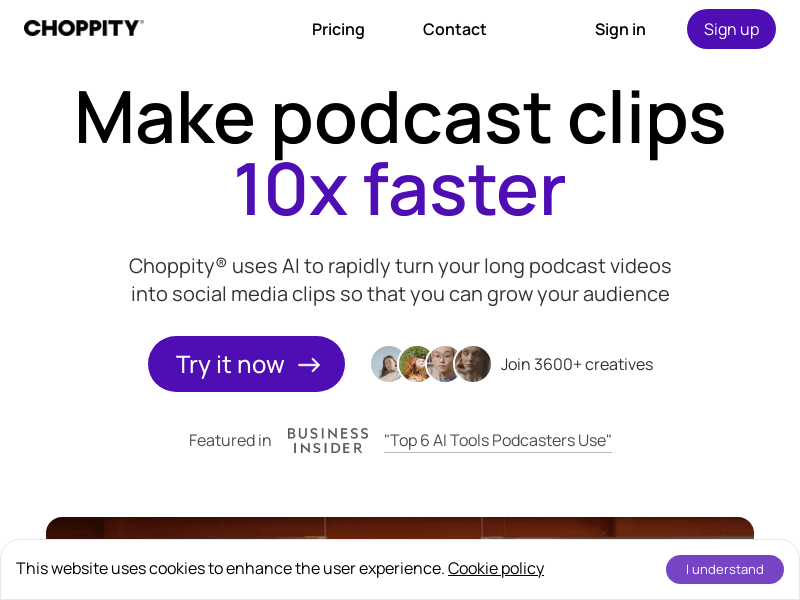
Screenshot archived from the listing page, for preview only.











