
CineThink
Free AI video generatorText, images and audio into 2K video
Highlights
What you can do with it
- Turn product copy into promotional videos for social ads
- Turn course outlines into teaching videos for online platforms
- Build short film prototypes from stories, images, and audio references
How to use it
- 1 Open seedance2video.pro in your browser
- 2 Log in or register an account
- 3 Choose your input: text, images, audio, or references
- 4 Set aspect ratio and resolution, then generate
- 5 Review the result, adjust, then download or share
Who it is for
Pros
- Free of charge for the generation features listed
- Multi-shot output instead of single clip results
- Audio and video are generated together
Limitations
- Free access can change, and an account is part of the flow
- Complex prompts with many references take longer to process
- Generated video still needs review before public release
What CineThink is
CineThink is the team behind Seedance 2.0, a free to use AI video generator. The idea is simple: you give it a story script, a product highlight, a course outline, a photo, or an audio clip, and it plans and renders a video in minutes. Instead of producing one static shot, it builds multi-shot sequences with transitions while keeping the character consistent from shot to shot. Output reaches 2K resolution, covers common aspect ratios from 16:9 to 9:16 and 21:9, and generates voice, sound effects, and music together with the picture. Lip sync works at phoneme level in eight languages, which matters for virtual presenter videos.
What you can do with it
- Convert text scripts into coherent multi-shot videos
- Animate still images with different styles and plots
- Drive virtual character video with audio and lip sync
- Learn from reference clips to copy pacing and camera language
Who it is for
- Creators building short films and social content
- Marketers who need product and ad videos quickly
- Educators turning outlines and notes into lessons
- Business teams that need promo and company intro videos
What to watch out for
The service is described as free of charge, but free access can change and the flow expects an account, so check current terms before you commit a campaign. Multi-shot jobs with several references take longer and may need retries to get the pacing right. Lip sync and audio quality vary with the source material, so review every clip before publishing. Keep a human eye on details like text on screen and brand colors. Processing speed depends on file size and network conditions, so retry later if a task stalls during peak hours.
FAQ
Is CineThink free?
Seedance 2.0 is described as free of charge. Terms can change, so check the site before long projects.
What inputs does it accept?
Text, images, audio, and reference material, which guide the style and rhythm of the result.
What resolution and ratios are supported?
Up to 2K, with 16:9, 9:16, 4:3, 3:4, 21:9, and 1:1 aspect ratios.
Why it is free
What the official page says: free of charge
Free limits, trial length and features are decided by the official site and can change at any time.
Product preview
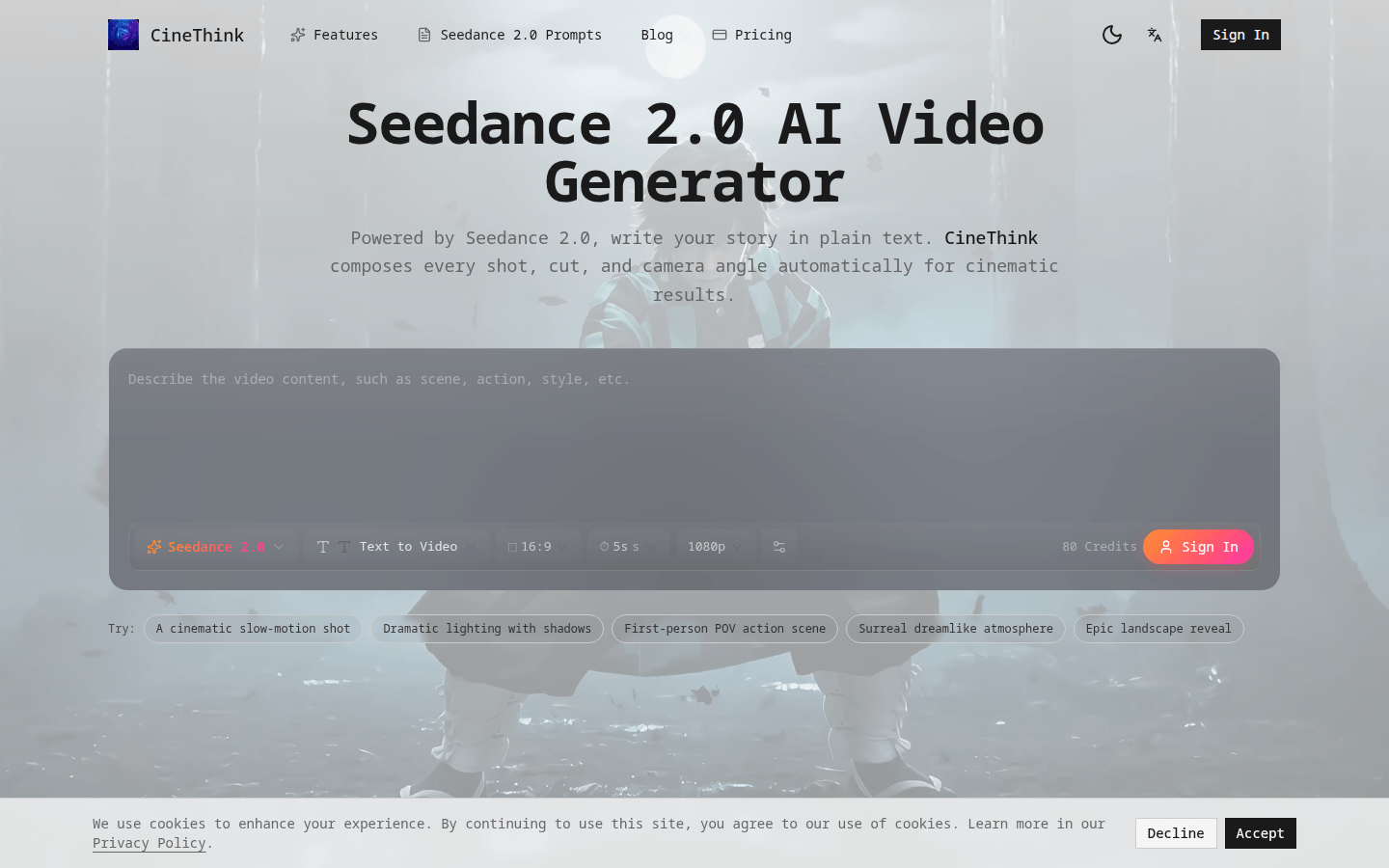
Screenshot archived from the listing page, for preview only.











