
Clap
AI writing extensionInline AI suggestions as you type
Highlights
What you can do with it
- Drafting text in a browser editor with inline help
- Continuing a paragraph in keeping with page context
- Writing in more than one language
How to use it
- 1 Install the Clap extension in Chrome.
- 2 Start the free trial.
- 3 Open a text editor in the browser.
- 4 Type and read the inline suggestions.
- 5 Accept a suggestion with Tab or press another key to discard it.
Who it is for
Pros
- Suggestions appear inline, so there is no window switching
- Works across text editors rather than one app
- Multi-language support covers second-language drafting
Limitations
- Four dollars a month after the trial, and the directory's last check could not confirm the site was reachable
- Inline suggestions can interrupt flow if you write in short bursts
- Output still needs editing, since suggestions follow patterns rather than your intent
What Clap is
Clap is an AI writing companion that runs as a Chrome extension. Instead of opening a separate app, you keep typing in whatever editor you already use and the extension offers suggestions inline. Accept one with Tab, or press any other key to discard it and keep going. The listing also describes compatibility with various text editors, context-aware continuity that follows the site you are on, and multi-language support, which is the part that matters most if you draft in a second language. Pricing is four dollars a month with a free trial, and the pitch is a distraction-free, seamless typing experience.
What you can do with it
- Get inline suggestions while typing in a browser editor
- Keep suggestions aligned with the page and the surrounding text
- Draft in more than one language
- Accept or discard each suggestion with a single key
Who it is for
- People who do most of their writing in browser-based editors
- Non-native speakers drafting in a second language
- Writers who want help without leaving the current page
What to watch out for
The price is four dollars a month after the free trial, so it is a small recurring cost rather than a one-off, and cancelling needs to be handled through the same account. The directory's last check could not confirm the site was reachable, so verify the site and the store listing before you install. Inline suggestions can also break your rhythm if you write in short bursts or work on technical copy, since the prompts arrive whether you want them or not, so check whether they can be paused. And like any suggestion engine, it predicts plausible continuations rather than what you meant, so everything still needs an editing pass before it goes out.
FAQ
How does it work?
You type in a browser editor and accept suggestions with Tab, or discard them with another key.
What does it cost?
Four dollars a month, with a free trial.
Which languages?
Multi-language support is listed.
Why it is free
What the official page says: free trial
Free limits, trial length and features are decided by the official site and can change at any time.
Product preview
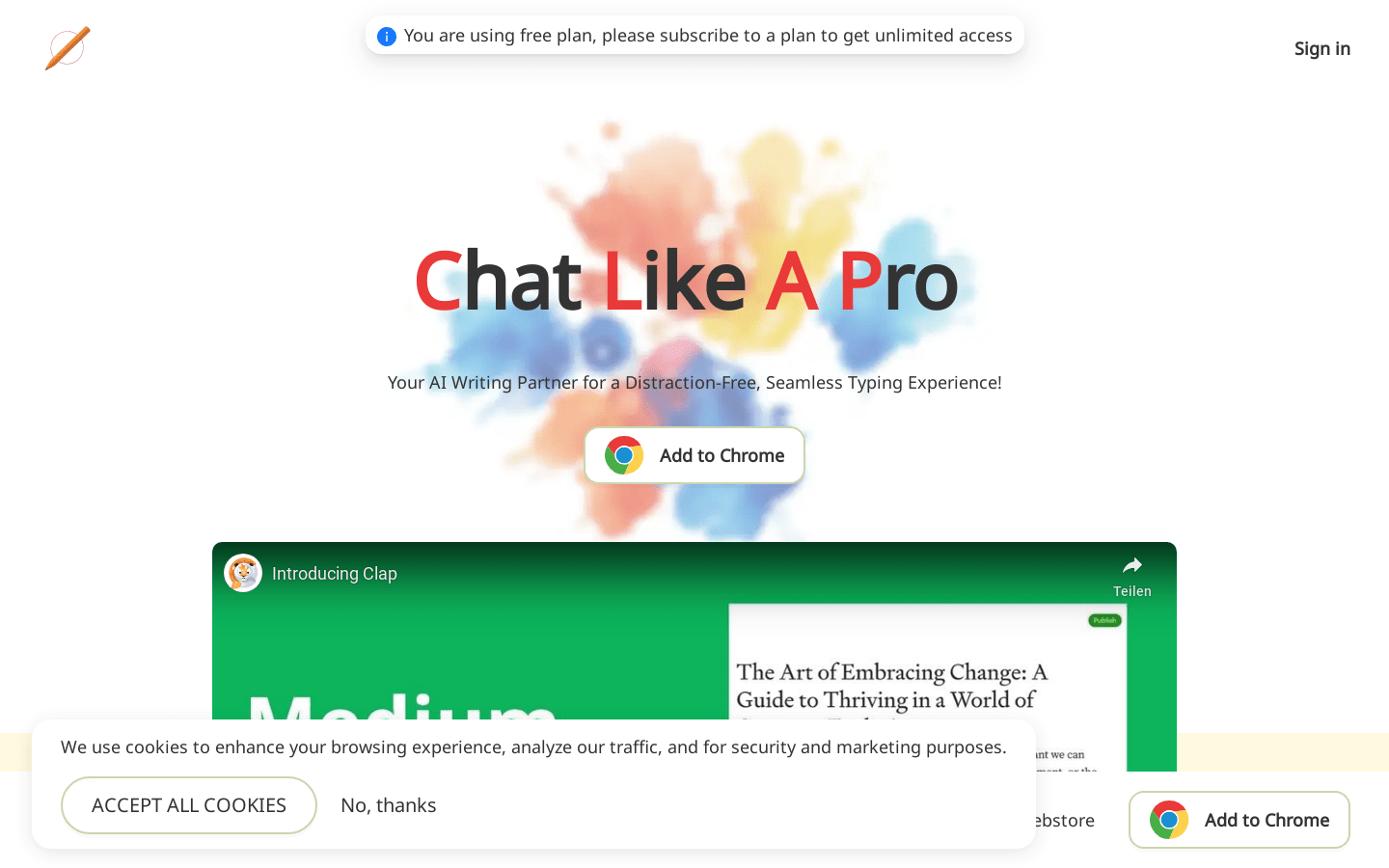
Screenshot archived from the listing page, for preview only.











