
Clapper
Open-source AI video editorAI-assisted editing with voice commands
Highlights
What you can do with it
- Cut and assemble short films
- Edit vlogs with AI-assisted tools
- Teach video editing with a clean interface
How to use it
- 1 Download and install Clapper
- 2 Open the video or image files you want to edit
- 3 Use the AI tools for cutting and audio adjustment
- 4 Add plugins such as the music assistant
- 5 Use voice commands where helpful
- 6 Preview and export the final video
Who it is for
Pros
- Free and open-source
- Voice control is unusual and useful for hands-free work
- Plugin system extends the editor
Limitations
- Open-source tools can have rough edges and limited support
- The site was returning errors in our checks, so availability is uncertain
- Voice control accuracy depends on your setup and language
- Plugin quality varies by contributor
What Clapper is
Clapper is a free and open-source AI video editor built for the era of generative filmmaking. It handles images, videos, sounds, and music on one timeline, and it uses AI to simplify the editing workflow rather than just adding filters. Two features stand out. First, a music assistant plugin that extends music editing beyond basic track placement. Second, voice command control, which lets you drive parts of the editing process by speaking instead of clicking, useful when your hands are busy or you are reviewing footage. Additional video editing plugins extend functionality further, multitasking support helps when several jobs are open, and the interface is described as clean enough for both beginners and professionals.
What you can do with it
- Edit images, video, sound, and music in one project
- Use AI assistance for cutting and audio adjustment
- Control parts of the edit with voice commands
- Extend the editor with music and video plugins
Who it is for
- Indie filmmakers and video bloggers who want a free editor
- Editors looking for an open-source alternative
- Educators teaching video production with a clean interface
- Developers who want to inspect or contribute to the code
What to watch out for
Open-source editing software often has rough edges. Expect occasional bugs, incomplete documentation, and slower support than a commercial product, and check recent activity before committing a project to it. The site was also returning errors in our checks, so availability is uncertain and worth verifying. Voice control accuracy depends on your microphone, accent, and ambient noise, and it works better for simple commands than for detailed adjustments. Plugin quality varies by contributor, so treat third-party plugins as experimental until you have tested them on a real project.
FAQ
Is Clapper free?
Yes, it is described as free and open-source.
What makes it different?
It is designed for generative filmmaking and includes voice command control plus a music assistant plugin.
Is it suitable for beginners?
The interface is described as clean and easy to use, suitable for both beginners and professionals.
Why it is free
What the official page says: 免费
Free limits, trial length and features are decided by the official site and can change at any time.
Product preview
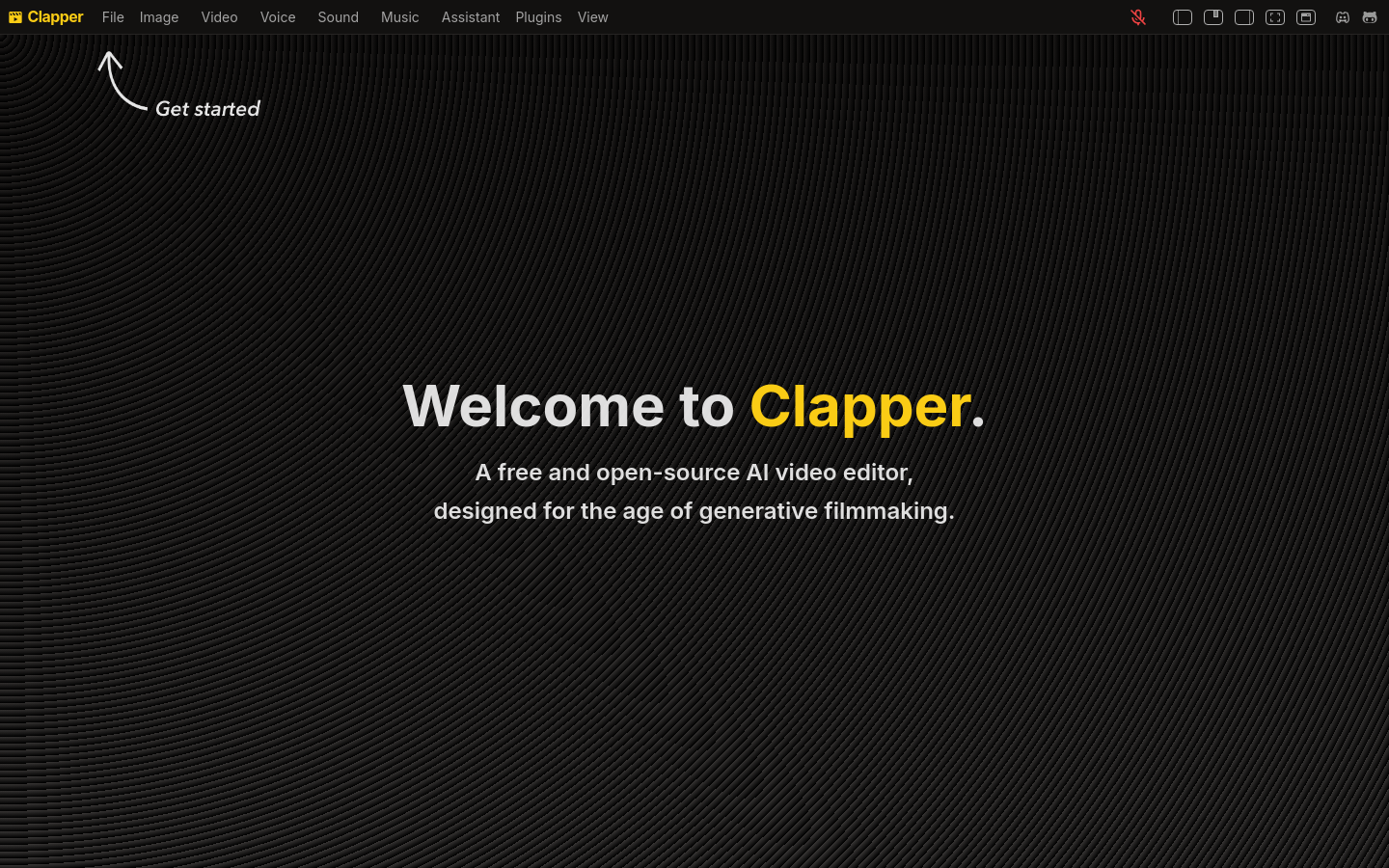
Screenshot archived from the listing page, for preview only.











