
Claude
AI assistant from AnthropicAI assistant strong at long-context reasoning, writing and code
Highlights
What you can do with it
- Long documents: upload reports, papers or contracts and pull out key points and risks
- Writing and rewriting: draft emails, proposals and copy, then adjust the tone
- Coding help: explain code, locate issues and sketch implementations
- Knowledge Q&A: work through professional questions over multiple turns
How to use it
- 1 Open claude.ai and sign in or create an account
- 2 Type your question, or upload a file and ask about it
- 3 Start a new chat for a separate task to keep context clean
- 4 When free usage runs out, wait for the reset or review paid plans
Who it is for
Pros
- Long context and careful reasoning are its stand-out strengths
- The free tier covers the core chat experience
- Works on web and apps, with convenient file uploads
Limitations
- The free tier has usage limits, and limits and models change at the official site
- Higher limits and advanced models require paid plans
- Output can still be wrong, so facts, numbers and compliance need human review
What Claude is
Claude is Anthropic's AI assistant, available on the web and as apps for macOS, Windows, iOS and Android. After signing in, you can start a conversation right away, and the interface stays simple: one input box, one conversation, no setup. It is known for long-context understanding and careful reasoning, holds deep multi-turn conversations on a single topic without drifting, and accepts file uploads so answers can be grounded in your own materials. A free tier exists with usage limits, so you can try the core experience before deciding whether a paid plan is worth it.
What you can do with it
- Upload long documents and pull out key points, summaries, risks and gaps
- Draft and rewrite emails, proposals and copy in a tone and length you specify
- Explain code, locate issues and sketch implementations to support technical decisions
- Work through professional questions over multiple turns and build up a reasoned answer
- Turn scattered notes into a structured outline you can reuse later
Who it is for
- Office and research work that involves long documents, cutting down page-by-page reading
- Writers and content professionals who live in drafts and proposals and want a stronger first draft
- Developers and product managers who want a second pair of eyes on code and design
What to watch out for
The free tier has usage limits, and both limits and available models change at the official site at any time. Higher limits and advanced models require paid plans, so check your real usage before upgrading. Output can still be wrong, so anything involving facts, numbers, legal or compliance questions needs human review before use, and should never be taken at face value. Accounts and data are governed by Anthropic's own policies, which are worth reading before you upload anything sensitive.
FAQ
Is Claude free to use?
A free tier exists and covers the core chat experience. The free tier has usage limits, set by the official site.
What is the difference between the free tier and paid plans?
Paid plans offer higher limits and more advanced models, while the free tier is limited in usage and available models. Check the official site for current details.
How long a document can Claude handle?
Claude is known for long context and can analyze long uploaded documents. The exact length depends on the model and account type, per the official site.
How do I access Claude?
Visit claude.ai in your browser. Availability and regional policies are decided by the official site.
Why it is free
What the official page says: free tier
Free limits, trial length and features are decided by the official site and can change at any time.
Product preview
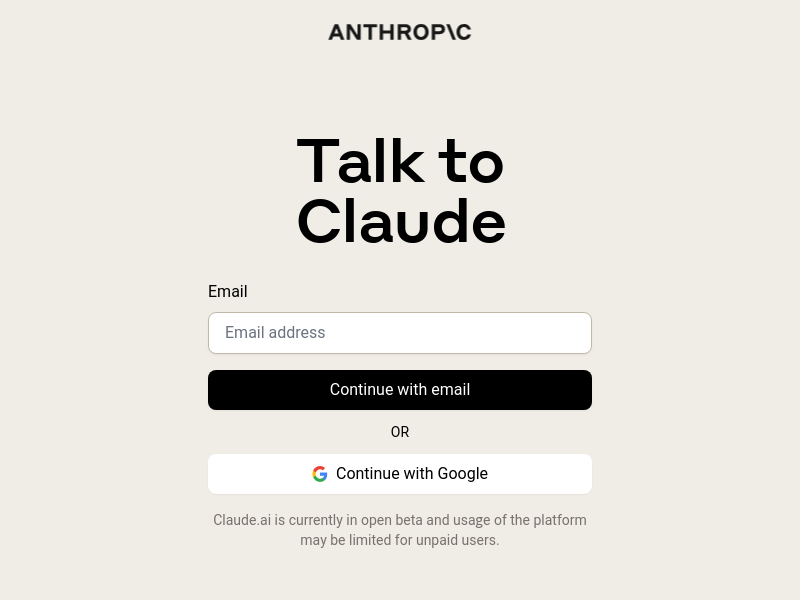
Screenshot archived from the listing page, for preview only.











