
Claw Code
Open-source AI coding agent framework in Python and RustTerminal-native agents that read, edit and test your code
Highlights
What you can do with it
- Running several module development tasks in parallel inside one project
- Recording analysis steps and experiment results so data work can be reproduced
- Reading and modifying the framework itself as an open-source contributor
How to use it
- 1 Read the project overview at claw-code.codes
- 2 Clone the GitHub repository to get the source
- 3 Install the Python and Rust dependencies described in the documentation
- 4 Set the model API key and tool permission settings
- 5 Start the agent and drive tasks through slash commands or the autonomous loop
Who it is for
Pros
- Free and open source, so the code can be inspected and changed
- Runs as a native terminal agent rather than a browser widget
- Permission controls and sandboxed tool execution limit accidental damage
Limitations
- Requires Python and Rust setup, so the first run takes real effort
- A recent project, so expect rough edges and shifting interfaces between versions
- Open-source code is free, but you still need your own model API access, which can cost money
What Claw Code is
Claw Code is an open-source AI coding agent framework. It is a rewrite of a terminal agent architecture, with roughly 72.9 percent of the code in Rust and the rest in Python for orchestration and model integration. The project is free to use and modify. It runs natively in a terminal, which means it can read your whole codebase, edit files, run shell commands, execute tests and handle Git work without switching to a browser. The design is highly modular: a plugin tool system, a slash command layer, a query engine that manages model calls, and a multi-session memory system all sit on top of the Rust core.
What you can do with it
- Let the autonomous agent loop work through a coding task from start to finish
- Split a large problem into subtasks and run them in parallel with multi-agent orchestration
- Call permission-controlled tools for files, shell, Git and web access
- Connect external tool servers through MCP integration
- Manage model settings, cost control and sessions through slash commands
Who it is for
- Software developers who prefer working inside a terminal
- Open-source contributors who want to read and patch the framework itself
- Data scientists and researchers who need reproducible coding sessions
What to watch out for
You need Python and Rust installed and configured before the first run, and you need your own model API key, which is separate from the open-source licence and may carry provider charges. Because this is a young project, expect breaking changes between versions and documentation that lags behind the code. Agents that can execute shell commands should be run in environments where mistakes are recoverable, especially when permission settings are loosened. Treat generated edits the way you would treat a pull request from an unfamiliar contributor: read them before you merge them into anything that matters.
FAQ
Is Claw Code free?
The project is open source and free to use. You still need your own large language model API access, and that provider may charge for usage.
Which languages is it written in?
Mostly Rust for performance, with Python handling agent orchestration and large language model integration.
Do I need to be an experienced developer?
It helps. Setup involves cloning a repository and installing Python and Rust dependencies before anything runs.
Why it is free
What the official page says: 免费
Free limits, trial length and features are decided by the official site and can change at any time.
Product preview
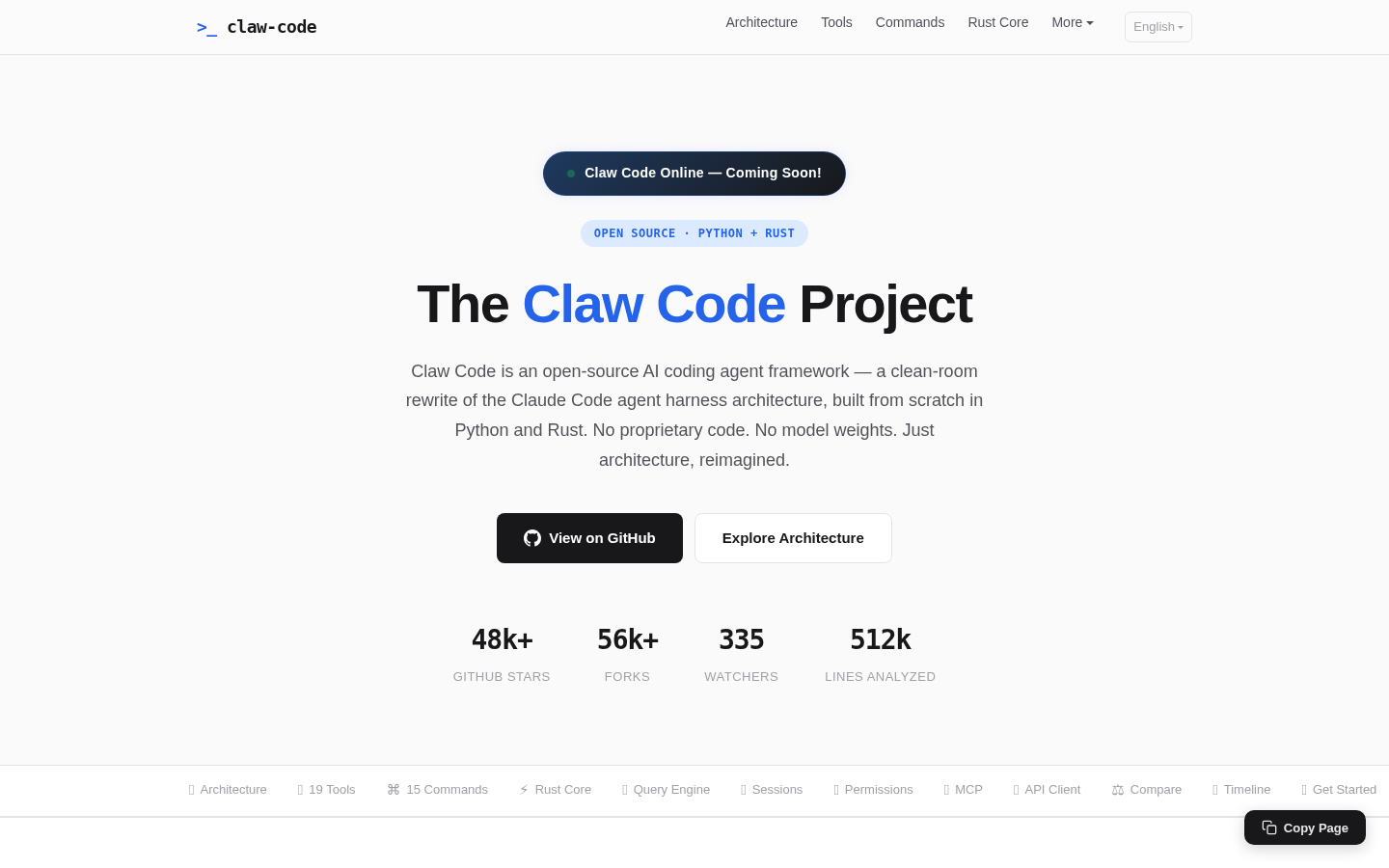
Screenshot archived from the listing page, for preview only.











