ClawShip
Hosted cloud for deploying OpenClaw AI botsDeploy an AI assistant in minutes, no server setup
Highlights
What you can do with it
- Deploy a customer service bot that answers common questions for a company
- Run a personal assistant that handles task management, reminders, and schedules
- Set up a learning partner for students and educators to use for Q&A and notes
How to use it
- 1 Register a free account on clawship.ai
- 2 Pick a template such as personal assistant or customer service robot
- 3 Enter the bot token and configure the character settings and reply strategy
- 4 Choose a platform, click Deploy Now, then test the assistant on it
Who it is for
Pros
- No server setup, maintenance, or DevOps work on your side
- Deployment takes minutes and runs across many chat platforms
- Managed updates, scaling, and global availability
Limitations
- The free trial is limited and advanced models sit behind paid plans
- You still need a bot token from the target platform, so there is a setup step
- As a hosted service, your assistant depends on their uptime, and pricing can change
What ClawShip is
ClawShip is the official hosted cloud platform for OpenClaw, an open source AI assistant. The idea is simple: you bring a bot token, pick a template, choose a chat platform, and the assistant is live within minutes. There is no server to provision, no operating system to patch, and no DevOps pipeline to maintain. The platform states that it uses enterprise level security with end to end encryption and SOC2 compliance, and it runs on global edge nodes for low latency and round the clock availability. A free trial is offered, and the model you can use depends on the plan you pick.
What you can do with it
- Deploy an assistant to Telegram, Discord, WhatsApp and more than a dozen platforms.
- Start from templates for personal assistants, email replies, customer service, code help, and creative writing.
- Enter a bot token and set the character, tone, and reply strategy for the assistant.
- Let the platform handle servers, updates, and scaling while you work on behaviour.
Who it is for
- Developers who want to ship a bot without touching infrastructure.
- Enterprise teams that need security guarantees and multi platform reach.
- Students and educators who want a learning partner for Q&A and notes.
- Small teams that want a managed option instead of self hosting.
What to watch out for
The free trial is a trial, so plan for a paid tier if you need sustained use or stronger models. Model access is tied to plan level, which means a workflow that works on one tier may not carry over if you downgrade. You still need a bot token and a character configuration, so there is real setup work even though the infrastructure is managed. Because the service is hosted, uptime and platform support are outside your control, and a platform outage affects your assistant. Pricing and platform coverage can change, so confirm the current plans and supported platforms on the site before you build something that depends on them.
FAQ
Is there a free trial?
Yes. The site offers a free trial and a free sign up option, with paid plans for heavier use.
Which models can I use?
Free users can use the Kimi K2 5 model. Paid plans unlock more advanced models such as GPT 4o and Claude.
Do I need to manage servers?
No. The platform handles server management, updates, and scaling, so you focus on the assistant itself.
Why it is free
What the official page says: free trial
Free limits, trial length and features are decided by the official site and can change at any time.
Product preview
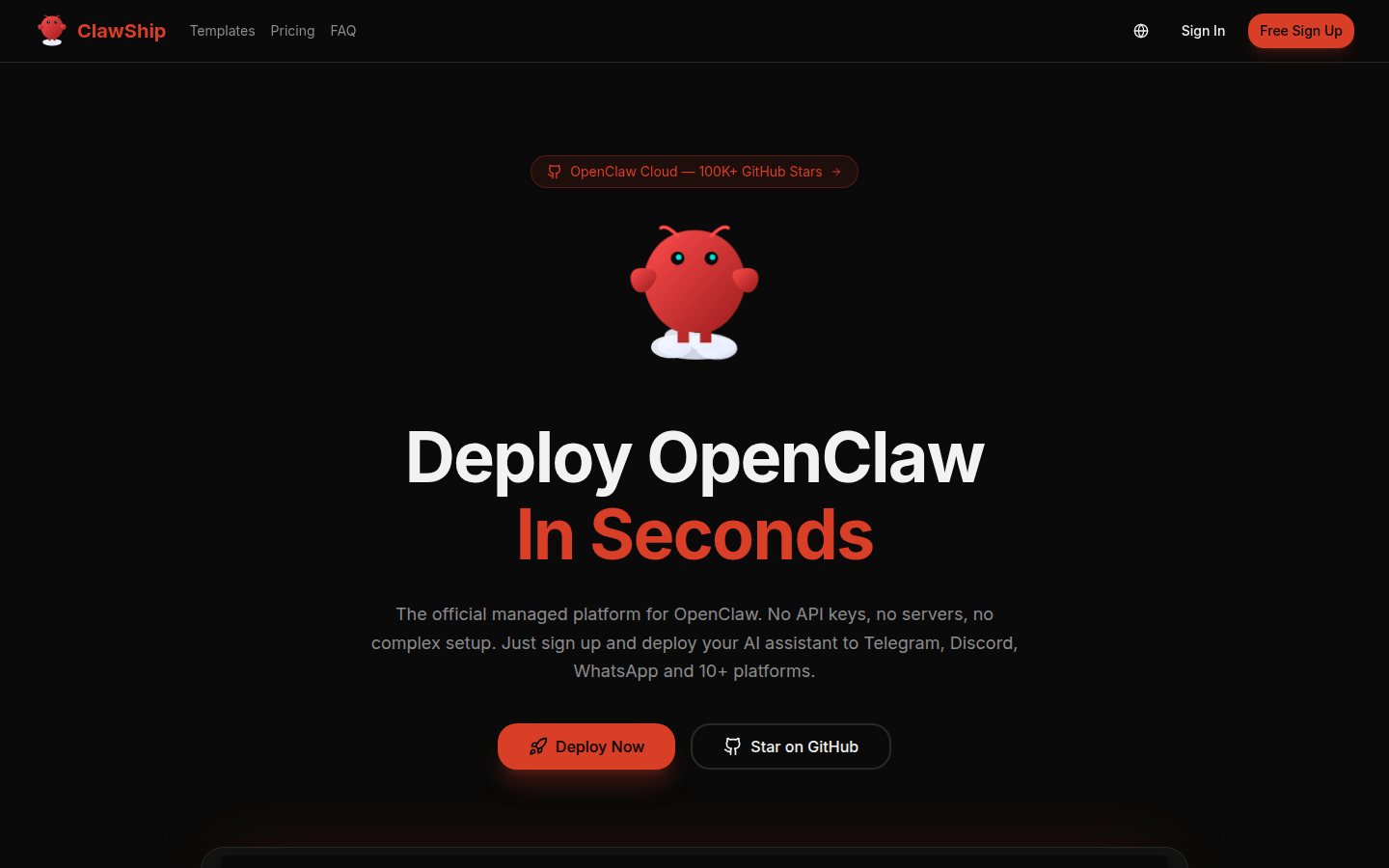
Screenshot archived from the listing page, for preview only.