
Clean
Desktop AI coding command centerChat, code, terminal, and browser in one window
Highlights
What you can do with it
- Writing code and testing a checkout flow in a real browser
- Synchronizing context across a team to cut token cost
- Researching a technical question with sourced pages
How to use it
- 1 Download and install Clean Agent for Mac or Windows.
- 2 Select and authenticate a model engine in settings.
- 3 Use the chat, code, terminal, and browser panels together.
- 4 Run QA tests or research tasks as needed.
Who it is for
Pros
- Single window replaces several separate tools
- Context indexing reduces repeated token cost
- Sub agents allow parallel work on one problem
Limitations
- Depends on external model engines that can change or break
- The site returned a redirect when this entry was checked
- Token savings claims are vendor figures, not guarantees
What Clean Agent is
Clean Agent is a native desktop AI coding application for Mac and Windows. It puts chat, code editing, a terminal, a built in browser, and parallel sub agents into one window, so a developer can move between asking, writing, running, and checking without switching programs. Underneath, it builds an MCP server that indexes your codebase and keeps context synchronized between coding agents, which the vendor says cuts token usage substantially and speeds up sessions. Semantic search ranks files by relevance so only the closest ones are loaded, and sub agents can run on different models in parallel before results are merged.
What you can do with it
- Chat with AI, write code, and run a terminal in one place.
- Index a codebase and share context across agents.
- Run QA tests in a real browser and record the session.
- Research a question with live pages and footnoted sources.
- Split a task across parallel sub agents on different models.
- Search files semantically instead of by name.
Who it is for
- Developers who want a single environment for the whole workflow.
- Testers who need to check flows in a real browser.
- Teams that want to share context and reduce token spend.
- Anyone doing technical research alongside coding.
What to watch out for
The application depends on external model engines such as Claude Code, Claude API, or Codex CLI, and any change to those services can affect what works. The site returned a redirect when this entry was reviewed, so confirm the download is current. Token savings and speed figures are vendor claims, and real results depend on your codebase size and how you use the tool. Indexing a large repository takes setup, and granting an agent access to your codebase is a security decision worth reviewing before you connect anything sensitive.
FAQ
What platforms does it support?
It is described as a native desktop app for Mac and Windows.
Which models can it use?
Claude Code, Claude API, and Codex CLI are listed as supported engines.
What is the MCP server for?
It indexes the codebase and syncs context between AI coding agents to reduce token usage.
Why it is free
What the official page says: free trial
Free limits, trial length and features are decided by the official site and can change at any time.
Product preview
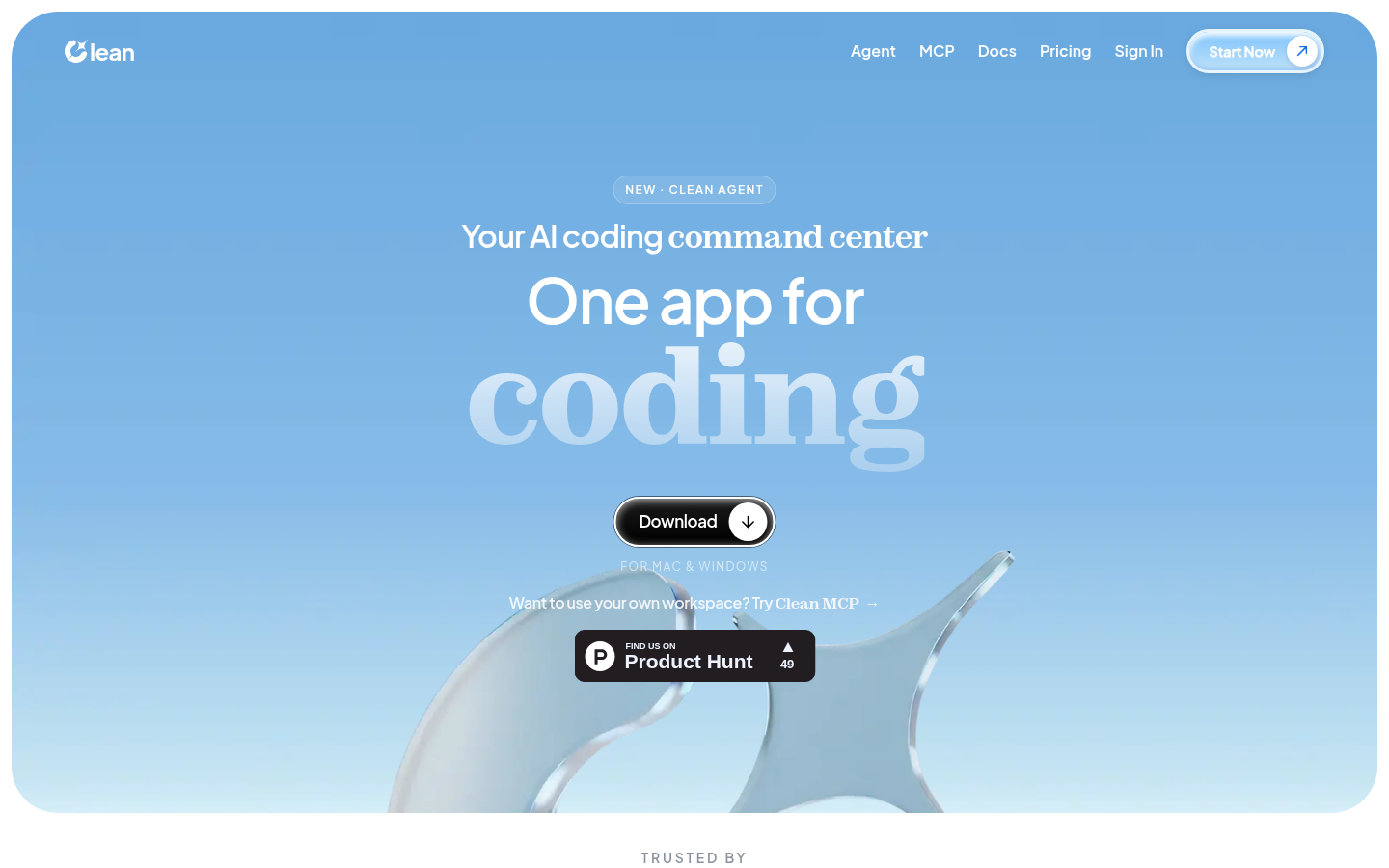
Screenshot archived from the listing page, for preview only.











