
Clear AI
AI photo repair appFix blurry photos, restore old ones
Highlights
What you can do with it
- Fixing a blurry photo before sharing it
- Restoring an old family photograph
- Upscaling a small image for a larger print
How to use it
- 1 Install the app on iOS or iPadOS.
- 2 Open it and pick a photo.
- 3 Choose the repair or enhancement tool you need.
- 4 Turn on AI enhancement to let the app optimise the image.
- 5 Unlock advanced tools through in-app purchase if required.
- 6 Save the result or share it.
Who it is for
Pros
- Handles several common repair jobs in one app
- Runs on the phone, so edits happen where the photos are
- Some features are free to try
Limitations
- Advanced tools need in-app purchases
- Mobile only, on iOS and iPadOS
- AI repair invents detail, so faces and text can shift
What Clear AI is
Clear AI is a photo editing and repair app for iOS and iPadOS. It is built around one idea: take a weak image and make it usable. The listed features cover repairing blurry photos, restoring old damaged prints, raising the pixel count of low-quality images, and upscaling without losing clarity. Beyond repair, it adds beauty retouching such as facial enhancement and whitening, colourising black-and-white vintage photos, automatic portrait separation from backgrounds, and stylised or cartoon conversions. Some features are free, and more advanced tools sit behind in-app purchases. Multiple languages are supported.
What you can do with it
- Repair a blurry photo and improve clarity
- Restore an old or damaged photograph
- Colourise a black-and-white image
- Upscale a low-resolution photo
- Cut out a portrait or apply a stylised effect
Who it is for
- People fixing phone photos before posting them
- Families restoring old prints and scans
- Anyone who wants quick edits without desktop software
What to watch out for
The advanced tools are in-app purchases, so the free part is a sample rather than the full set, and the listing does not publish prices, so check the store page before you start. It is mobile only, so it will not replace desktop retouching for print work, and large files will be slow on a phone. Most importantly, AI repair invents detail. Faces can shift, text can smear, and texture can appear where there was none, so keep the original file, compare before and after at full size, and avoid using enhanced images where accuracy matters, such as documents, identification photos, or anything you might need as evidence.
FAQ
What does it fix?
Blurry photos, low-detail images, and old damaged photographs, plus colourising and upscaling.
Which platforms?
iOS and iPadOS.
Is it free?
Some features are free, with more advanced tools behind in-app purchases.
Why it is free
What the official page says: 免费
Free limits, trial length and features are decided by the official site and can change at any time.
Product preview
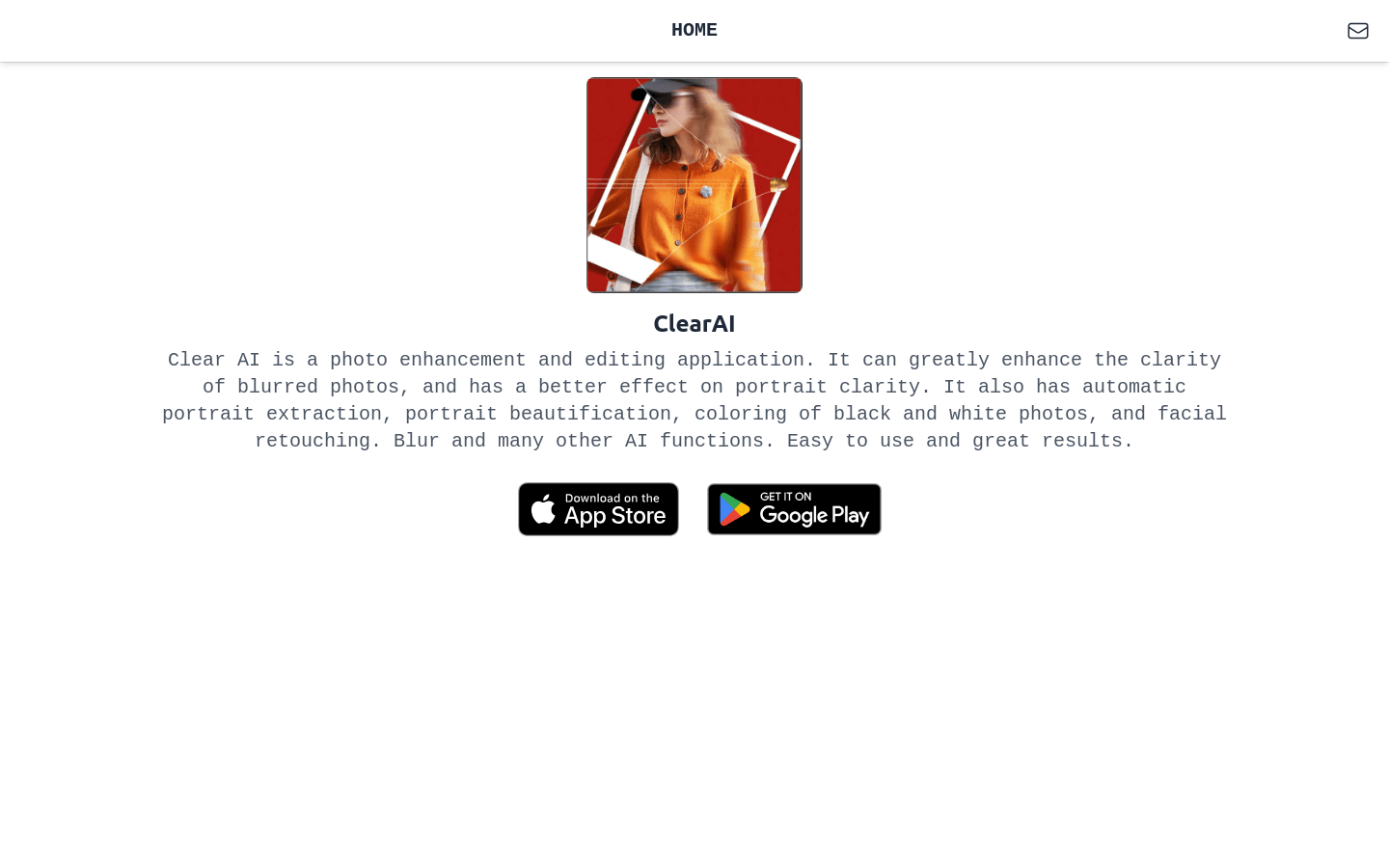
Screenshot archived from the listing page, for preview only.











