clever ai humanizer
Rewrites AI text to read like human writingTurn AI drafts into natural-sounding text
Highlights
What you can do with it
- Polish a draft so it reads less like machine output
- Check that the meaning survives a rewrite
- Work on drafts in more than one language
How to use it
- 1 Open cleveraihumanizer.net
- 2 Paste the text you want rewritten
- 3 Choose the language and run the humanizer
- 4 Read the output and fix anything that changed the meaning
- 5 Upgrade if you need more than 2,000 words a month
Who it is for
Pros
- Free plan gives 2,000 words a month to test the tool
- Paid tiers add word volume for heavier use
- Multilingual support covers more than one language
Limitations
- Rewriting text to avoid detection may break school or platform rules, and any consequences fall on the user
- The rewrite can change wording, so meaning still needs a manual check
- The free plan is capped at 2,000 words a month, and paid prices can change
What clever ai humanizer is
clever ai humanizer is a rewriting tool for AI-generated text. It takes a draft that reads like machine output and rewrites it so it sounds more natural, while trying to keep the original meaning intact. The listing describes intelligent text processing, a human-like writing style, and support for multiple languages. It is aimed at students, content creators, marketers, and professionals who work with AI drafts and want a different tone. Pricing has a free plan with 2,000 words a month, a Light plan at $9.9 a month for 20,000 words, and a Standard plan at $19.9 a month for 50,000 words.
What you can do with it
- Rewrite a draft so it reads less like machine output
- Adjust tone while keeping the main points
- Work in more than one language
- Test the style with the 2,000 free words each month
Who it is for
- Writers who want to soften machine-sounding text
- Marketers and professionals polishing AI drafts
- Users who write in more than one language
What to watch out for
Using a tool like this to avoid AI detection may break school or platform rules, and any consequences fall on you, so check the rules before you submit rewritten work anywhere. A rewrite can also shift meaning in small ways, so read the output carefully and fix anything that changed the point. The free plan is capped at 2,000 words a month, and paid prices and word limits can change. Treat it as an editing aid for your own drafts rather than a way to present someone else's work as yours. For best results, start with a small test file and review the output carefully before working on anything important.
FAQ
Is there a free plan?
Yes, the free plan covers 2,000 words per month; paid plans start above that.
Will the meaning stay the same?
The tool is designed to keep the original meaning, but you should read the output and check it yourself.
Can I use it to avoid AI checks at school?
That may violate school or platform rules and you carry the risk, so check the rules before submitting anything.
Why it is free
What the official page says: 免费免费套餐
Free limits, trial length and features are decided by the official site and can change at any time.
Product preview
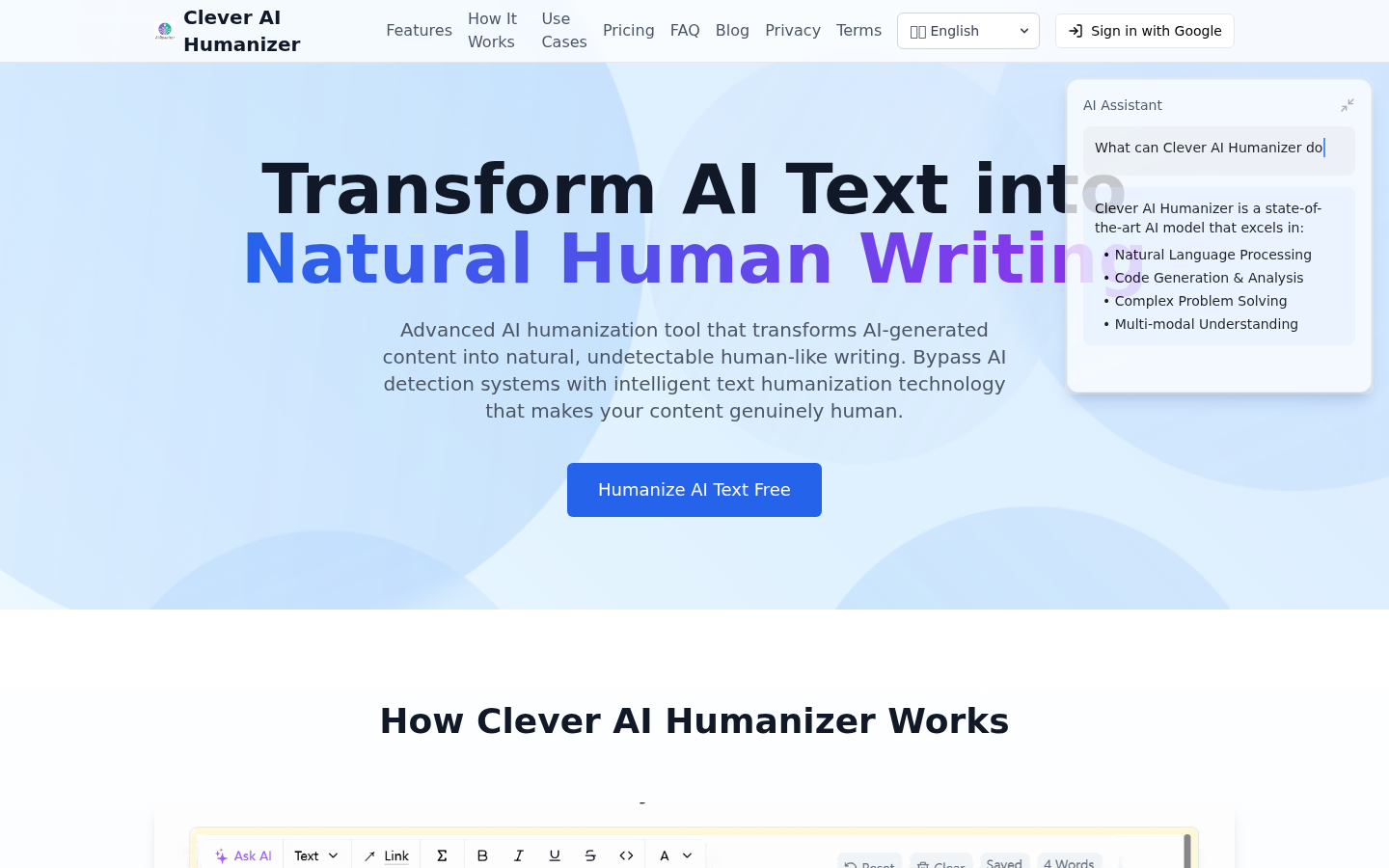
Screenshot archived from the listing page, for preview only.