
ClickSay
Voice driven Chrome extension for AI coding feedbackClick an element, speak the fix, send full context to your AI
Highlights
What you can do with it
- A developer clicks a dashboard title and says to make it smaller, dark blue, and use Inter.
- A designer fixes card spacing across a React page by selecting many cards and speaking one instruction.
- An accessibility tester flags WCAG contrast and alt text issues and sends the details to the AI.
How to use it
- 1 Press the shortcut and click any element to capture its context.
- 2 Speak your feedback while the microphone records automatically.
- 3 Paste the structured prompt into an AI tool such as Claude Code, Cursor, or Replit.
- 4 Switch to scan mode to select several elements and give one combined instruction.
Who it is for
Pros
- Speaking a change is faster than writing a long, detailed prompt.
- Captured selectors, styles, and screenshots give the AI the context it needs.
- Data stays in the browser and there is no registration or login.
Limitations
- The free version is capped at five captures a month and that limit could change.
- Unlimited captures and framework detection need the paid Pro plan.
- A voice first, microphone based flow takes some getting used to and a quiet room helps.
What ClickSay is
ClickSay is a Chrome extension built for developers who use AI coding tools such as Claude Code and Cursor. Rather than typing a long prompt, you click a UI element and speak the change you want, and ClickSay automatically captures the selector, styles, HTML, screenshot, and component name so the AI has the full picture. The workflow is voice first, the microphone starts on its own, and a structured prompt lands on your clipboard ready to paste. It takes a privacy first approach, keeps data in the browser, and needs no registration or login. There is a free version with five captures a month and a Pro version that adds unlimited captures and framework detection.
What you can do with it
- Click any element and speak the change instead of writing a detailed prompt.
- Capture selectors, styles, HTML, screenshots, and component names in one step.
- Use scan mode to select several elements and give one combined instruction, such as fixing card spacing.
- Detect React, Next, Vue, Svelte, and Angular components so the AI knows file paths and names.
Who it is for
- Developers using AI coding tools who want faster, clearer feedback.
- Web designers who must hand precise UI changes to developers or to an AI assistant.
- Accessibility testers checking contrast, alt text, ARIA, and touch target issues.
What to watch out for
The free version is capped at five captures a month, and that limit could change as the product grows. Unlimited captures and framework detection sit behind the paid Pro plan, so heavy users will need to upgrade. The voice first flow relies on the microphone, so a quiet room and clear speech help, and some people may prefer typing at first. Because it feeds screenshots and code context into external AI tools, be mindful of what page you are on when you capture sensitive interfaces.
FAQ
Do I need an account to use ClickSay?
No. It needs no registration or login, and data stays in your browser.
What is the difference between the free and Pro versions?
The free version allows five captures a month, while Pro adds unlimited captures and framework detection for 7 dollars a month or 45 dollars a year.
Which AI tools can I send the prompt to?
You can paste the structured prompt into tools such as Claude Code, Codex, Cursor, Lovable, and Replit.
Why it is free
What the official page says: free versionfree trial
Free limits, trial length and features are decided by the official site and can change at any time.
Product preview
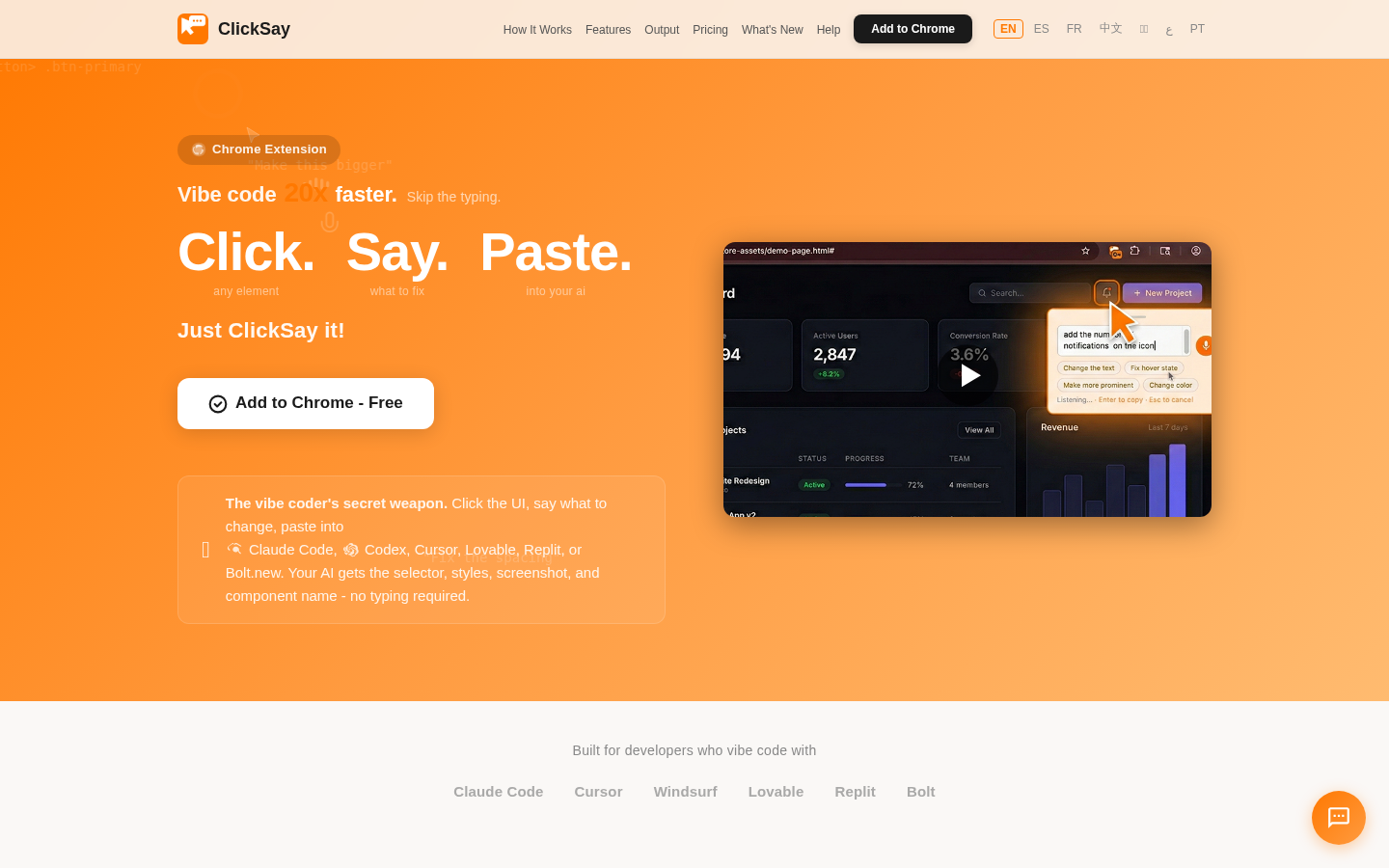
Screenshot archived from the listing page, for preview only.











