
Clideo
Free online video, image, and GIF editorEdit, convert, and record right in your browser
Highlights
What you can do with it
- Individuals edit home videos and make GIFs
- Content creators produce video content online
- Small teams share and edit video projects
How to use it
- 1 Visit the Clideo website
- 2 Pick the tool you need, such as editing or GIF making
- 3 Upload the video or image file
- 4 Make your edits and export the file
Who it is for
Pros
- Free to use and runs in the browser
- Many tools in one place, from editing to recording
- No software install required
Limitations
- Free online tools can change features or add limits over time
- Browser editing depends on your internet and file size
- Advanced editing is weaker than desktop software
What Clideo is
Clideo is a free online video editing tool that runs in your browser. It covers everyday video tasks such as compression, trimming, adding subtitles, resizing, and merging. Beyond video, it also offers a GIF making tool, a video converter, a screen recorder, and text to speech synthesis. Because everything works online, you do not need to install heavy software to finish a quick edit. It is built for anyone who wants simple video and image work without a complex editor, from personal clips to small team projects.
What you can do with it
- Compress, trim, subtitle, resize, and merge videos
- Create GIF animations and convert video formats
- Record your screen activity
- Turn text into speech for your projects
Who it is for
- Individuals editing home videos and personal clips
- Content creators producing video content online
- Small teams that need simple, shared editing
What to watch out for
Free online tools can change their features or add limits over time, so check the site if you rely on it for regular work. Browser editing depends on a steady internet connection and can be slow with large files. It is great for simple edits, but heavy or professional projects may still need desktop software with more control, so match the tool to the size of the job. For best results, start with a small test file and review the output carefully before working on anything important. Free tiers can change over time, so it is worth checking the current limits on the official page before you rely on the tool daily. If the result is not quite right, try adjusting your input description or settings and run the task again.
FAQ
Is Clideo free?
Yes, it is described as a free online video editing tool.
Do I need to install anything?
No, the tools run in your browser.
What can I do besides editing?
Make GIFs, convert formats, record the screen, and convert text to speech.
Why it is free
What the official page says: 免费使用免费
Free limits, trial length and features are decided by the official site and can change at any time.
Product preview
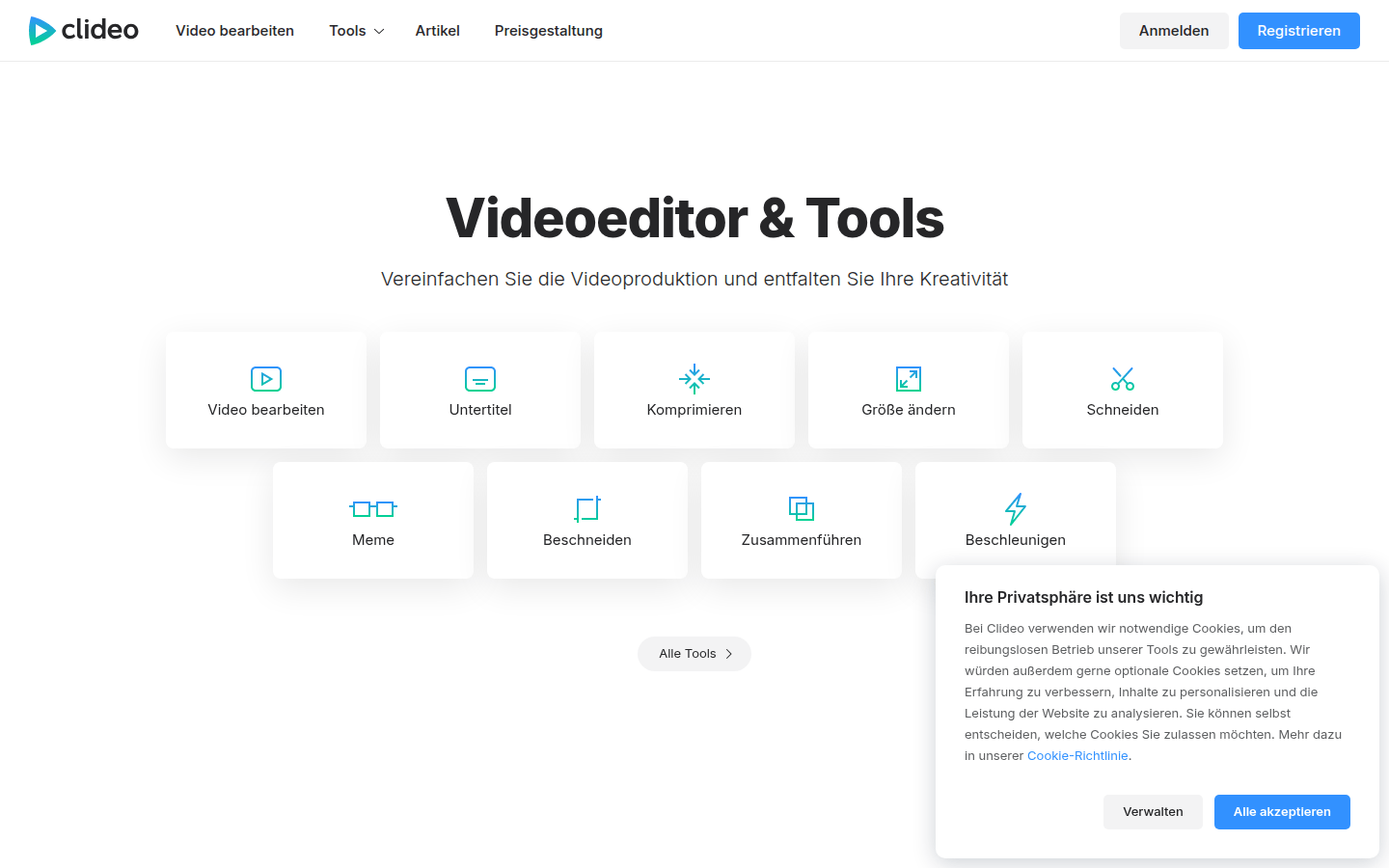
Screenshot archived from the listing page, for preview only.











