Cliptrend.ai
Trend-driven AI video generator with one-click templates.Turn trending effects into short videos in under a minute.
Highlights
What you can do with it
- Make a short video with a trending effect to post on social media
- Create a quick product promo clip for online marketing
- Produce fun, on-trend content to grow a social account
How to use it
- 1 Open cliptrend.ai and browse the trending templates for free.
- 2 Pick a template and preview its reference clip and credit cost.
- 3 Upload the photo, clip, or prompt the template asks for.
- 4 Click Generate, wait about 30 to 60 seconds, then download the MP4.
- 5 Buy a credit package if you want to make more videos.
Who it is for
Pros
- Templates remove the blank-page problem for video prompts
- Automatic model choice saves testing between different AIs
- No watermark and full commercial rights on paid videos
Limitations
- You must buy credits to generate, so it is not free to output
- Credit costs add up if you render many videos
- Trend-based templates can date quickly as platforms shift
What ClipTrend is
ClipTrend is a trend-first AI video generator. Instead of facing an empty prompt box, you pick from one-click templates built from popular AI video effects on TikTok and YouTube. The platform bundles more than 10 AI models, such as Seedance 2 and Veo 3.1, and automatically chooses a suitable one for each render. You can browse the full template catalog for free and preview reference clips and their exact credit cost. To actually generate a video, you buy a credit package, which starts at $11.99, and there is no subscription. If a render fails, the credits are refunded automatically. Paid videos come without a watermark and include full commercial usage rights. It is built for creators, influencers, and small businesses that want to move fast on trends.
What you can do with it
- Browse trending AI video templates and preview reference clips for free
- Turn a photo, short clip, or prompt into a social-ready MP4
- Let the tool pick from more than 10 AI models for each job
- Generate in about 30 to 60 seconds without editing skills
- Use paid clips commercially with no watermark
Who it is for
- Content creators who post short videos on a regular schedule
- Social media influencers chasing trending formats and effects
- Small business owners making quick promotional clips
- Marketers who want to test video ideas without a production team
What to watch out for
Browsing is free, but you need to buy credits to produce a video, so this is not a free output tool. Credit costs add up if you render a lot, and heavy users may want the monthly plan for a lower per-video rate. Templates are tied to current trends, so popular formats can date quickly as platforms change. Output quality still varies by model and input, so expect to try more than once on important clips, and check that any commercial use fits the license terms.
FAQ
Can I use ClipTrend for free?
You can browse all templates for free, but generating a video requires buying credits.
How much do credits cost?
Credit packages start at $11.99, with no subscription required.
What happens if a video fails to render?
The system automatically refunds the credits used for a failed render.
Why it is free
What the official page says: for freefree trial
Free limits, trial length and features are decided by the official site and can change at any time.
Product preview
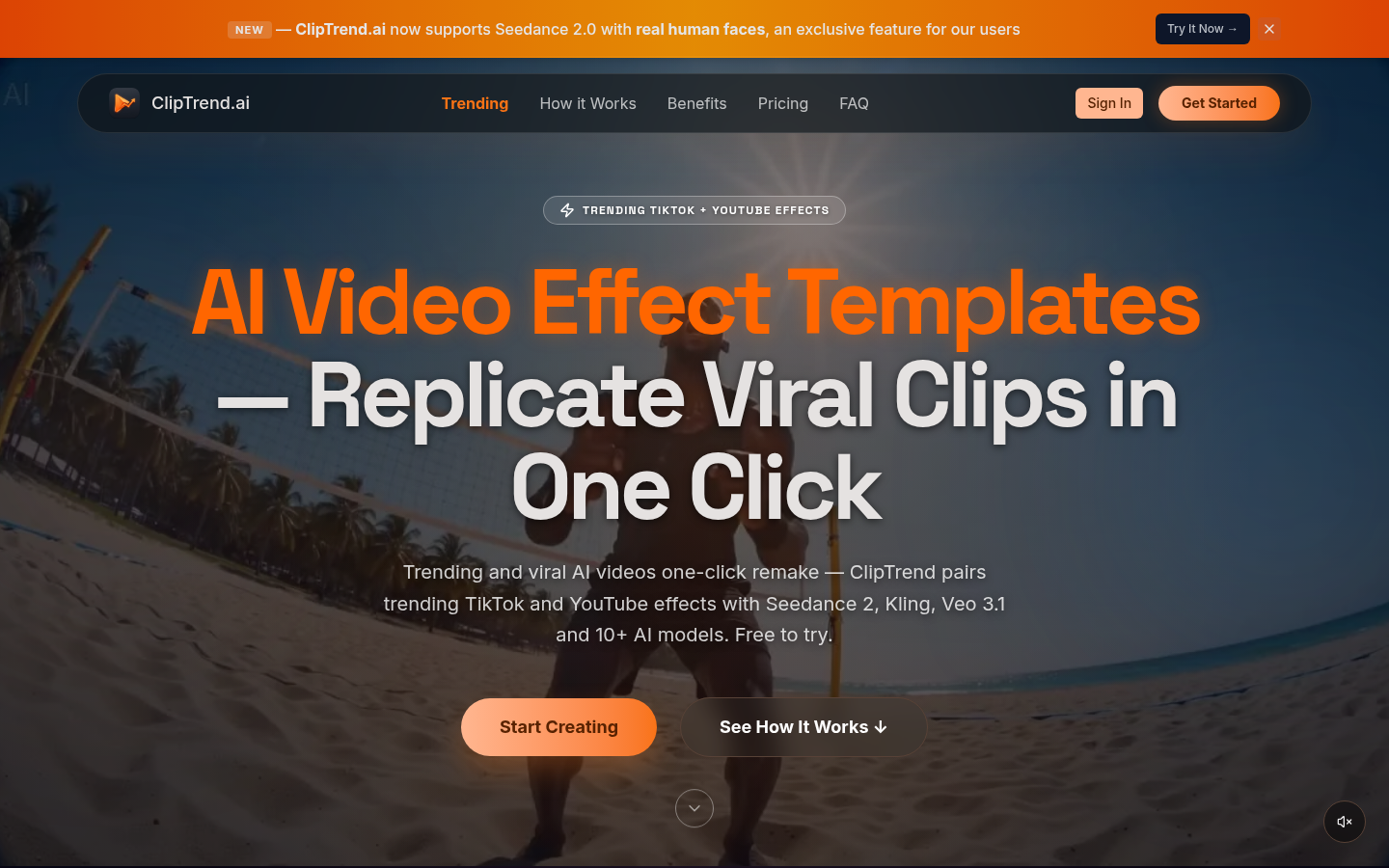
Screenshot archived from the listing page, for preview only.