
ClipZap.AI
AI video workflow editorAI workflows for fast video creation
Highlights
What you can do with it
- Create personalized social media videos quickly
- Build custom video workflows for brand marketing videos
- Produce creative clips by combining different AI models
How to use it
- 1 Visit the ClipZap.AI website and start the free trial.
- 2 Choose a feature module such as video translation or generation.
- 3 Upload or select the video materials as prompted.
- 4 Use the AI models to edit and process the video.
- 5 Preview and download the video; the free version adds a watermark.
Who it is for
Pros
- Free to use with no credit card required
- Many AI models and templates gathered in one place
- Workflow approach saves steps when producing videos
Limitations
- Free exports include a watermark and free terms may change
- Depends on third-party models, so availability can shift
- Features like face swap may violate platform rules and carry legal and ethical risk; consequences rest with the user
What ClipZap.AI is
ClipZap.AI is a free AI video workflow editor that brings AI models and tools together for editing, translation, and video generation. The site says it offers more than 20 AI visual models and application templates, with one-click access to external tools such as Pikalabs, RunwayML, and Pixverse. You can combine multiple AI models for customized output, which makes it easier to build a repeatable video process. It is currently free to use with no credit card required, though free exports include a watermark, and free terms can change at any time.
What you can do with it
- Build automated video workflows from AI models and templates
- Use external tools like Pikalabs, RunwayML, and Pixverse in one click
- Combine models for custom editing, translation, and generation
- Preview and download videos made with AI assistance
Who it is for
- Individual users who want quick social media videos
- Businesses that need branded marketing video content
- Video creators exploring different AI models in one place
What to watch out for
The free version adds a watermark to exports, and the free offer can change without notice. The service depends on third-party models and tools, so availability and output quality may shift over time. Some modules, such as face swap, can violate school or platform rules and raise ethical and legal issues. You are responsible for how you use them, so only apply these features to content you have the right to edit and share, and always follow the rules of the platforms where you publish. For best results, start with a small test file and review the output carefully before working on anything important.
FAQ
Is ClipZap.AI free?
The site says it is currently free to use with no credit card required. Free terms can change, and free exports include a watermark.
Which external tools can I use?
The site says it supports one-click use of external audio and video products such as Pikalabs, RunwayML, and Pixverse.
Does the free version add a watermark?
Yes. According to the site, videos from the free version include a watermark, and you can visit the official site to learn how to remove it.
Why it is free
What the official page says: free to useno credit card
Free limits, trial length and features are decided by the official site and can change at any time.
Product preview
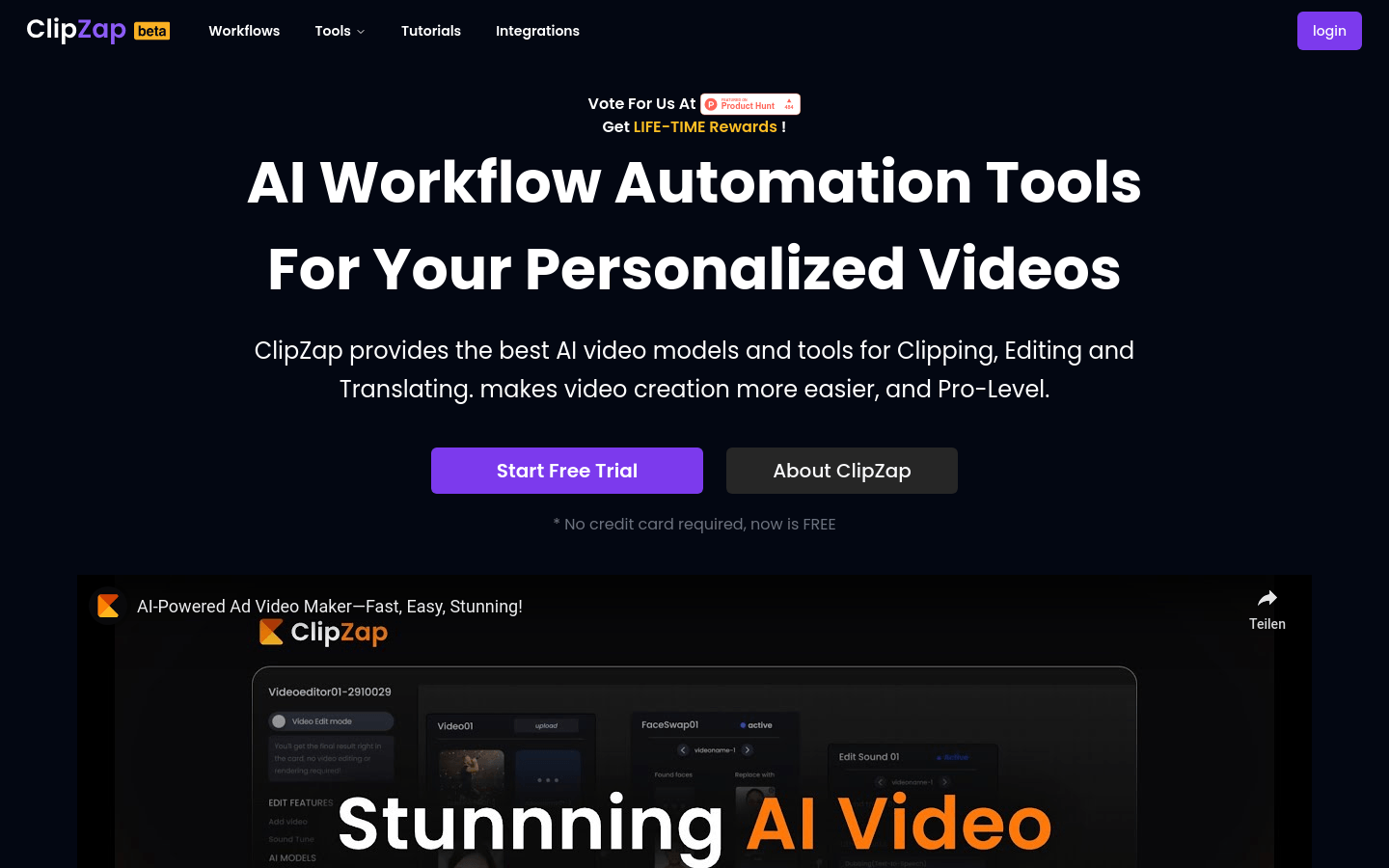
Screenshot archived from the listing page, for preview only.











