Code GPT
Free AI code assistant with chat, agents, and syncAI pair programming with several model providers, free to use
Highlights
What you can do with it
- Developers who want instant code explanations and suggestions
- Teams that need to sync repositories and automate repetitive tasks
- Programmers who prefer to switch between OpenAI, Google, or Microsoft models
How to use it
- 1 Visit codegpt.co and set up the tool in your environment
- 2 Choose an AI provider such as OpenAI, Google, or Microsoft
- 3 Connect your repository or project for context management
- 4 Use the code chat assistant to ask questions as you work
- 5 Create AI agents or call the API for custom automation
Who it is for
Pros
- Free to use with several major AI providers supported
- Combines chat, agents, repository sync, and API in one tool
- Helps both learning and day to day coding productivity
Limitations
- Free tier limits and provider terms may change over time
- Answer quality depends on the chosen upstream model
- Setup and agent creation require some technical familiarity
What Code GPT is
CodeGPT is an AI assisted code pairing tool built to help developers work faster. It brings a code chat assistant, context management, AI agent creation, GitHub repository synchronization, and API access into one place. The tool is free to use and supports several AI service providers, including OpenAI, Google, and Microsoft. That means you can pick the model that fits your task and budget. The goal is to put AI assistance directly into your coding workflow so you can learn, debug, and build with fewer interruptions. Whether you are learning a new language or maintaining a large codebase, the assistant is meant to reduce friction.
What you can do with it
- Ask the code chat assistant questions about your code and get explanations
- Manage project context so suggestions stay relevant to your repository
- Create AI agents that automate parts of your development process
- Sync GitHub repositories and access everything through an API
Who it is for
- Developers who want AI suggestions and explanations while they code
- Teams that need repository syncing and shared automation
- Programmers who like to switch between different AI model providers
What to watch out for
The tool is free to use, but the AI providers behind it may charge for heavy usage or premium models, so keep an eye on those separate costs. Answer quality depends on which model you select and how well you frame your questions. Setting up agents and API access requires some programming knowledge, so beginners may need time to learn the basics. Because the product is still evolving, features and free limits can change between releases. Treat generated code as a draft that still needs review before it ships.
FAQ
Is CodeGPT free to use?
Yes, the product is priced as free to use, though some provider models may carry their own costs.
Which AI providers can I use?
You can choose from OpenAI, Google, and Microsoft, among others.
What does CodeGPT help with?
It provides code chat, context management, AI agents, GitHub sync, and API access to speed up development.
Why it is free
What the official page says: free to use
Free limits, trial length and features are decided by the official site and can change at any time.
Product preview
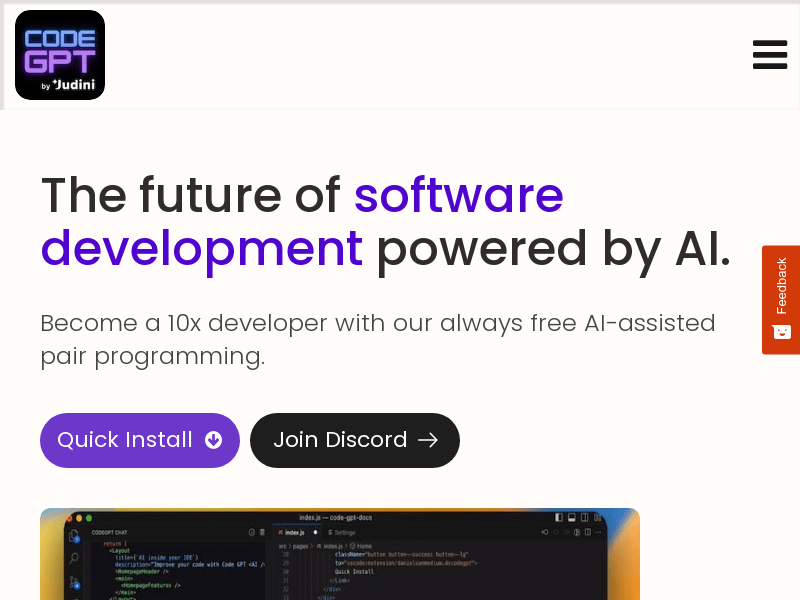
Screenshot archived from the listing page, for preview only.











