Codeace AI
Real time AI help during coding interviewsLive solutions and explanations while you interview
Highlights
What you can do with it
- A developer gets unstuck on a dynamic programming question
- A self learner sees the reasoning behind a solution
- A career changer prepares for technical screens
How to use it
- 1 Visit https://codeace.ai and start the free trial or pick a paid plan.
- 2 Download the desktop client for Mac or Windows.
- 3 Install and open the client, keeping it running during the interview.
- 4 Let it analyze the problem and show the solution and reasoning.
- 5 Follow the approach and explain your method in the interview.
Who it is for
Pros
- Fast answers with visible reasoning
- Multi language explanations and interface
- A free trial to test the workflow
Limitations
- Using hidden assistance in a live interview may break the employer or platform rules, and consequences such as rejection or termination fall on you
- The anti detection features are marketed as undetectable, but that is not a guarantee
- Paid plans are expensive compared with practice based preparation
What Codeace AI is
Codeace is a desktop assistant built for coding interviews. It reads the problem on screen, generates a solution quickly, and displays the reasoning so you can talk through your approach rather than reading code aloud. Explanations are available in several languages, the interface supports 19 languages, and the site says OCR reads the question while code generation runs on Claude series models. It works with current Zoom and Teams builds, and it includes an invisible window mode plus anti screenshot protection. The site says 100,000 developers have used it, and access runs through a free trial or a paid plan.
What you can do with it
- Get a solution and the reasoning behind it in real time
- Explain an approach clearly because the logic is displayed
- Work in your preferred explanation language
- Run it on current Zoom and Teams interview setups
Who it is for
- Developers preparing for technical interviews
- Self learners who want to see the reasoning behind a solution
- Career changers moving into software roles
What to watch out for
This is the part that matters most: using hidden assistance in a live interview can break the employer's rules and the rules of the interview platform. Consequences, including rejection, a withdrawn offer, or termination after hiring, fall on you, not the vendor. The anti detection features are marketed as undetectable, but that is a sales claim, not a guarantee, and detection methods change over time. The paid plans are also expensive next to plain practice with a study partner. If you use it for study, treat the reasoning as a tutor; if you use it live, understand the risk you are taking.
FAQ
What does Codeace do?
It analyzes a coding problem during the interview, generates a solution, and shows the reasoning behind it.
Which platforms does it work with?
The site says it works on current versions of Zoom and Teams, using OCR to read the question.
What does it cost?
A free trial is offered, with a monthly professional version at $39.9 and a lifetime version at $1,199.
Why it is free
What the official page says: free trial
Free limits, trial length and features are decided by the official site and can change at any time.
Product preview
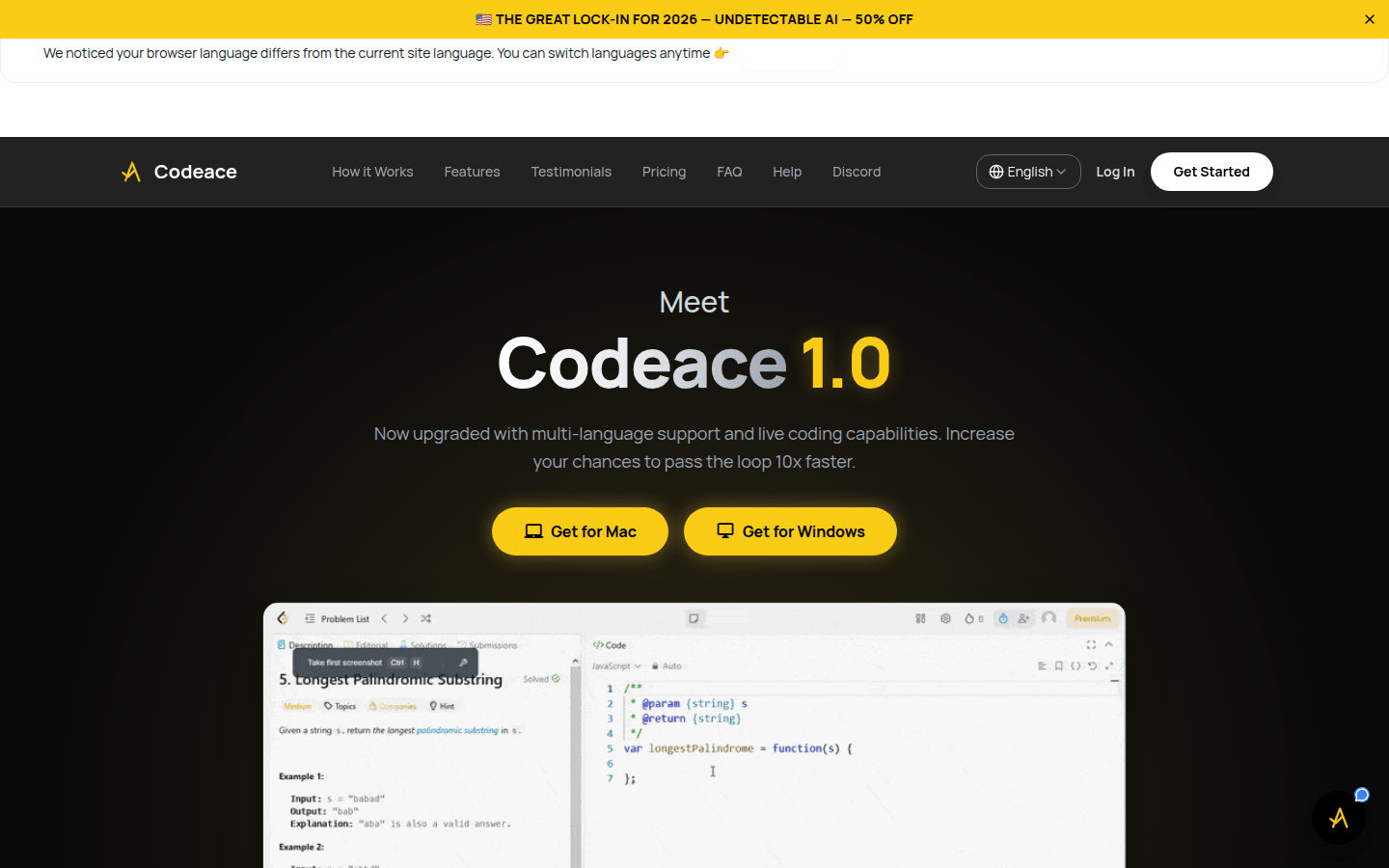
Screenshot archived from the listing page, for preview only.