
CodeCompanion.AI
Desktop AI coding assistantYour personal AI programming assistant
Highlights
What you can do with it
- A developer generates a code block and updates it in place
- An analyst asks a question in plain language and gets a SQL query back
- A programmer runs a shell command without leaving the assistant
How to use it
- 1 Download CodeCompanion.AI to your desktop
- 2 Install and open the application
- 3 Ask it to generate or update code, or to write a SQL query
- 4 Run shell commands from the assistant when needed
- 5 Use the output directly in your own project
Who it is for
Pros
- Free to download according to the site
- Covers code, SQL and shell commands in one assistant
- Works across multiple languages and frameworks
Limitations
- It is a desktop assistant, so it is not a full IDE replacement
- Free access and feature scope can change over time
- Generated code still needs review before you ship it
What CodeCompanion.AI is
CodeCompanion.AI is a desktop AI assistant built for programmers. It generates and updates code, runs shell commands, and translates plain language into SQL queries, which means you can move between writing, running and querying without switching tools. It supports multiple programming languages and frameworks, so it stays useful across a stack rather than being tied to one niche. The site says it protects user privacy and data security, and it can be downloaded for free. The pitch is a personal assistant that is always available on your machine rather than a cloud editor you have to open in a browser. Students and professional developers are both named audiences.
What you can do with it
- Generate and update code automatically as your project changes
- Turn a plain language question into a SQL query
- Execute shell commands from the same interface
- Work across several programming languages and frameworks
- Keep the assistant on the desktop so it is available during any task
Who it is for
- Developers who want AI help without leaving their desktop
- Analysts who query databases but do not write SQL daily
- Programmers working across multiple languages and frameworks
What to watch out for
CodeCompanion.AI is an assistant, not a full development environment, so you still write, review and test in your own tools. Generated code needs review before it ships, especially where it touches security or data. The free download is what the site states today, and free access rules on tools like this change, so confirm the current terms before you depend on it. Because it executes shell commands, be careful about what you let it run, and treat any destructive command as one to review by hand first.
FAQ
Is CodeCompanion.AI free?
The site says you can download it for free. Confirm the current terms on the site, since free access rules can change.
Does it write SQL?
Yes. It translates natural language into SQL queries, which is useful if you know what data you want but not how to phrase the query.
Can it run commands?
It can execute shell commands, so you can move between generating code and running it without changing windows.
Does it replace my editor?
No. It is an assistant that sits alongside your work on the desktop, not a full development environment. You still write and review code in your own tools.
Why it is free
What the official page says: for free
Free limits, trial length and features are decided by the official site and can change at any time.
Product preview
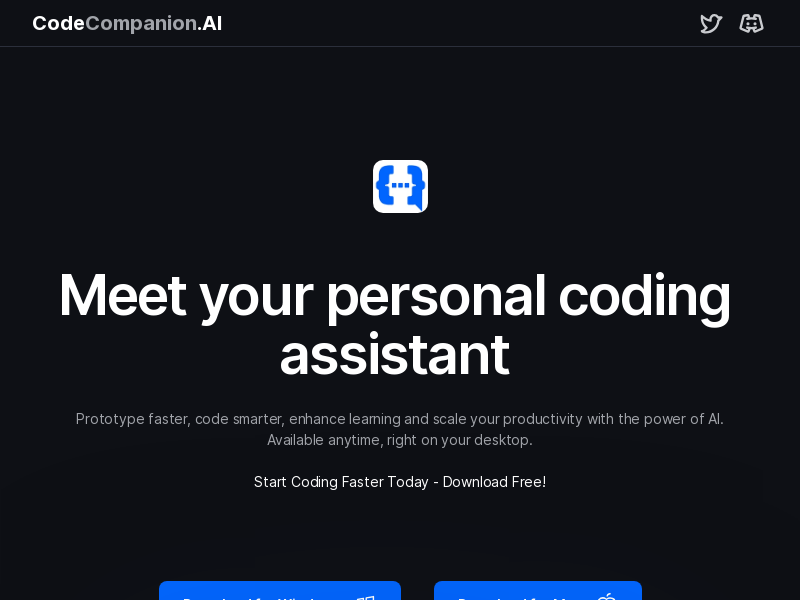
Screenshot archived from the listing page, for preview only.











