
CodeFlying
AI app builder by chatCreate full-stack apps just by chatting
Highlights
What you can do with it
- An education group builds a math learning mini-program.
- A company spins up an attendance management system.
- An entrepreneur launches an overseas e-commerce site.
How to use it
- 1 Open the CodeFlying website and log in if needed.
- 2 Decide the app type and functions you want to build.
- 3 Chat with the AI and describe your idea in detail.
- 4 Let the AI generate the app, then test and adjust it.
- 5 Deploy the app online when you are happy with it.
Who it is for
Pros
- Turns plain-language ideas into working apps in minutes.
- No coding foundation is needed to begin.
- Covers web, mini-program, and mobile app types.
Limitations
- A free-to-use part exists, but paid premium features may be needed for more.
- Free access and pricing rules can change over time.
- Generated apps still need testing, and complex ideas may need more chat.
What CodeFlying is
CodeFlying is a Vibe Coding application builder. You describe your idea to the AI in plain language, and it generates a full-stack application within minutes, with no coding background required. Because the AI writes the code, people without programming skills can still turn an idea into a working product. It supports web apps, mini-programs, and mobile apps, and it offers templates you can browse for inspiration. The platform says 500,000 creators have joined. There appears to be a free-to-use part along with paid premium features. The workflow is conversational: you explain what you want, the AI drafts the app, and you keep refining it through further chat. It is aimed at developers, non-developers, and entrepreneurs who want to build and test applications quickly.
What you can do with it
- Chat with the AI to turn an idea into a full-stack app.
- Start from templates for web, mini-program, or mobile apps.
- Refine the app through more conversation until it fits your needs.
- Test the result and deploy it online for others to use.
Who it is for
- Developers who want to prototype ideas fast.
- Non-developers with no programming background.
- Entrepreneurs building business apps on a budget and timeline.
What to watch out for
There is a free-to-use part, but some features sit behind paid premium plans, and pricing and free access rules can change over time, so confirm the current terms on the site. The workflow is conversational, so complex ideas may take several rounds of chat before the app fits what you want. Generated apps still need real testing before you depend on them, especially where data or payments are involved. Keep expectations realistic for large or highly custom projects, and review the output before you put it in front of users.
FAQ
Do I need to know how to code?
No. CodeFlying is built for people without a coding foundation. You describe your idea and the AI writes the application.
What kinds of apps can it build?
It supports web apps, mini-programs, and mobile apps, and you can start from templates on the platform.
Is CodeFlying free?
There appears to be a free-to-use part along with paid premium features. Check the site for the current plan details.
Why it is free
What the official page says: 免费使用免费
Free limits, trial length and features are decided by the official site and can change at any time.
Product preview
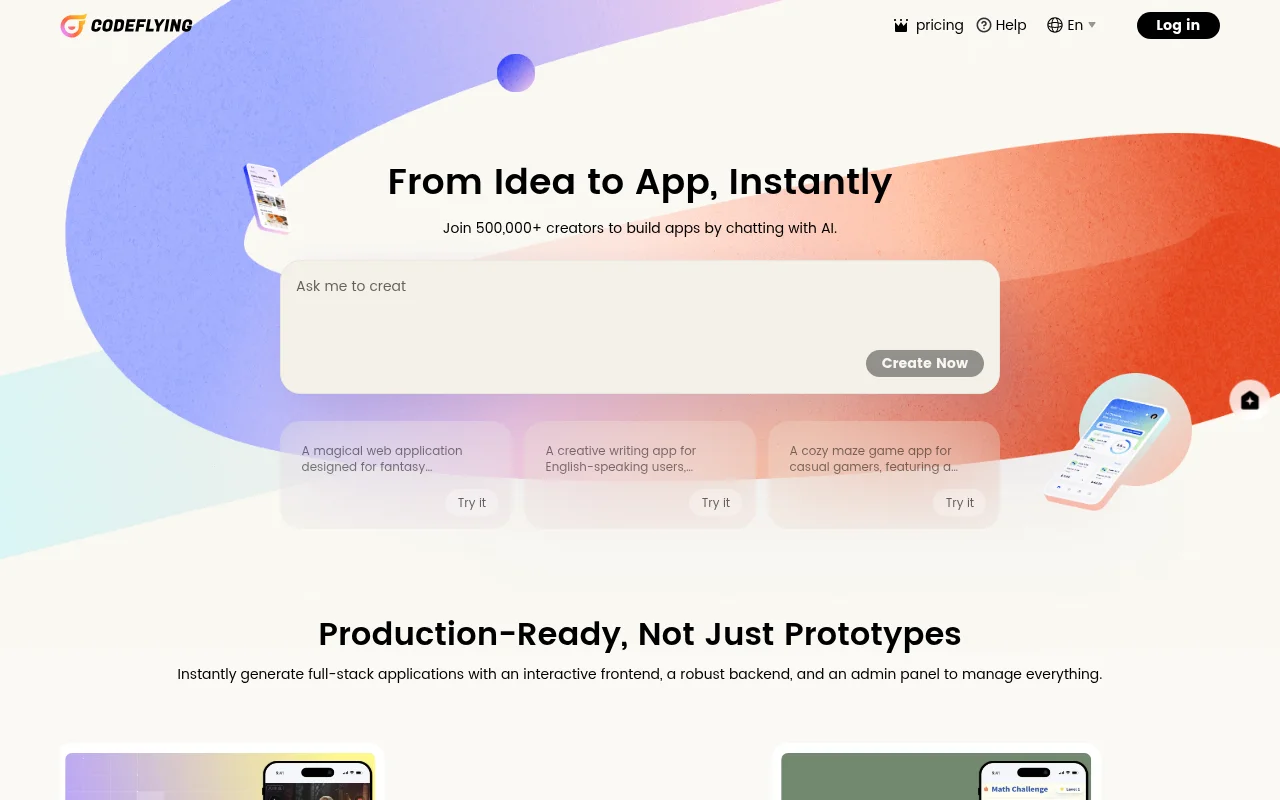
Screenshot archived from the listing page, for preview only.











