
Codeium
Free AI code completion for your IDE70+ languages, fast AI completions
Highlights
What you can do with it
- Autocomplete while writing new code
- Search a codebase for a pattern or function
- Ask the in-editor chat about a snippet
How to use it
- 1 Install the extension for your IDE
- 2 Sign in and enable the features you want
- 3 Start typing to get completions
- 4 Use search and chat as you work
Who it is for
Pros
- Free tier covers completion, search, and chat
- Broad language support
- Fast suggestions inside the IDE
Limitations
- Suggestion quality varies by language and context
- Free plan limits and any paid tiers should be checked on the site
- Suggestions still need review for correctness and security
- IDE coverage varies by plugin
What Codeium is
Codeium is a free AI-powered code completion and search tool. It supports more than 70 programming languages and is built to integrate with the IDEs developers already use, so assistance arrives inside the editor rather than in a separate window. The feature set has three main parts: AI code completion that suggests code as you type, intelligent search that helps you find patterns and functions across a codebase, and an AI chat for asking questions about a snippet. Speed is a stated priority, with the product describing its suggestions as fast. The core functionality is presented as free to use, which is the main reason many developers try it.
What you can do with it
- Get AI code completions in more than 70 languages
- Search your codebase intelligently for patterns and functions
- Ask the in-editor chat about code you are working on
- Keep assistance inside the IDE instead of switching tools
Who it is for
- Professional developers working across several languages
- Students learning to code who want inline hints
- Teams that want a free assistant across different editors
- Anyone maintaining a large codebase where search matters
What to watch out for
Suggestion quality is not uniform. Popular languages with large amounts of public code produce better completions than niche ones, and context matters a great deal, so expect to edit or discard a share of what is proposed. More importantly, generated code still needs review: it can be subtly wrong, inefficient, or introduce security problems, and accepting it without reading it is how bugs and vulnerabilities get in. Free plan limits and any paid tiers are not detailed in the description, so check the site for current terms. IDE coverage also varies by plugin, so confirm your editor is supported before switching your workflow.
FAQ
How many languages does Codeium support?
More than 70 programming languages.
What features are included?
AI code completion, intelligent search, and AI chat.
Which IDEs work with it?
It is designed to integrate with popular IDEs, though coverage varies by plugin.
Why it is free
What the official page says: 免费
Free limits, trial length and features are decided by the official site and can change at any time.
Product preview
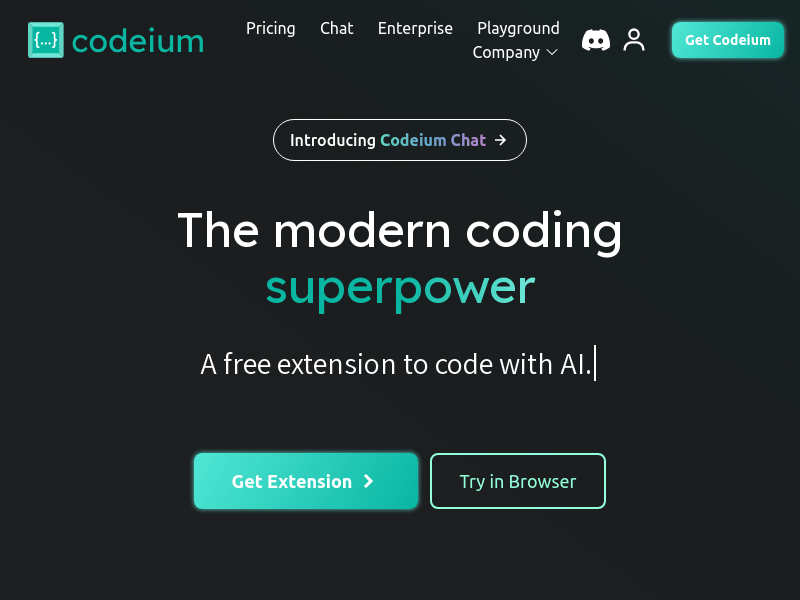
Screenshot archived from the listing page, for preview only.











