
codeless
No-code visual app builderBuild apps with drag-and-drop, no code
Highlights
What you can do with it
- Non-technical founders prototype a simple app without hiring a developer
- Teams build internal tools through a visual, drag-and-drop interface
- Makers deploy the same project to web and mobile targets
How to use it
- 1 Open the codeless site and start the free trial.
- 2 Choose a template or a blank canvas for your app.
- 3 Drag and drop components to lay out screens and logic.
- 4 Connect the pieces to define how the app behaves.
- 5 Deploy the finished app to your chosen platform.
Who it is for
Pros
- Removes the need to write code for basic app building
- Drag-and-drop interface is approachable for beginners
- Free trial lets you test the workflow first
Limitations
- It is a free, early-stage tool, so availability and features can change
- No-code builders can hit limits on customization for complex apps
- Expect a learning curve when mapping your idea onto visual components
What codeless is
codeless is a tool that simplifies the coding process. It provides a visual interface and drag-and-drop operations so that users can create applications without writing code. The main idea is to make building software faster and more open to people who do not have a programming background. According to the tool's own description, it improves development efficiency, lowers the technical threshold so non-technical staff can take part, and supports multi-platform deployment for use cases such as web and mobile. codeless offers a free trial, which lets you try the visual workflow before you decide whether it suits your project. Because it is a lightweight, no-code builder, it is best understood as a way to prototype and assemble applications rather than a full replacement for hand-written code in every situation.
What you can do with it
- Build applications through a visual interface instead of writing code
- Use drag-and-drop operations to lay out screens and features
- Let non-technical team members take part in the build process
- Deploy what you create to web and mobile targets from one project
Who it is for
- Non-technical users who want to build an app without learning to code
- Small teams and solo makers prototyping ideas quickly
- Anyone exploring no-code development for web or mobile projects
What to watch out for
codeless is a free, early-stage tool, so its availability and feature set can change over time. It is best treated as a way to prototype and assemble straightforward applications. No-code builders often reach their limits when an app needs deep customization, unusual logic or heavy integration with other systems, so complex projects may still require traditional development. There is also a learning curve when you first map your idea onto visual components and drag-and-drop rules. Since the tool is offered as a free trial, confirm the current terms on the official site before relying on it for important work, and keep expectations realistic about how far a no-code builder can go.
FAQ
Is codeless really free?
The tool is listed with a free trial, so you can try the visual builder before any paid commitment.
Do I need to know how to code?
No. codeless is designed so you can build through a visual interface and drag-and-drop instead of writing code.
What can I build with it?
It targets application creation for web and mobile scenarios through multi-platform deployment.
Why it is free
What the official page says: 免费试用免费
Free limits, trial length and features are decided by the official site and can change at any time.
Product preview
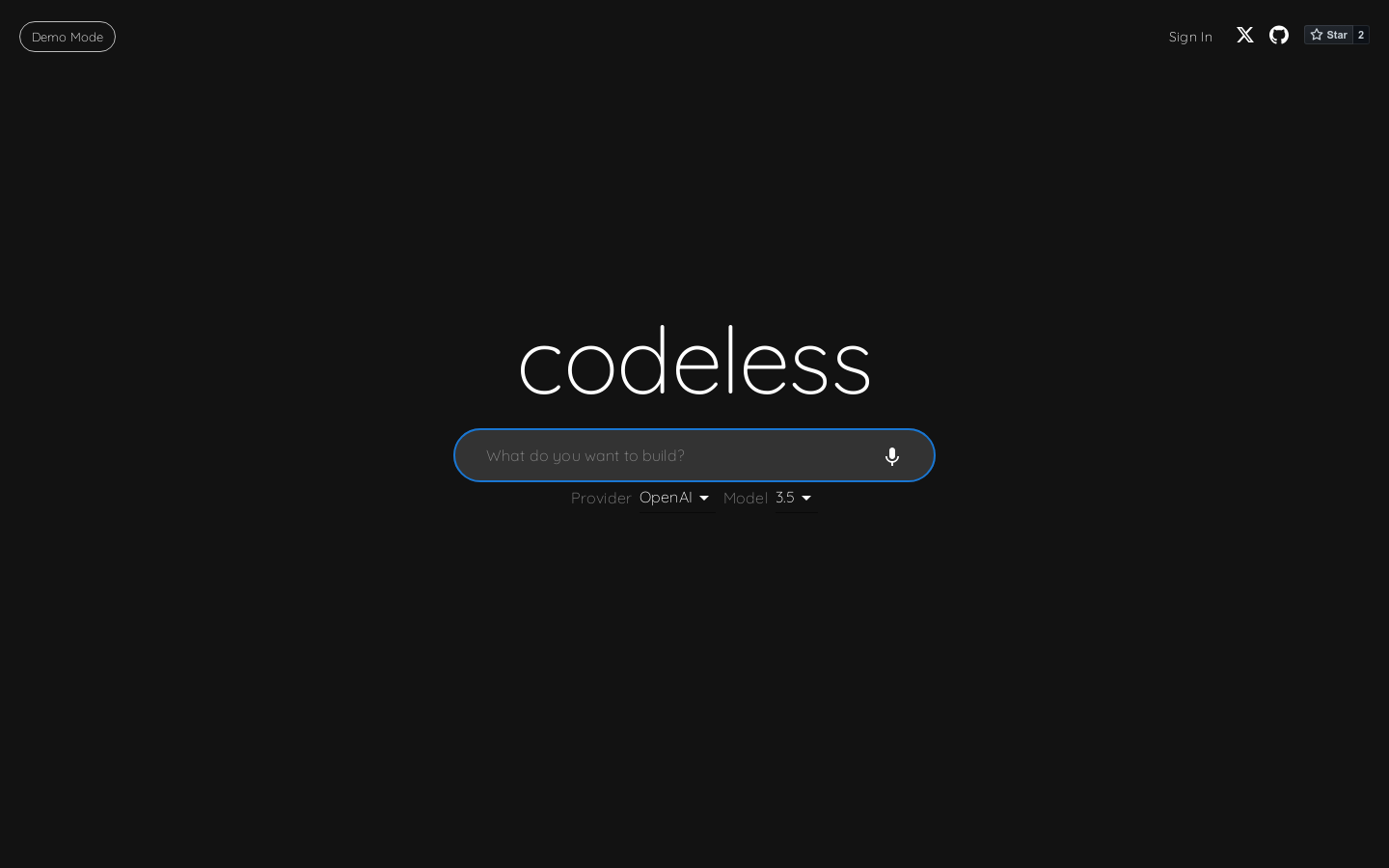
Screenshot archived from the listing page, for preview only.











