
CodeX
Cloud AI code editorAI code editor in the cloud
Highlights
What you can do with it
- Write and test code without a local setup
- Convert a script from JavaScript to Python
- Get a plain language explanation of unfamiliar code
How to use it
- 1 Open the CodeX site and register.
- 2 Pick the programming language you need.
- 3 Type code and accept or ignore suggestions.
- 4 Use conversion or explanation tools as needed.
Who it is for
Pros
- No local install needed
- AI suggestions speed up repetitive typing
- Conversion and explanation help when reading new code
Limitations
- AI suggestions need review and can be wrong
- Pricing is not published, so cost is unclear
- A cloud IDE needs a stable connection and sends your code to a server
What CodeX is
CodeX is a cloud based code editor with AI features built in. You open it in a browser, pick a language, and start typing, with intelligent completion suggesting code as you go. Beyond completion it offers natural language help, plain explanations of unfamiliar code, syntax highlighting, and conversion between languages such as JavaScript and Python. Python, JavaScript, TypeScript, and Java are supported. A free trial is offered, but the site does not publish final pricing, so cost is something you would need to confirm directly.
What you can do with it
- Write and run code without installing a local toolchain.
- Accept or ignore AI suggestions as you type.
- Convert a snippet from one language to another.
- Ask for an explanation of code you did not write.
Who it is for
- Developers who move between machines and want one environment.
- Learners who want to start coding without a setup afternoon.
- Anyone porting a script between two languages.
What to watch out for
AI code suggestions are drafts, not verified answers, and they can be subtly wrong, so review everything before committing it. Because the editor runs in the cloud, your source code travels to someone else's server, which matters for proprietary or client work, and it needs a stable internet connection. Pricing is not published in the listing, so budget accordingly. As with any hosted IDE, keep your own backups rather than treating the platform as your only copy. Features and interface details may change between versions, so review the latest notes on the page before you start. For team use, agree on naming and editing conventions in advance to avoid version conflicts or duplicated work.
FAQ
Is there a free trial?
The description says a free trial is available, though final pricing is not stated.
Which languages are supported?
Python, JavaScript, TypeScript, and Java are named in the feature list.
Can it convert code between languages?
Yes. It supports conversion between languages such as JavaScript and Python while aiming to preserve logic.
Why it is free
What the official page says: free trial
Free limits, trial length and features are decided by the official site and can change at any time.
Product preview
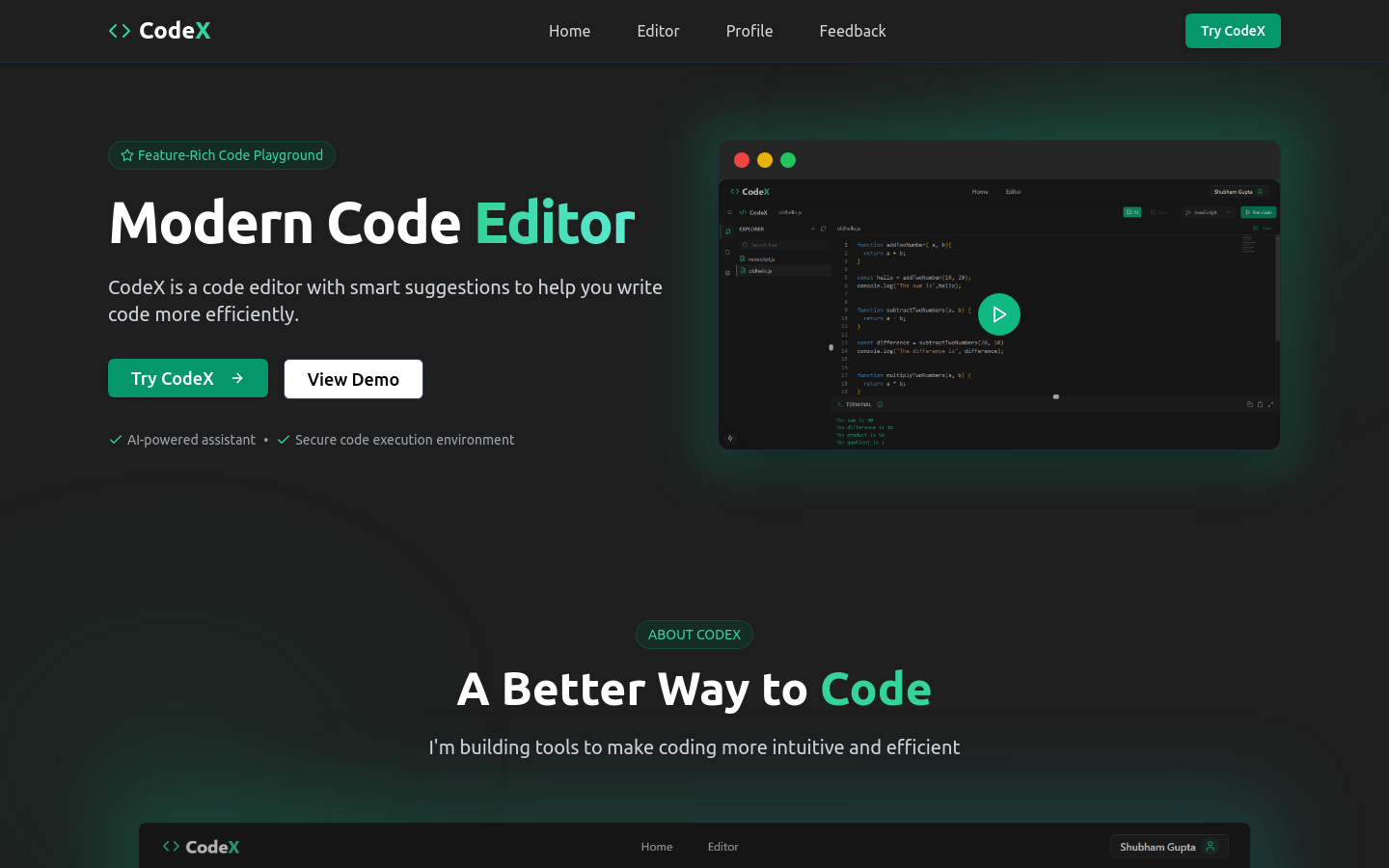
Screenshot archived from the listing page, for preview only.











