
ComfyUI
Open-source node-based AI workflowsBuild AI image, video, and audio flows
Highlights
What you can do with it
- Build a repeatable image generation pipeline with fixed settings.
- Chain several generation and editing steps into one workflow.
- Experiment with a graph and iterate using the live preview.
How to use it
- 1 Open ComfyUI and start a new workflow on the canvas.
- 2 Add nodes for the model, the prompt, and the output you want.
- 3 Connect them into a graph.
- 4 Run the workflow and watch the real-time preview.
- 5 Save it; generated files carry metadata so the workflow can be loaded again.
Who it is for
Pros
- Full control: you decide each step instead of accepting a fixed pipeline.
- Workflows are reusable, which saves setup time on repeat jobs.
- Free and open source, so there is no subscription and the code is open to inspect.
Limitations
- Node graphs have a learning curve; this is not a one-click tool.
- Running models needs capable hardware, and cloud compute time is a cost you carry.
- Open-source development moves fast, so nodes and saved workflows can break between updates.
What ComfyUI is
ComfyUI is an open-source, node-based application for generative AI. Rather than giving you one prompt box, it lets you build a workflow on a canvas by connecting nodes, and that graph is what produces images, video, and audio. The appeal is control: you decide each step of the pipeline instead of accepting whatever a fixed interface does. Workflows are reusable, because generated files carry the metadata needed to load them again. A real-time preview shows results as they appear, which makes iteration quicker. The software is free and open source with no subscription and no hidden cost, and the project keeps moving, with recent updates such as Comfy Cloud entering public beta.
What you can do with it
- Build a generation pipeline node by node on a canvas.
- Reuse a saved workflow across projects thanks to embedded metadata.
- Watch results in a real-time preview and adjust as you go.
- Combine several generation and processing steps into one graph.
Who it is for
- People who want control over every stage of generation rather than a preset.
- Users who run the same pipeline repeatedly and want to save the setup.
- Experimenters who are comfortable with a technical, graph-driven interface.
What to watch out for
ComfyUI is not a one-click tool. Building and debugging a node graph takes time, and the learning curve is real if you have not used visual programming before. Running models locally needs capable hardware, and if you use a cloud service the compute time is a cost you carry yourself. Because the project is open source and updates often, custom nodes and saved workflows can break after an upgrade, and cloud features still in public beta can change or start charging. Keep backups of the workflows that matter.
FAQ
What is ComfyUI?
An open-source, node-based generative AI application for building workflows that produce images, video, and audio.
Is it free?
Yes. It is free and open-source software with no subscription and no hidden cost.
Can I reuse a workflow?
Yes. Generated files contain metadata, so a workflow can be loaded again later.
Why it is free
What the official page says: 完全免费免费
Free limits, trial length and features are decided by the official site and can change at any time.
Product preview
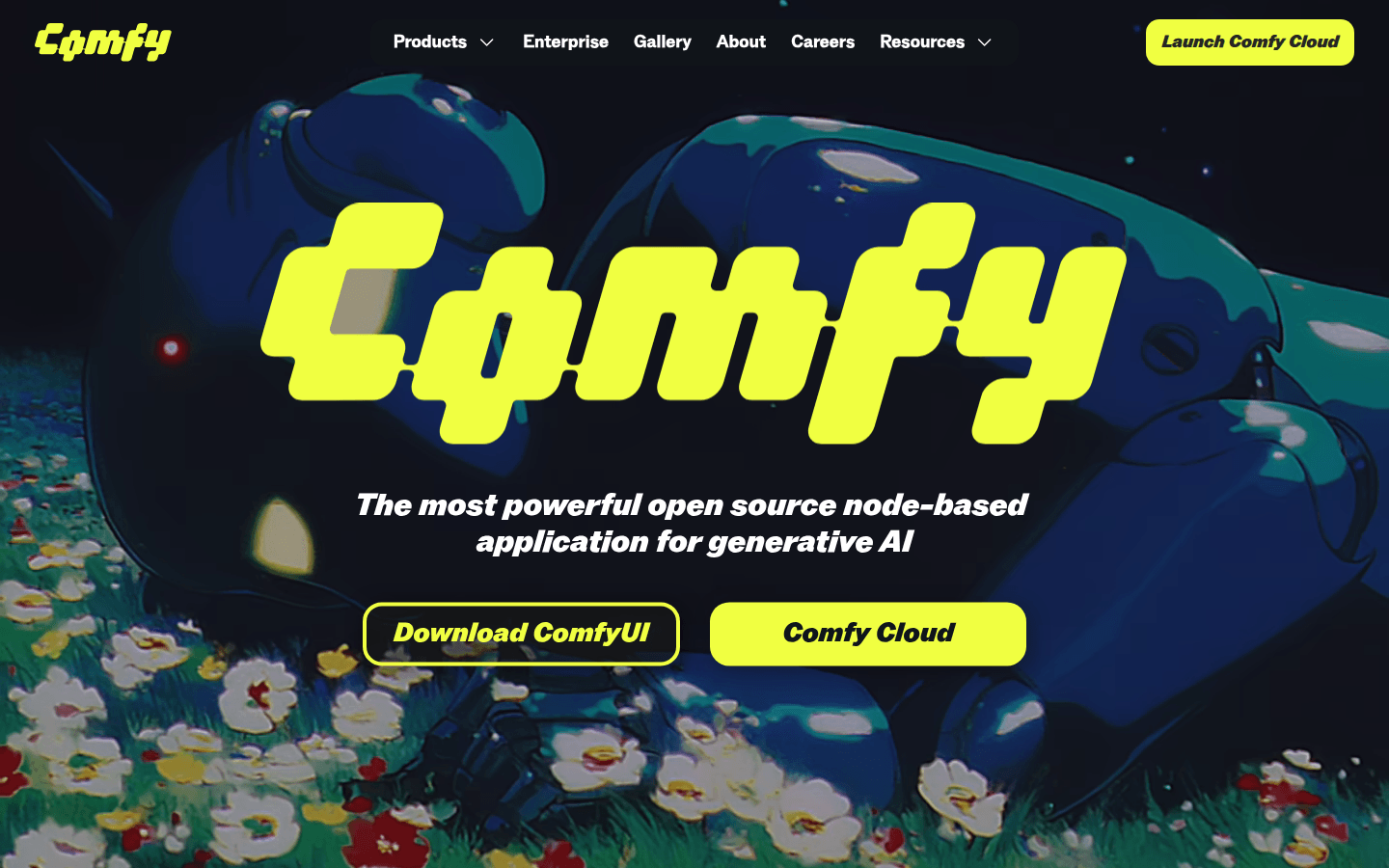
Screenshot archived from the listing page, for preview only.