
Command Code
AI coding agent that learns your coding styleAn AI agent that codes the way you do
Highlights
What you can do with it
- A developer asks for a fetch utility and gets a file in the right place and style
- A team syncs coding conventions through shared sessions
- A developer builds a small command line tool from one instruction
How to use it
- 1 Install Command Code globally from the command line
- 2 Open the tool through its interface or CLI
- 3 Accept, reject, and edit suggestions so it learns your style
- 4 Describe the code you want in plain instructions
- 5 Use team sync commands to share styles with teammates
Who it is for
Pros
- Style learning is the differentiator, not an add on
- Several execution modes fit different workflows
- Built in tools reduce context switching
- Team sharing keeps conventions aligned
Limitations
- The speed and error reduction figures are vendor claims
- Free quota is described as a limited credit range, so cost adds up
- Learning your style takes time and steady use
- Generated code still needs review before it ships
What Command Code is
Command Code is an AI coding agent powered by the taste 1 model. Most AI coding tools produce code that works but looks nothing like yours, and this product is built specifically around that gap. It watches every accept, reject, and edit you make and converts those decisions into project level skills, so suggestions drift toward your own habits instead of a generic house style. It runs in an interactive CLI as well as headless, yolo, and background sandbox modes, and it includes file operations, shell execution, and search so you stay in one place.
What you can do with it
- Let the agent learn your style from your own accept and edit behavior
- Describe a task in plain language and get a file created in the right location
- Run in CLI, headless, yolo, or sandbox mode depending on the job
- Use built in file, shell, and search tools without leaving the tool
- Keep custom agents and persistent memory between sessions
- Share sessions and sync coding styles across a team
- Get design pattern suggestions for interface projects in one command
Who it is for
- Professional developers who care deeply about code style
- Teams that want consistent conventions across members
- Newer developers who have not settled on a style yet and want a reference
- Developers working across several repositories at once
What to watch out for
The headline numbers about writing speed, review speed, and error reduction are vendor claims and should be treated as marketing rather than measured results. The free quota is described as a limited credit range, so heavy use will cost money and you should check current pricing before relying on it. Style learning needs consistent use over time, and early suggestions will still feel generic. Generated code always needs a human review before it reaches production, especially in a team codebase where conventions and review standards matter.
FAQ
What is Command Code?
An AI coding agent powered by the taste 1 model that learns a developer's coding style.
How does it learn my style?
It treats your accept, reject, and edit actions as input and turns them into project level skills.
What modes does it support?
Interactive CLI, headless, yolo, and a background sandbox mode.
Can teams use it together?
Yes, team members can share sessions and sync coding styles and skills.
Why it is free
What the official page says: free trial
Free limits, trial length and features are decided by the official site and can change at any time.
Product preview
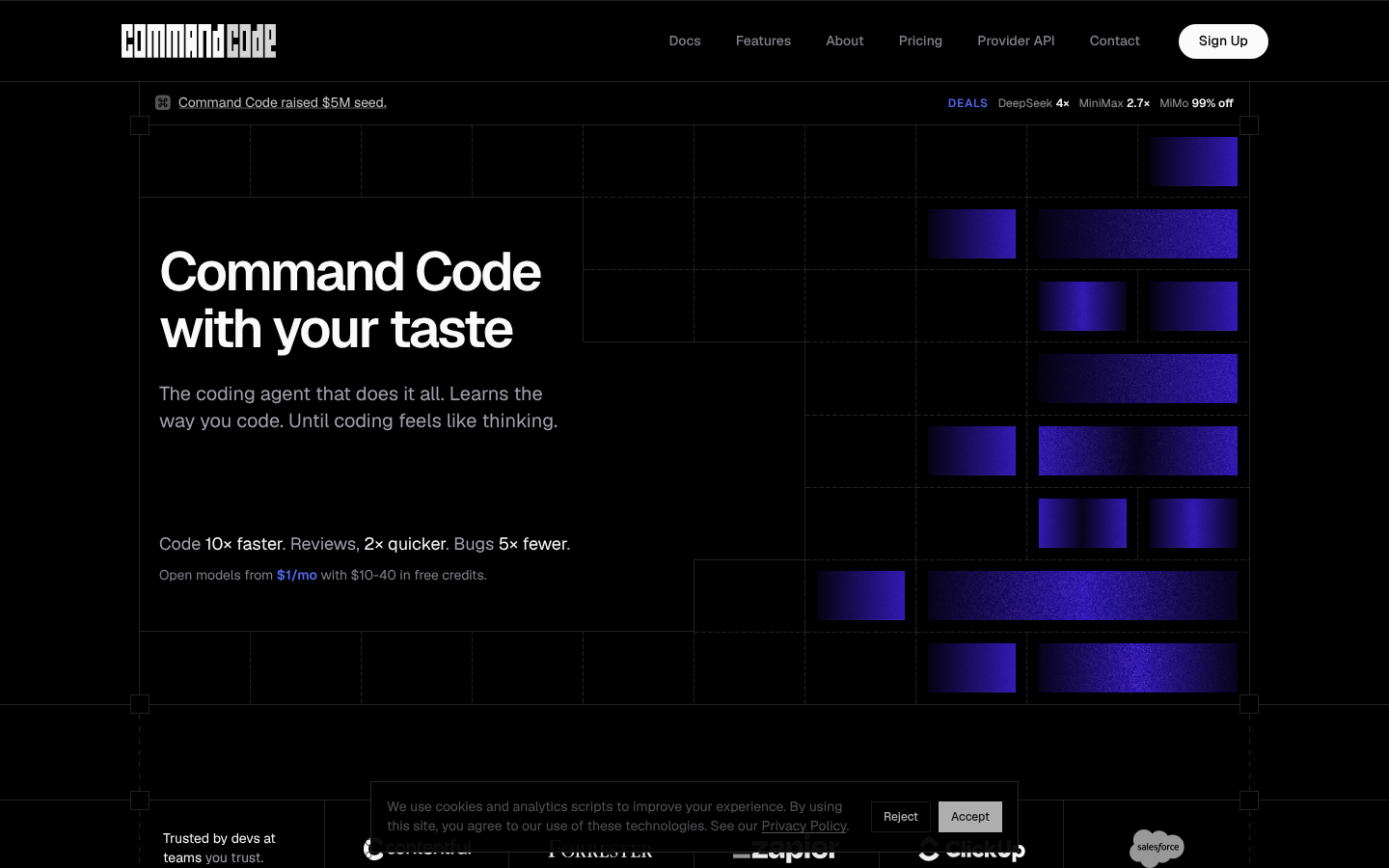
Screenshot archived from the listing page, for preview only.











