
Complice AI
ChatGPT app for iOSNative ChatGPT app for iOS and macOS
Highlights
What you can do with it
- Ask questions and get answers on an iPhone or Mac
- Draft content and writing with AI assistance
- Use voice input instead of typing
How to use it
- 1 Download Complice AI from the iOS or macOS app source
- 2 Start the week long free trial
- 3 Pick a tool or plugin for your task
- 4 Type or speak your request and review the answer
- 5 Choose a weekly or monthly plan if you keep using it
Who it is for
Pros
- Built for iOS and macOS rather than a web page
- Week long free trial before paying
- No registration and no ads
- Voice input and lock screen widget
Limitations
- After the trial it is a paid subscription at 4.99 dollars a month or 1.99 dollars a week
- The source does not explain how the no registration model handles accounts
- Focused on Apple devices, so Android and Windows users are left out
- The free trial length is fixed, so longer testing needs a paid plan
What Complice AI is
Complice AI is a native ChatGPT app for iOS and macOS. Instead of opening a browser, you get a desktop and mobile client that bundles more than 10 AI tools and plugins for answering questions, creating content, and writing. The site says it runs on the latest GPT model and that privacy is a priority: no registration is required and there are no ads. It supports voice interaction, keeps your chat history, and adds a lock screen widget for fast access from the phone or tablet screen. A week long free trial is offered, and the site lists a monthly subscription at 4.99 dollars or a weekly one at 1.99 dollars afterwards.
What you can do with it
- Ask questions and get answers inside a native app
- Generate creative content and use AI writing tools
- Talk to the assistant with voice interaction
- Reopen past conversations from your chat history
- Launch a prompt straight from the lock screen widget
Who it is for
- iPhone, iPad, and Mac users who want ChatGPT in a native client
- Writers, students, and professionals who work on Apple devices
- Anyone who prefers speaking a request over typing it
- People who want AI help without opening a browser tab
What to watch out for
The free trial lasts one week, and after that Complice AI is a paid subscription at 4.99 dollars a month or 1.99 dollars a week according to the site, so budget for it if you plan to keep using it. The app only covers iOS and macOS, so Android and Windows users are not served and would need a different client. The site says no registration is needed, but it does not explain how your history and settings are stored, so read the privacy details before you put sensitive material into a chat. Trial terms and prices can change at any time, so check the app listing for the current offer before you download.
FAQ
Is Complice AI free?
It offers a week long free trial. After that the site lists 4.99 dollars a month or 1.99 dollars a week.
Do I need to register?
The site says no registration is required and the app has no ads.
Which devices does it support?
It is a native app for iOS and macOS.
What can I do with it?
You can ask questions, generate content, write with AI tools, use voice, and keep chat history.
Why it is free
What the official page says: no registrationfree trial
Free limits, trial length and features are decided by the official site and can change at any time.
Product preview
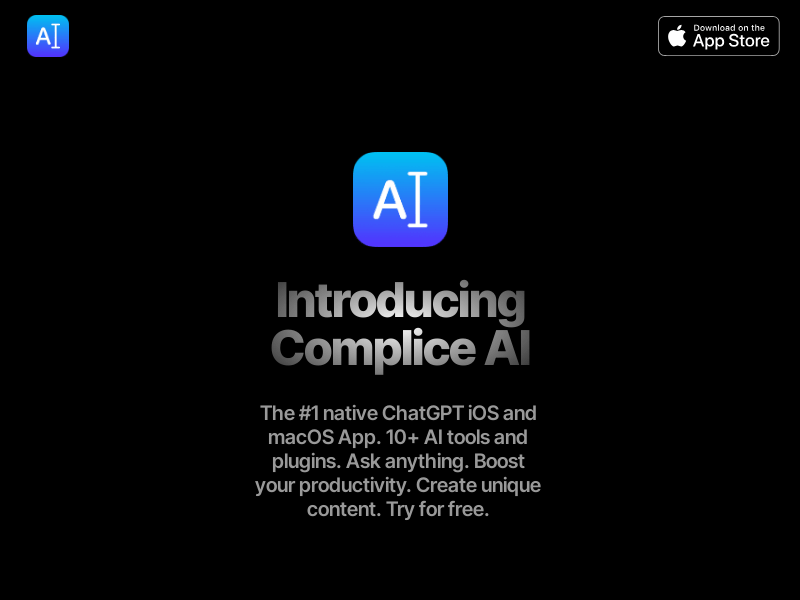
Screenshot archived from the listing page, for preview only.











