Convly AI Image
Free image-to-prompt generatorTurn any image into a detailed prompt
Highlights
What you can do with it
- An illustrator extracts prompts from a favorite AI illustration and rebuilds the style.
- A game developer reads a scene image and generates matching assets in Midjourney.
- A blogger turns an appealing poster into prompts for consistent promo art.
How to use it
- 1 Open convly.ai/image-to-prompt.
- 2 Upload by drag, paste, or the upload button.
- 3 Wait a few seconds for the visual model to analyze.
- 4 Read the prompts, style breakdown, and parameters.
- 5 Copy the results or reset and upload another image.
Who it is for
Pros
- Free and registration-free, with results in seconds.
- Output covers prompts, negative prompts, style, and parameters.
- Simple reset flow for repeated experiments.
Limitations
- Free access and upload limits could change without notice.
- Analysis depends on the upstream visual model, so quality varies by image.
- Prompts are a starting point; you still need to tune them in your own tool.
What Convly AI Image is
Convly's image-to-prompt generator is a free, registration-free web tool that reads a picture and writes the prompt behind it. You upload a PNG, JPG, or WEBP file up to 6MB, and a visual model analyzes the image, then returns detailed prompts, negative prompts, a style breakdown, and parameter settings for Midjourney and Stable Diffusion. The whole process usually takes a few seconds, and you can copy the text straight into your own generation tool or reset and try another image. It exists to remove guesswork when you want to reproduce an effect you like.
What you can do with it
- Upload an image and get detailed text prompts back.
- Read a style breakdown to understand what makes the look work.
- Copy parameter settings written for Midjourney and Stable Diffusion.
- Reset and re-run the analysis on another image.
Who it is for
- AI image enthusiasts who want to learn how prompts are built.
- Designers who need to analyze style, color, and composition.
- Content creators who turn visuals into written direction.
What to watch out for
The output is a starting point, not a finished recipe; you will usually tune the prompt in your own tool. Quality depends on the upstream visual model and on how clear the uploaded image is, so busy or low-resolution pictures give weaker results. Free access and the 6MB cap may change. Prompts extracted from another artist's work can describe a style, but you still need to respect the rights and terms that apply to your own use. For best results, start with a small test file and review the output carefully before working on anything important.
FAQ
What formats and sizes can I upload?
PNG, JPG, or WEBP files up to 6MB.
Do I need an account?
No registration is required; you can analyze images directly in the browser.
Which tools do the parameters target?
The settings are written for Midjourney and Stable Diffusion.
Why it is free
What the official page says: no registrationcompletely free
Free limits, trial length and features are decided by the official site and can change at any time.
Product preview
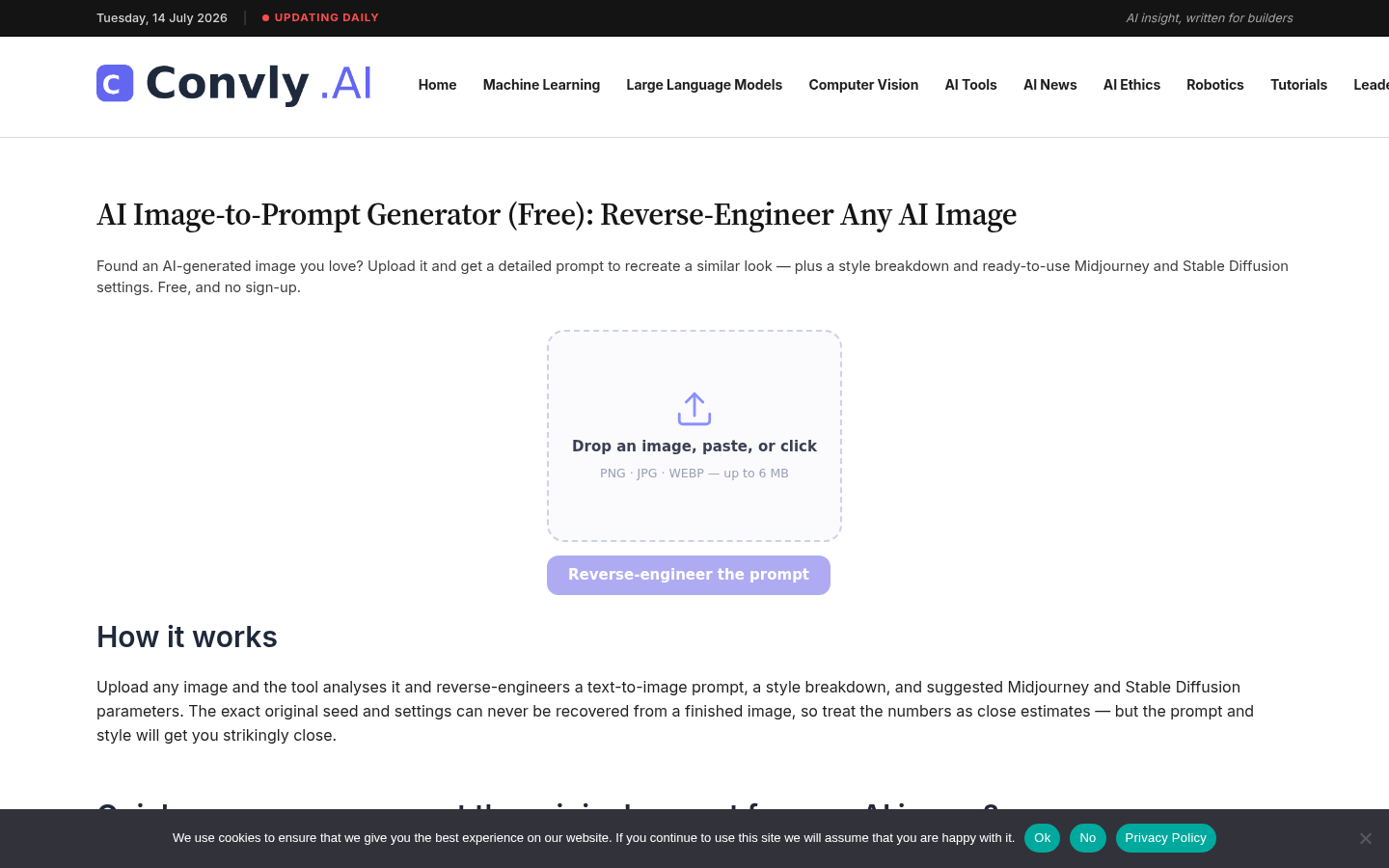
Screenshot archived from the listing page, for preview only.











