
Cook Now
Personalized recipe app for your taste and dietRecipes matched to your dietary needs and preferences
Highlights
What you can do with it
- Daily meal choices become easier with personalized recipe recommendations
- Users who need a gluten-free diet find suitable recipes
- Home cooks explore vegetarian options that match their taste
How to use it
- 1 Open the Cook Now app
- 2 Set your taste preferences and dietary needs
- 3 Browse the personalized recipe recommendations
- 4 Adjust ingredients and ratios to suit your kitchen
- 5 Cook the dish and save the recipes you like
Who it is for
Pros
- Personalization that accounts for dietary needs
- Recipes can be adjusted to your taste
- Free version available to start
Limitations
- The free version is limited compared with the basic paid plan
- Recommendations depend on the accuracy of your preference inputs
- It handles recipe suggestions rather than nutrition advice
- App features and pricing can change as the product updates
What Cook Now is
Cook Now is a personalized recipe app that recommends dishes based on your taste and dietary needs. Instead of scrolling through generic lists, you get suggestions shaped by your preferences, including diets such as gluten-free, vegetarian, and vegan. The app lets you adjust ingredients and ratios in recipes so they fit your kitchen and your palate, and it aims to save time on meal planning. It turns the daily question of what to cook into a shorter, more personal decision. Cook Now offers a free version plus a basic paid plan, so you can start with the free option and upgrade if you want more.
What you can do with it
- Get recipe recommendations based on your preferences
- Follow gluten-free, vegetarian, or vegan options
- Adjust ingredients and ratios to suit your taste
- Plan meals with less time and effort
Who it is for
- People who struggle with daily meal decisions
- Users with dietary restrictions such as gluten-free or vegan diets
- Home cooks who want to explore new recipes
What to watch out for
The free version is limited compared with the basic paid plan, so regular users may need to upgrade for full access. Recommendations depend on the preferences and dietary information you provide, so keeping those details accurate improves results. As a food app, it handles recipe suggestions rather than nutrition advice, and people with medical dietary needs should consult a professional. App features and pricing can change as the product updates. Name and archive exported files consistently so you can find and reuse them, and keep a backup copy of key data. When quality matters, export a small draft first to confirm the result before producing the final file.
FAQ
Is Cook Now free?
There is a free version, plus a basic paid plan.
Does it support special diets?
Yes. It covers gluten-free, vegetarian, and vegan options.
Can I change recipes?
Yes. You can adjust ingredients and ratios to match your taste.
Why it is free
What the official page says: free version
Free limits, trial length and features are decided by the official site and can change at any time.
Product preview
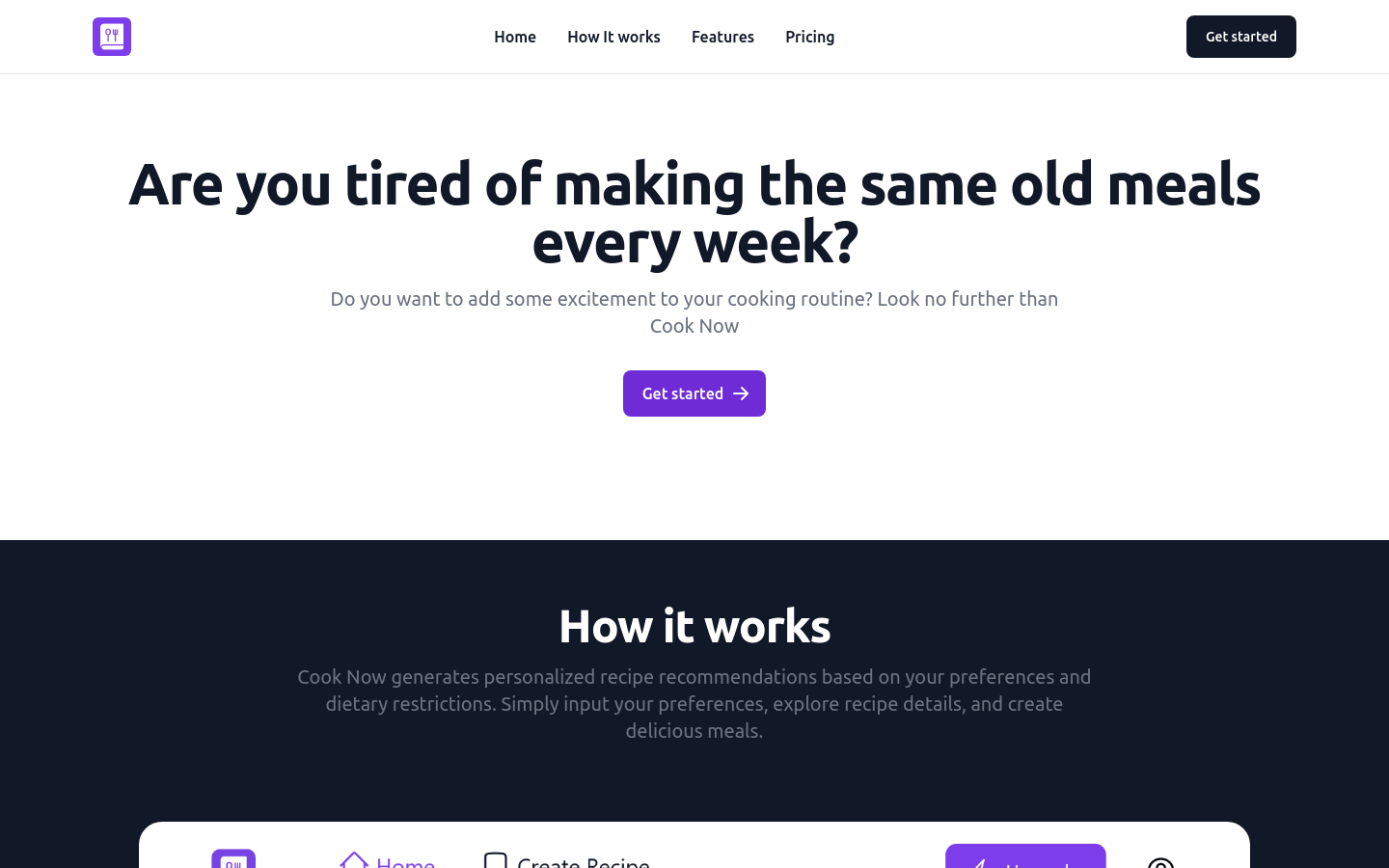
Screenshot archived from the listing page, for preview only.











