
Coolo AI
Free AI vocal remover and stem splitterRemove vocals, split instruments, free online
Highlights
What you can do with it
- Producers separate a track into stems for a remix
- DJs detect BPM to line up smooth transitions
- Teachers split instruments to show students song structure
How to use it
- 1 Visit coolo.ai and choose a feature.
- 2 Upload your audio file.
- 3 Click process and wait for the AI to finish.
- 4 Download the processed, lossless audio.
Who it is for
Pros
- Completely free with no stated usage limits
- Vocal removal and multi-instrument separation
- BPM, pitch, noise, and reverb tools in one place
- Runs in the browser with lossless output
Limitations
- Free access and features can change over time
- Separation quality depends on the source recording
- Splitting copyrighted songs can raise licensing issues
- Complex mixes may leave artifacts in the stems
What Coolo AI is
Coolo AI is a free online audio tool focused on splitting and cleaning music. Its best-known job is vocal removal: you upload a song and it produces a karaoke-style instrumental track. It goes further than that, though, and can separate individual instruments such as drums, bass, and guitar, and split lead vocals from backing vocals, which is useful for remixing and for studying how a song is built. It also removes background noise and reverb or echo, and it detects a track's BPM and pitch. Everything runs in the browser, supports several audio formats, and outputs high-quality lossless files. The whole tool is free, with no usage limits stated, which makes it easy to try on a single track or a whole batch.
What you can do with it
- Remove vocals to create a karaoke or instrumental track.
- Separate drums, bass, guitar, and other instrument stems.
- Split lead vocals from backing vocals for mixing.
- Detect BPM and pitch, and clean noise, reverb, and echo.
Who it is for
- Music producers who need stems for remixes.
- DJs who check BPM to line up smooth transitions.
- Teachers who show students the structure of a song.
- Karaoke fans who want instrumental versions to sing along.
What to watch out for
The tool is free now, but free access and the feature set can change over time, so confirm current limits before you build a routine on it. Separation quality depends heavily on the source recording, and dense or heavily produced mixes can leave artifacts or bleed between stems, so results are not always studio-clean. Splitting a copyrighted song and reusing the stems can raise licensing issues, so use it on music you own or have the right to edit, and respect copyright when you publish. Always check the output before you rely on a stem for a live set or a release.
FAQ
Is Coolo AI free?
Yes, the tool is described as completely free with no usage limits.
What can it separate?
It removes vocals and separates instruments like drums, bass, and guitar, and splits lead from backing vocals.
Does it do more than split audio?
Yes, it also detects BPM and pitch, removes background noise, and removes reverb and echo.
Do I need to install anything?
No. It runs in the browser and outputs high-quality lossless files.
Why it is free
What the official page says: completely free
Free limits, trial length and features are decided by the official site and can change at any time.
Product preview
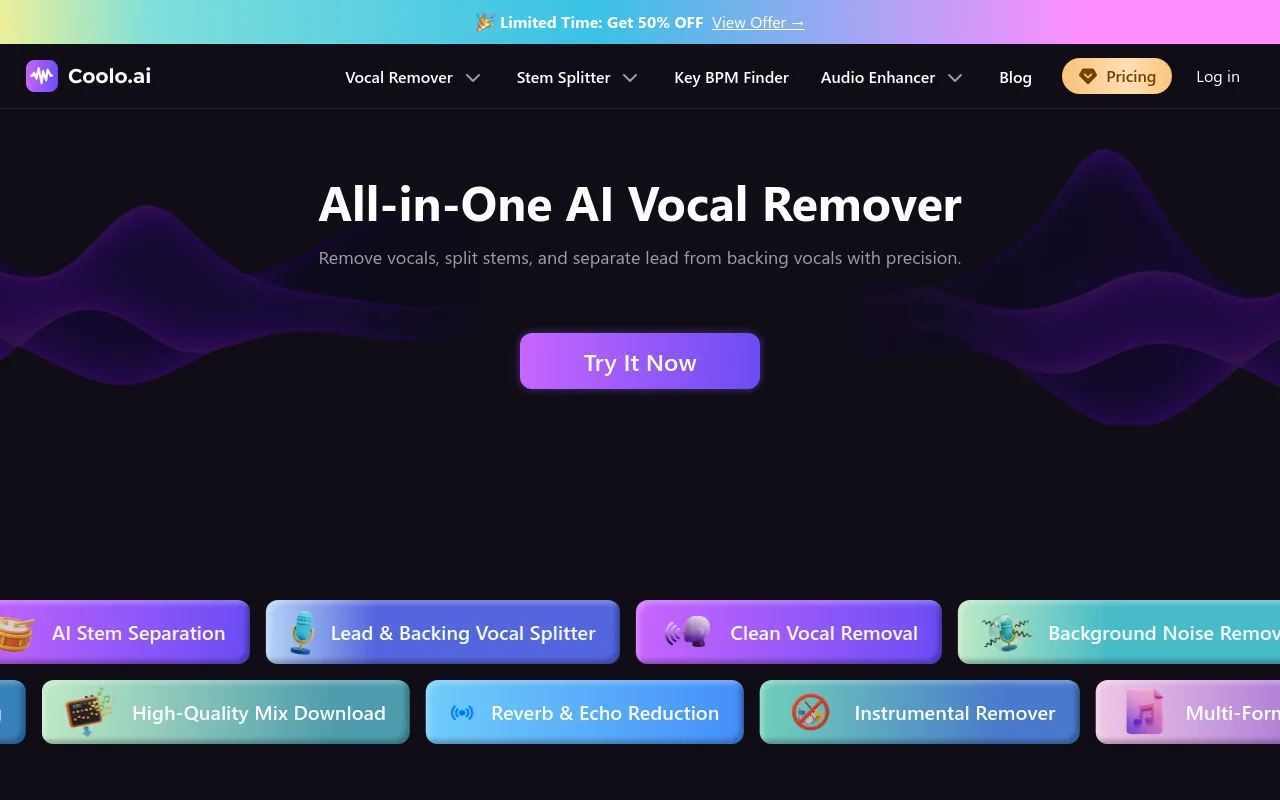
Screenshot archived from the listing page, for preview only.










