
Copilot for Obsidian
Free open-source ChatGPT plugin for ObsidianChat with your notes and knowledge base inside Obsidian
Highlights
What you can do with it
- Summarizing, translating, or fixing grammar in notes with Copilot commands
- Asking questions of the whole vault and getting grounded answers
- Chatting offline with a local model to keep notes private
How to use it
- 1 Install the Copilot for Obsidian plugin
- 2 Add your own API key for the model you want to use
- 3 Open the Copilot panel next to a note
- 4 Run a command such as summarize, translate, or correct grammar
- 5 Copy the answer as Markdown or save the chat as a note
Who it is for
Pros
- Open source and free to install
- Works offline with local models and local vector storage
- Broad model choice through one interface
- Saves conversations straight into your notes as Markdown
Limitations
- You supply your own API key, so cloud model usage is billed by the provider
- Local models need a capable machine and setup time
- Plugin behaviour depends on Obsidian updates and API stability
- Free status refers to the plugin, not to the models behind it
What Copilot for Obsidian is
Copilot for Obsidian is a free and open-source ChatGPT interface packaged as an Obsidian plugin. It lives inside the note app with a minimal design, so you can ask for help without leaving the document you are working on. You bring your own API key instead of creating yet another account, and the plugin supports several model families, including OpenAI, Azure, Google, Claude 3, OpenRouter, and local models. One-click Markdown copying and saving an entire conversation as a note keep the output inside your vault. The listing also describes local vector storage and local model support, which means the plugin can run offline and keep your notes on your own machine.
What you can do with it
- Summarize, translate, or correct grammar in a note using Copilot commands
- Ask questions across your whole knowledge base instead of one file
- Copy answers as Markdown or save a full conversation as a new note
- Run everything locally with a local model for offline, private use
Who it is for
- Obsidian users with a large vault they actually query
- Privacy-minded people who would rather not ship notes to a hosted service
- Writers and researchers who live inside their notes all day
What to watch out for
The plugin is free, but cloud models are not. If you use an API key, usage is billed by the model provider and the cost is yours to watch. Local models avoid that but need a capable machine plus setup time, and they are usually weaker than hosted ones. Because it is a plugin, behaviour depends on Obsidian updates and the stability of the plugin API. Finally, answers grounded in your vault are only as good as your notes, so check anything you did not write yourself.
FAQ
Is Copilot for Obsidian free?
The plugin is described as free and open source. You still pay for cloud model usage if you use an API key.
Can I use it offline?
Yes. The listing mentions local vector storage and local model support for offline question answering.
Which models are supported?
OpenAI, Azure, Google, Claude 3, OpenRouter, and local models are named.
Can it answer questions about my notes?
Yes, it supports question answering across the whole knowledge base, not just the open note.
Why it is free
What the official page says: 免费
Free limits, trial length and features are decided by the official site and can change at any time.
Product preview
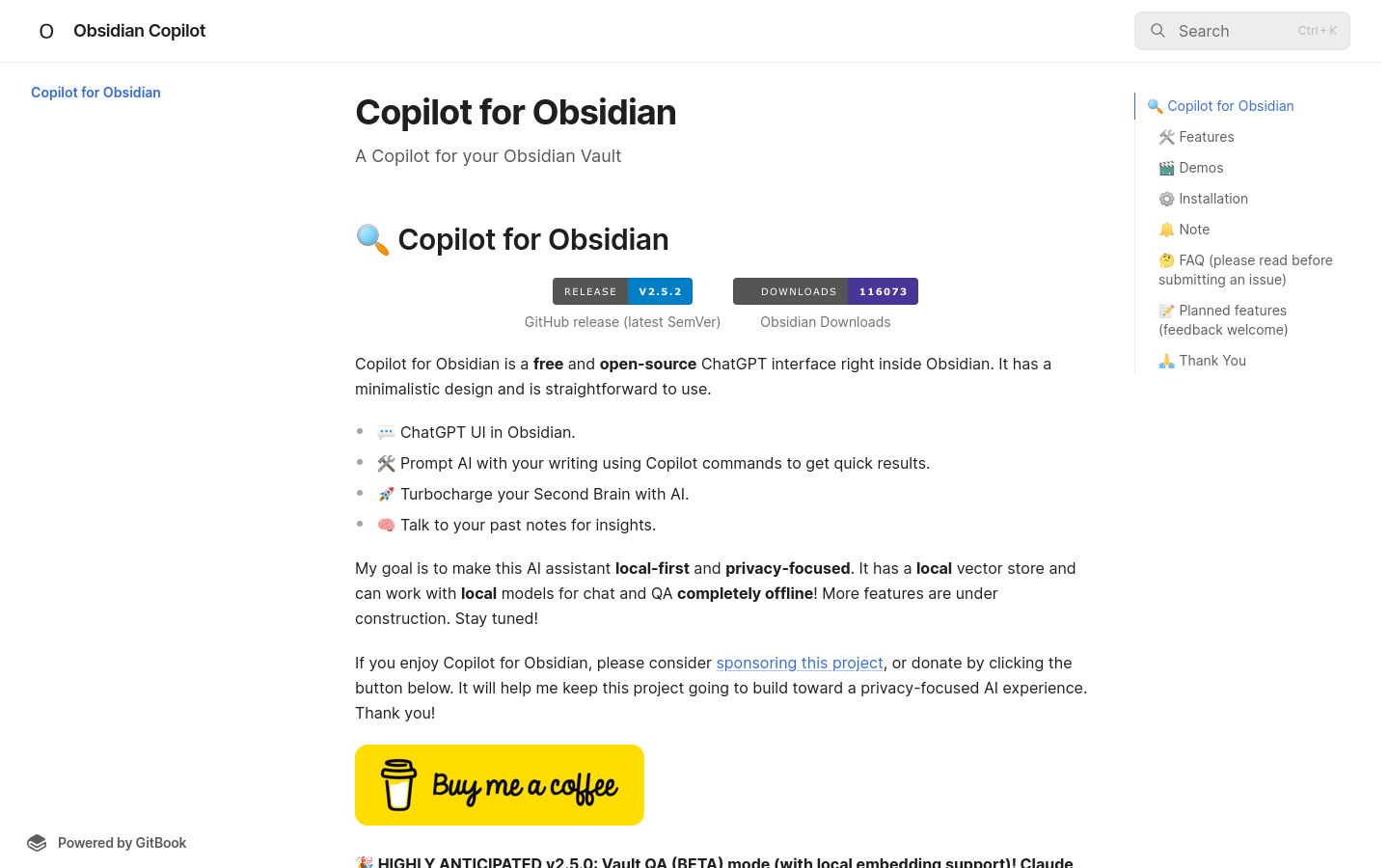
Screenshot archived from the listing page, for preview only.











