
creaition
Visual AI design workflow toolExplore design variations with AI
Highlights
What you can do with it
- Designers generate a series of brand-consistent packaging designs
- Creative teams produce unique marketing visuals through fusion
- Product teams explore new design possibilities for a product line
How to use it
- 1 Visit creaition and create an account.
- 2 Select the Lite version for a free trial of the basics.
- 3 Browse inspiration and choose a starting point for your design.
- 4 Explore variations, then blend elements to create a new design.
- 5 Save each iteration to track your creative progress.
Who it is for
Pros
- Free Lite version lets you try the visual workflow
- One-click variations speed up exploration
- Brand model training helps keep designs on-brand
Limitations
- Advanced features and brand training are offered as a paid service
- It is a visual design aid, not a replacement for design judgment
- AI-generated variations still need curation and refinement
What creaition is
creaition is a visual design tool that uses AI and a fully visual workflow to help you create designs without heavy manual work. It offers a free Lite version so you can try the process before committing to more. The workflow starts with inspiration: you pick a starting image and explore endless variations with a single click. Design elements can be combined through a drag-and-drop interface for seamless fusion, and each iteration can be saved to map your creative progress. For brands, creaition offers model training so that new designs fit an existing product line. It also supports precise detail work, letting you regenerate part of an image while keeping the rest of the design intact.
What you can do with it
- Start from curated inspiration and explore variations with one click
- Blend design elements through a drag-and-drop fusion interface
- Save iterations to map your creative progress over time
- Use brand model training to keep designs consistent with a product line
Who it is for
- Designers who need many variations of an idea in a short time
- Creative teams building marketing visuals and packaging
- Brands that want new designs consistent with an existing product line
What to watch out for
creaition's free Lite version covers the basics, while advanced features and brand model training are offered as a paid service, and the exact limits can change over time. It is a visual design aid, not a replacement for design judgment, so AI-generated variations still need curation, refinement and a human eye for what actually works. Results also depend on the starting material and the model, so outcomes can vary from project to project. Treat the tool as a way to explore more ideas faster, and confirm current feature access and pricing on the official site before you rely on it for client work.
FAQ
Is there a free version?
Yes, creaition offers a free Lite version so you can try the basic design workflow.
How does it help with branding?
It offers brand model training to generate designs that fit an existing product line.
What kind of workflow does it use?
It uses a fully visual workflow where you start from inspiration, explore variations and blend elements with drag-and-drop.
Why it is free
What the official page says: 免费试用免费
Free limits, trial length and features are decided by the official site and can change at any time.
Product preview
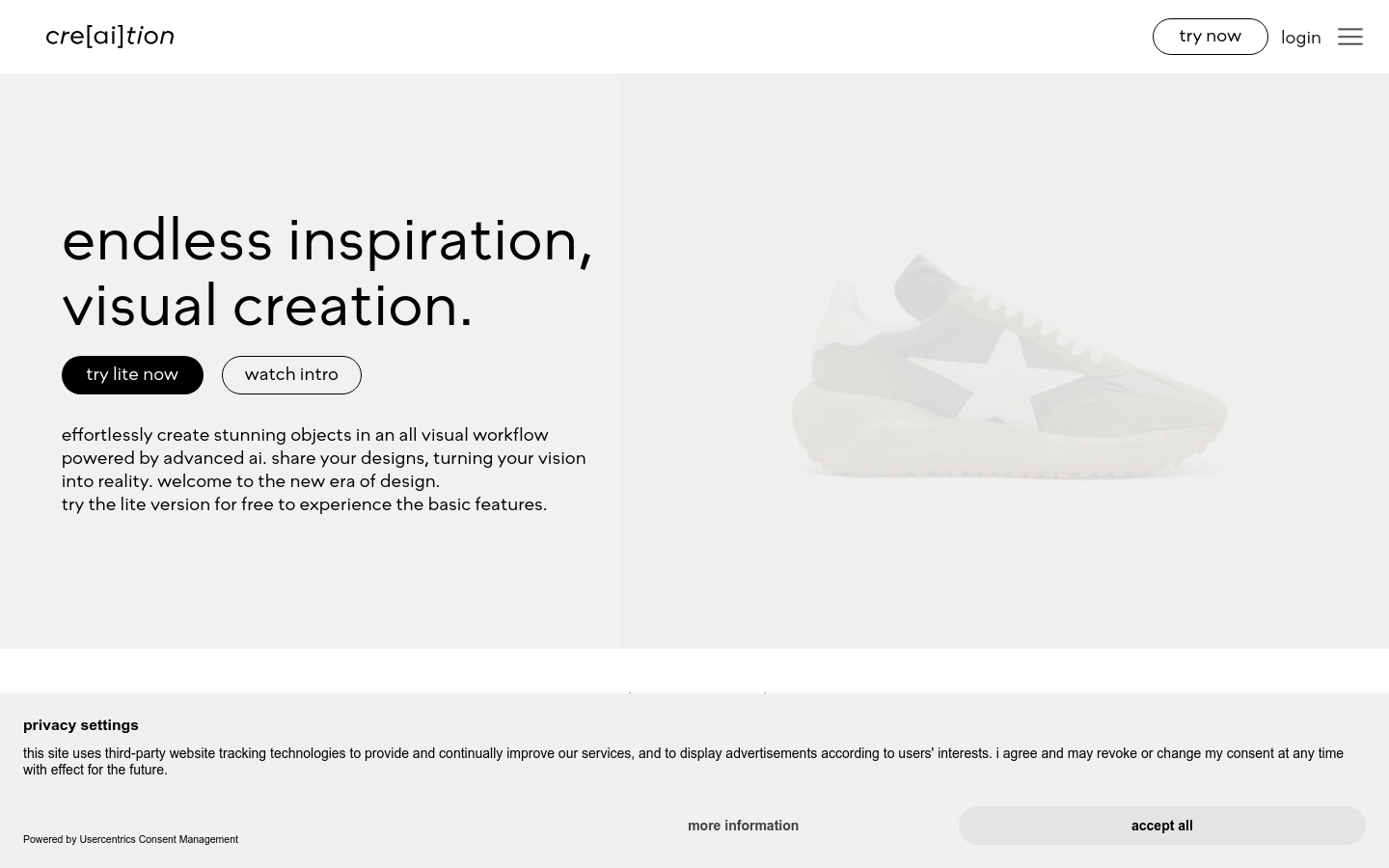
Screenshot archived from the listing page, for preview only.











