
Creatune AI
AI music generator with editing toolsTurn an idea into a finished song
Highlights
What you can do with it
- A video creator generates calm background music for a travel video.
- A podcast host creates a short opening theme to make the show recognisable.
- A game developer produces an adventurous score for a game level.
How to use it
- 1 Open the site and start free as a new user, or sign in.
- 2 Pick a function such as generate music or generate lyrics.
- 3 Describe the theme, style, and mood, and choose vocal or instrumental.
- 4 Click generate, then preview the track and regenerate or edit if needed.
- 5 Upgrade to a paid plan if you want full features or commercial use.
Who it is for
Pros
- No music theory or production background is required.
- Editing and stem tools sit next to generation in one place.
- A free quota lets you test output before paying.
Limitations
- Voice cloning is sensitive and only your own voice or clear permission is acceptable.
- The commercial use license is tied to the paid annual plan, not the free quota.
- The free quota is small, output quality varies by prompt, and plan terms can change.
What Creatune AI is
Creatune AI is an AI music generator that turns a theme, lyrics, or a short idea into a finished track. You describe the style and mood, choose whether you want vocals, and get a song with melody, arrangement, and production. Around that core it adds lyric writing, music video creation, editing tools such as adding tracks, removing vocals and splitting stems, track extension, cover versions, MIDI editing and conversion, and voice cloning. New accounts start with a free quota, more features unlock with payment, and the annual plan includes a commercial use license.
What you can do with it
- Generate a complete song from a description, lyrics, or a style prompt.
- Write lyrics when you are stuck on a theme.
- Edit the result by adding tracks, removing vocals, splitting stems, or extending the length.
- Make a music video or a cover version of a generated track.
Who it is for
- Video creators and podcasters who need background music quickly.
- Game developers who want style specific tracks for a scene.
- Musicians looking for a starting point or a second opinion on an idea.
What to watch out for
Voice cloning is the sensitive feature. Only clone a voice you own or have clear permission to use, since cloning someone else's voice without consent can break platform rules and the law, and any consequences fall on you. Generated tracks can resemble existing music, so check before commercial release, and note that the commercial license is tied to the paid annual plan rather than the free quota. The free quota is small, output quality varies by prompt, and prices and plan terms can change, so treat today's allowance as a snapshot.
FAQ
Do I need music skills to use it?
No. You describe what you want and the tool generates the track.
Can I use the music commercially?
The site says the commercial use license comes with the paid annual plan, so check the current terms before client work.
Is there a voice cloning feature?
Yes, but only clone a voice you own or have permission to use, since misuse can break platform rules and the law.
Why it is free
What the official page says: 免费额度免费
Free limits, trial length and features are decided by the official site and can change at any time.
Product preview
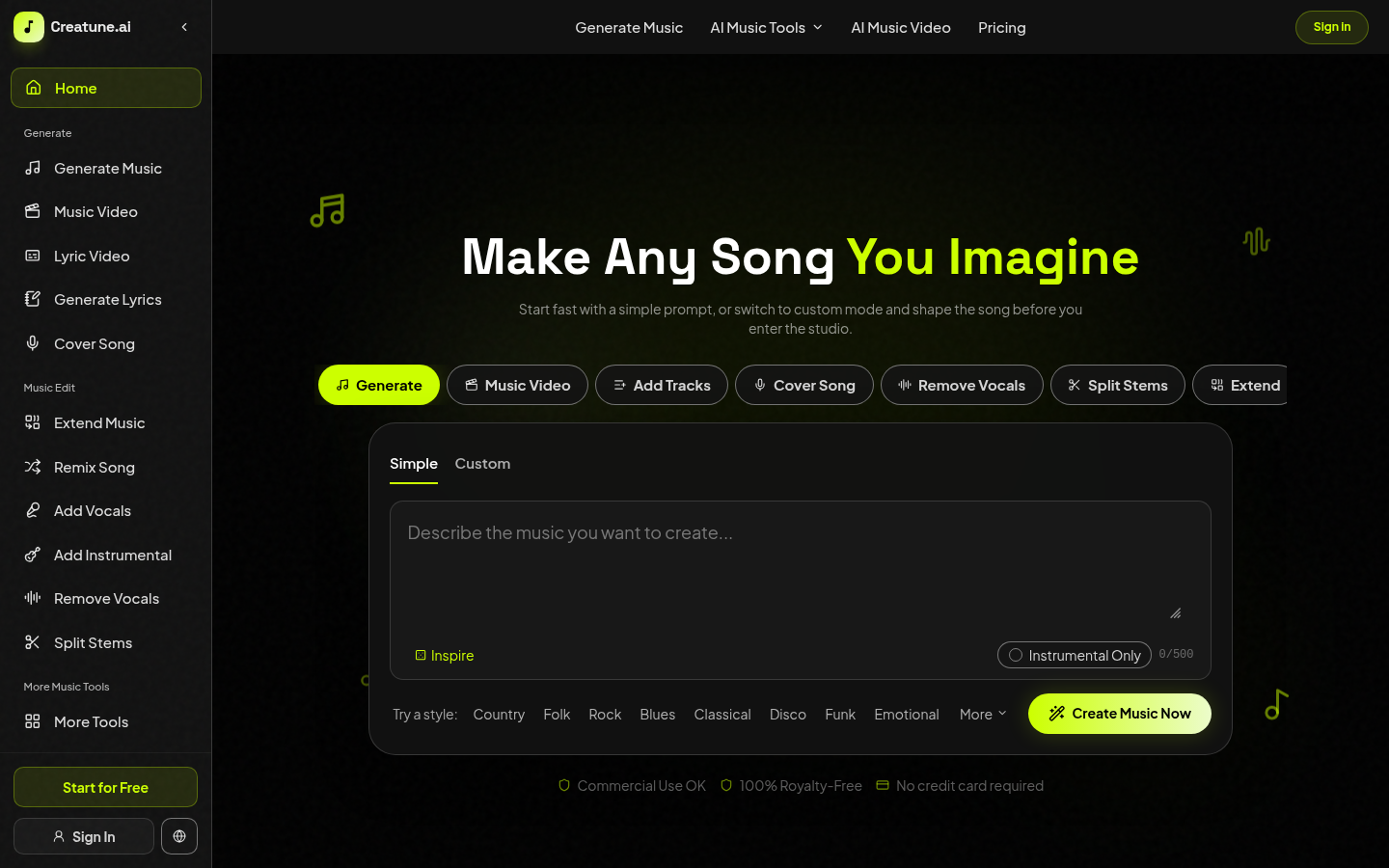
Screenshot archived from the listing page, for preview only.











