CTRLpotato
Real-time AI interview and coding co-pilotGet real-time answers during interviews and tests
Highlights
What you can do with it
- Capture a tough algorithm question in a technical interview and see the approach
- Add a hard exam question by text selection to get a hint and solve it
- Transcribe a cross-field promotion interview question and review the topic
How to use it
- 1 Download and install the CTRLpotato desktop client from its official website
- 2 Open the client and start with 10 free uses, no credit card needed
- 3 Capture the question by recording audio, taking a screenshot, or selecting text
- 4 Press the shortcut key to see a hint and then a detailed answer
- 5 Optionally mirror answers to your phone or upload your resume for tailored replies
Who it is for
Pros
- 10 free uses with no credit card required
- Several capture methods fit different interview setups
- Privacy design keeps answers off shared screens and the task manager
Limitations
- Using it to answer live interview or exam questions may break school or employer rules, and the risk is yours
- You only get 10 free uses before a paid plan is needed
- Learning the capture modes and shortcuts takes some setup
What CTRLpotato is
CTRLpotato is a real-time AI interview assistant and coding interview co-pilot. It listens, reads, or captures the question you face and returns a hint followed by a detailed answer. You can capture questions by recording real-time audio, taking a screenshot of any area or the full screen, or selecting text on the page. It runs invisibly during screen sharing and is hidden from the task manager and activity monitor. You can start with 10 free uses and no credit card. Full access costs $29 per month, and you can cancel at any time.
One important note: this tool is meant to assist, but using it to answer live interview or exam questions may break the rules of a school or an employer. The responsibility for that choice sits with you, so review the rules before you rely on it.
What you can do with it
- Capture a question by audio, screenshot, or text selection
- See a quick hint and then a detailed answer in real time
- Mirror the answer stream to your phone by scanning a QR code
- Switch AI models, upload your resume, and set custom shortcuts
Who it is for
- Job seekers who want extra support while preparing for interviews
- Students facing exams, online tests, or internship interviews
- Professionals moving into a new field or preparing for a promotion
What to watch out for
The biggest concern is how you use it. Answering live interview or exam questions with hidden help may violate school or platform rules, and the consequences are yours to carry, so use it with care. Beyond that, only 10 uses are free, and after that you pay $29 per month. Getting comfortable with the capture modes, shortcuts, and mobile mirroring takes some setup and practice, so plan time to learn the flow before a real interview. Results also improve when you upload your resume so the answers fit your background.
FAQ
Is CTRLpotato free?
You get 10 free uses with no credit card. Full features cost $29 per month and you can cancel anytime.
Will others see it during screen sharing?
It is designed to be invisible during screen sharing and hidden from the task manager and activity monitor.
Is it okay to use in an exam or interview?
Using it to answer live questions may violate the rules of the school or employer, and you carry that risk yourself.
Why it is free
What the official page says: 免费使用免费
Free limits, trial length and features are decided by the official site and can change at any time.
Product preview
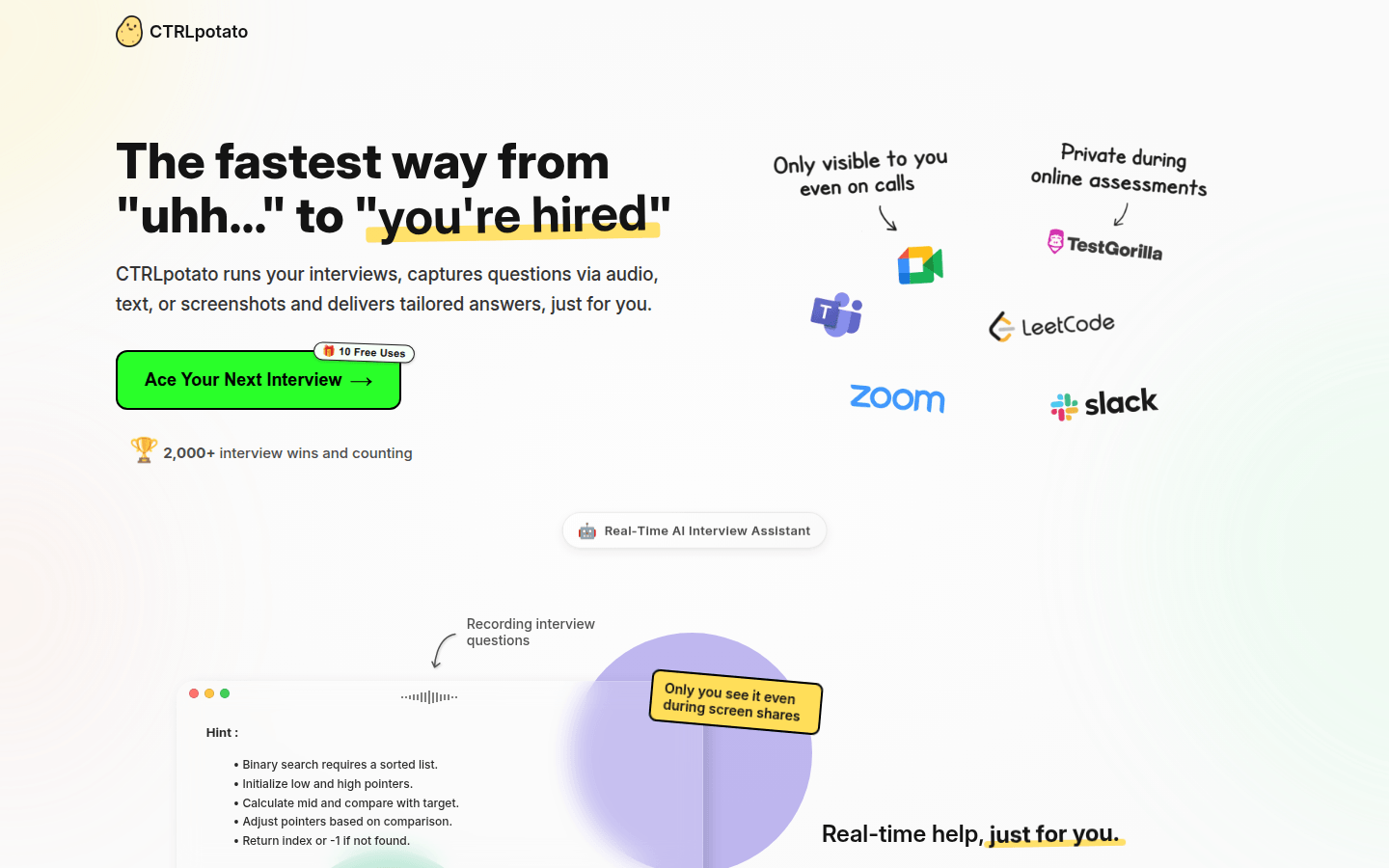
Screenshot archived from the listing page, for preview only.