
CubeOne AI
Create presentations by chatting with AIChat to build, design, and present slides
Highlights
What you can do with it
- Build a business pitch deck quickly
- Prepare a lesson or lecture presentation
- Let the AI presenter deliver a deck for you
How to use it
- 1 Visit getcube.one and register
- 2 Start the free trial
- 3 Enter your topic and requirements in the chat box
- 4 Let the AI generate the deck, then view and edit it
- 5 Optionally switch to the AI presenter mode
- 6 Save or export the finished presentation
Who it is for
Pros
- Chat-based creation is fast
- AI presenter removes the need to memorize a script
- Templates and real-time feedback
Limitations
- Free trial only, then paid plans
- AI-generated layouts still need review for accuracy
- Depends on the service being online and available
What CubeOne AI is
CubeOne AI is a presentation tool that builds slides through chat. You describe your topic and the AI designs and updates the deck in real time, handling layout and content organization so you can focus on the message rather than formatting. It also offers an AI digital presenter that can present for you, so you do not need to memorize a script. A range of templates and community sharing let you learn from other decks, and real-time feedback helps you refine content as you go. It targets business professionals, educators, and creatives who need presentations fast, with a free trial to start.
What you can do with it
- Create and edit a presentation through simple chat
- Let the AI design and update slides in real time
- Use the AI digital presenter to deliver the deck
- Pick from templates and browse shared presentations
Who it is for
- Business professionals building pitch decks
- Educators preparing lessons and lectures
- Creatives who need slides without design work
- Anyone who wants a fast first draft of a deck
What to watch out for
Only a free trial is offered, after which you move to a paid plan, and that pricing can change. AI-generated layouts and content still need your review for accuracy and tone, so do not present without checking the facts. Because it is an online service, it depends on CubeOne staying available; if the site is down or rate-limited, you may not be able to work on a deck when you need it, so keep exports of important presentations. Generated suggestions are for reference only, so verify anything that affects professional judgment or important data.
FAQ
How do I make a presentation?
You describe your topic in the chat box and the AI builds and updates the deck.
Can the AI present for me?
Yes. There is an AI digital presenter mode so you do not need to memorize a script.
Is there a free trial?
Yes. You can start a free trial before choosing a plan.
Why it is free
What the official page says: free trial
Free limits, trial length and features are decided by the official site and can change at any time.
Product preview
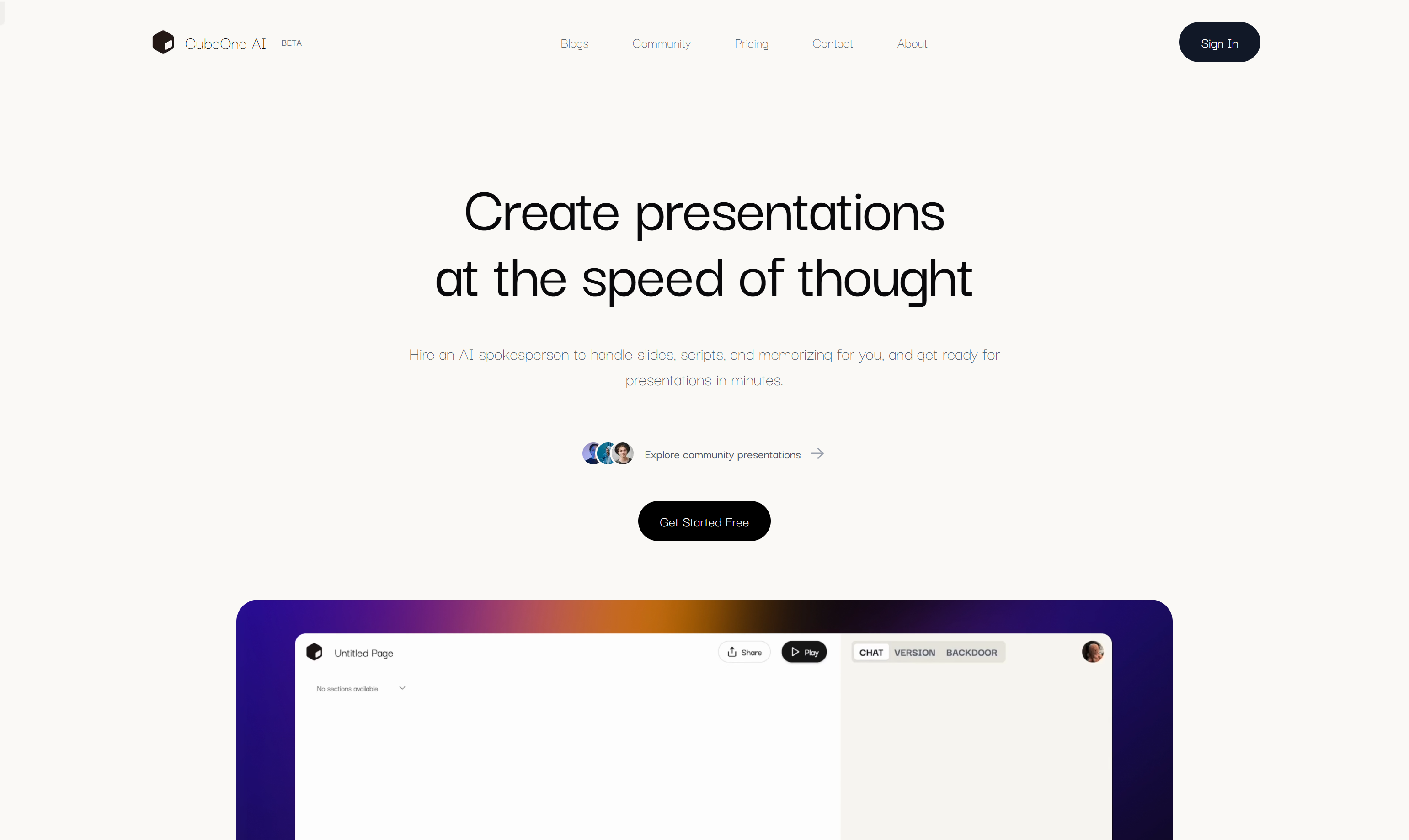
Screenshot archived from the listing page, for preview only.











