Curiosity
One search box for all your apps and filesFind anything on your computer instantly
Highlights
What you can do with it
- Find a document by name or content without remembering which folder it is in
- Jump straight to an application or open file from one search window
- Switch between recent files and programs while multitasking
How to use it
- 1 Download Curiosity from the official website and install it
- 2 Let it index the applications and files on your computer
- 3 Open the search window and type what you are looking for
- 4 Pick a result to open the file or switch to that application
Who it is for
Pros
- One search window replaces several file browsers
- Files stay local on your machine
- It is free to download and use
Limitations
- Search quality depends on the indexing setup and your file types
- A desktop tool only covers this device, not cloud drives by default
- Free status and features can change in future releases
- Exact platform support is not detailed, so check compatibility first
What Curiosity is
Curiosity is a desktop search tool that puts all your applications and files in one searchable place. Rather than opening a file manager and clicking through folders, you type what you need and pick from the results, which saves time when you work with a lot of documents. It is designed for fast switching between different apps and files, and the product says it securely stores data on your own computer rather than sending it elsewhere. Curiosity is free to download and use, which makes it an easy addition if your work involves a large local file collection.
What you can do with it
- Search for files and applications from a single window.
- Open a document or jump to an app straight from the results.
- Switch between recent programs and files while you work.
Who it is for
- People with large document collections spread across many folders.
- Multitaskers who move between apps and files constantly.
- Anyone who wants one search box instead of several file browsers.
- Computer users who would rather type than click through directory trees.
What to watch out for
How well it finds things depends on what it indexes and the file types you use, so results may vary and some formats may not be covered. As a desktop tool, it covers the machine it is installed on, and cloud drives may need extra setup or may not be included at all. The product is currently free, but free status and features can change with future releases, so do not assume today's terms are permanent. Platform details are not spelled out in the listing, so check the official site for compatibility before you install.
FAQ
Is Curiosity free?
Yes. The product is free to download and use.
Where is my data stored?
The product says it securely stores data on your own computer.
What can it search?
It searches applications and files, and helps you switch between them quickly.
Which systems does it support?
The listing does not list specific operating systems, so confirm compatibility on the official site.
Why it is free
What the official page says: 免费
Free limits, trial length and features are decided by the official site and can change at any time.
Product preview
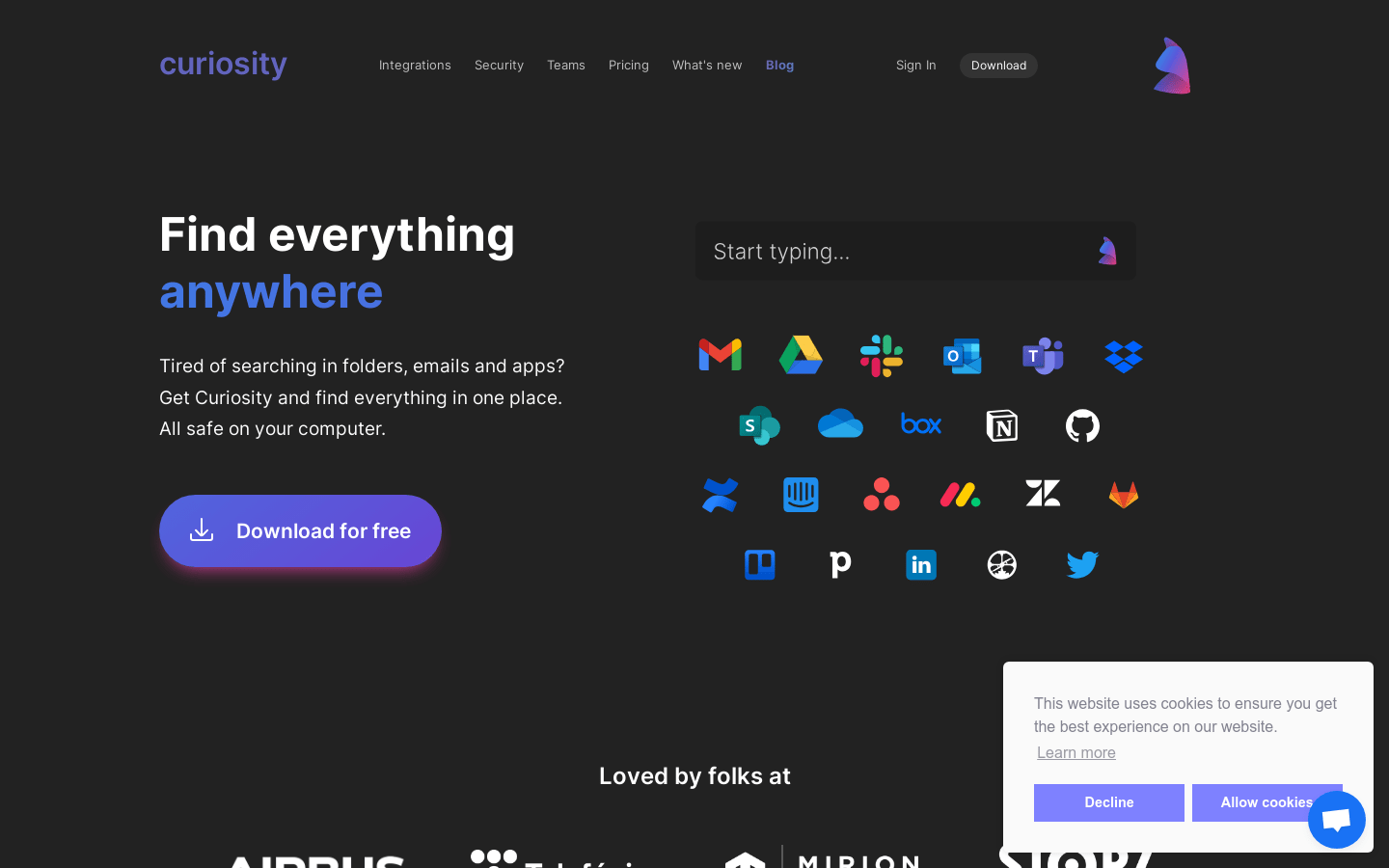
Screenshot archived from the listing page, for preview only.