
Cursor
An AI driven code editor that understands your codebaseWrite and edit code with natural language commands
Highlights
What you can do with it
- Ask for code changes in natural language and apply the resulting edits
- Get predictive autocomplete while editing project files
- Import an existing codebase and receive suggestions based on its contents
- Bring your own extensions, themes, and shortcuts into the editor
How to use it
- 1 Visit cursor.com and download the desktop client
- 2 Install and launch the application
- 3 Import your codebase or open specific files
- 4 Use natural language commands to write or modify code
- 5 Turn on privacy mode and import custom extensions, themes, and shortcuts
- 6 Configure an API key if you want personalized settings
Who it is for
Pros
- Suggestions are grounded in the imported codebase
- Natural language editing lowers the cost of small changes
- Privacy mode and SOC 2 certification address code security concerns
Limitations
- It is a desktop client, so adopting it means changing editors and relearning shortcuts
- Free tier limits and paid plans are set by the official site and can change
- Generated code still needs review, and privacy settings should be checked for sensitive projects
What Cursor is
Cursor is an AI driven code editor built to help developers write code more efficiently. It comprehends codebases, provides code suggestions, and predicts and autocompletes editing tasks, and you can update code using natural language commands instead of only typing it out. The editor supports importing user defined extensions, themes, and shortcuts, so an existing setup can largely move across, and it includes a privacy mode intended to safeguard code security. The product is SOC 2 certified, which the vendor presents as evidence of a safe and reliable programming environment, and it can be configured with an API key for personalized settings. A free tier exists, and its limits are set by the official site.
What you can do with it
- Describe a change in natural language and apply the resulting edits.
- Get predictive autocomplete while working through project files.
- Import a codebase and receive suggestions grounded in its contents.
- Bring your own extensions, themes, and shortcuts, and enable privacy mode when needed.
Who it is for
- Developers who spend most of their day in an editor and want AI assistance inline.
- Users who want to keep familiar extensions, themes, and keybindings.
- Teams that care about editor level security certifications for their codebase.
What to watch out for
Cursor is a desktop client rather than a plugin for your current editor, so adopting it means moving your workflow into it and spending time learning the interface, which is a real learning cost. Free tier limits and paid plans are set by the official site and can change. AI suggestions still need review: generated code can be wrong or insecure, and privacy mode settings should be confirmed before working on sensitive or regulated code.
FAQ
What is Cursor?
Cursor is an AI driven code editor that comprehends codebases, suggests code, and accepts natural language commands.
Does it keep my code private?
Cursor offers a privacy mode to safeguard code security and is SOC 2 certified; check the official documentation for exact data handling.
Is there a free tier?
Yes. A free tier exists, and its limits are set by the official site.
Can I keep my existing setup?
It supports importing user defined extensions, themes, and shortcuts, though you still move your workflow into the Cursor client.
Why it is free
What the official page says: free tier
Free limits, trial length and features are decided by the official site and can change at any time.
Product preview
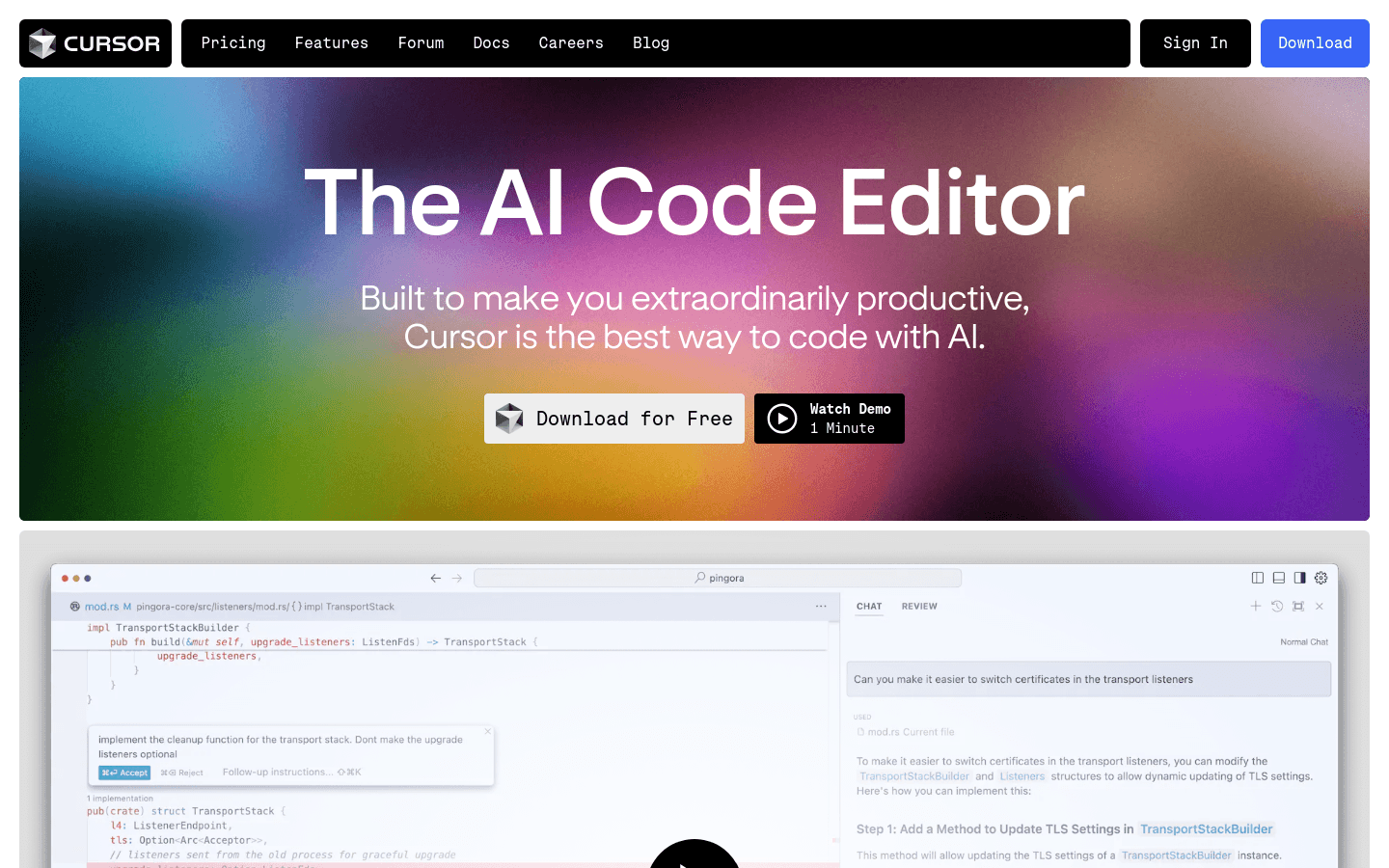
Screenshot archived from the listing page, for preview only.