
DailyBot
Custom GPT assistants for work rolesRole-based ChatGPT assistants for daily work
Highlights
What you can do with it
- A marketing professional asks for advertising strategy input
- A data analyst gets help processing a dataset
- A project manager tracks schedules and project updates
How to use it
- 1 Open the DailyBot GPTs page
- 2 Pick the assistant that matches your role
- 3 Describe your task and follow the advice given
Who it is for
Pros
- Free version to test the assistants
- Works inside ChatGPT, so no new tool to learn
- Role-specific prompts instead of a general chat
Limitations
- Free version is limited and premium plans cost money
- Access depends on ChatGPT and the assistant staying available
- Advice still needs review before you act on it
What DailyBot is
DailyBot is a set of custom GPT assistants built for specific job roles and work scenarios. Rather than one general chatbot, it splits the assistants by profession, covering marketing, design, data analysis and more. The assistants are used inside ChatGPT, so there is no separate app to install. Each one gives advice in its own field, from ad strategy to schedule tracking. A free version is offered next to a premium tier, which lets individuals and teams try a role assistant before paying.
What you can do with it
- Ask a role-specific assistant for advice on your task
- Get help with marketing copy and strategy
- Get support with data processing and analysis
- Track schedules and project updates
Who it is for
- Marketing and design staff who need quick input
- Data analysts handling routine processing
- Software and project teams tracking day-to-day work
What to watch out for
The free version is limited and premium features cost money. Because the assistants run inside ChatGPT, access depends on that platform and on each assistant staying available, which is outside DailyBot's control. Advice from an assistant is a suggestion, not a decision: review it before you act, especially where it touches numbers, deadlines or client work. Treat the output as a first draft that you check rather than a finished answer you forward unchanged. For best results, start with a small test file and review the output carefully before working on anything important. Free tiers can change over time, so it is worth checking the current limits on the official page before you rely on the tool daily. If the result is not quite right, try adjusting your input description or settings and run the task again.
FAQ
Is DailyBot free?
A free version is offered next to a premium tier.
Where do I use the assistants?
They are used within ChatGPT rather than in a separate app.
Which roles are covered?
Marketing, design, data analysis, project management and similar work scenarios.
Why it is free
What the official page says: 免费版免费
Free limits, trial length and features are decided by the official site and can change at any time.
Product preview
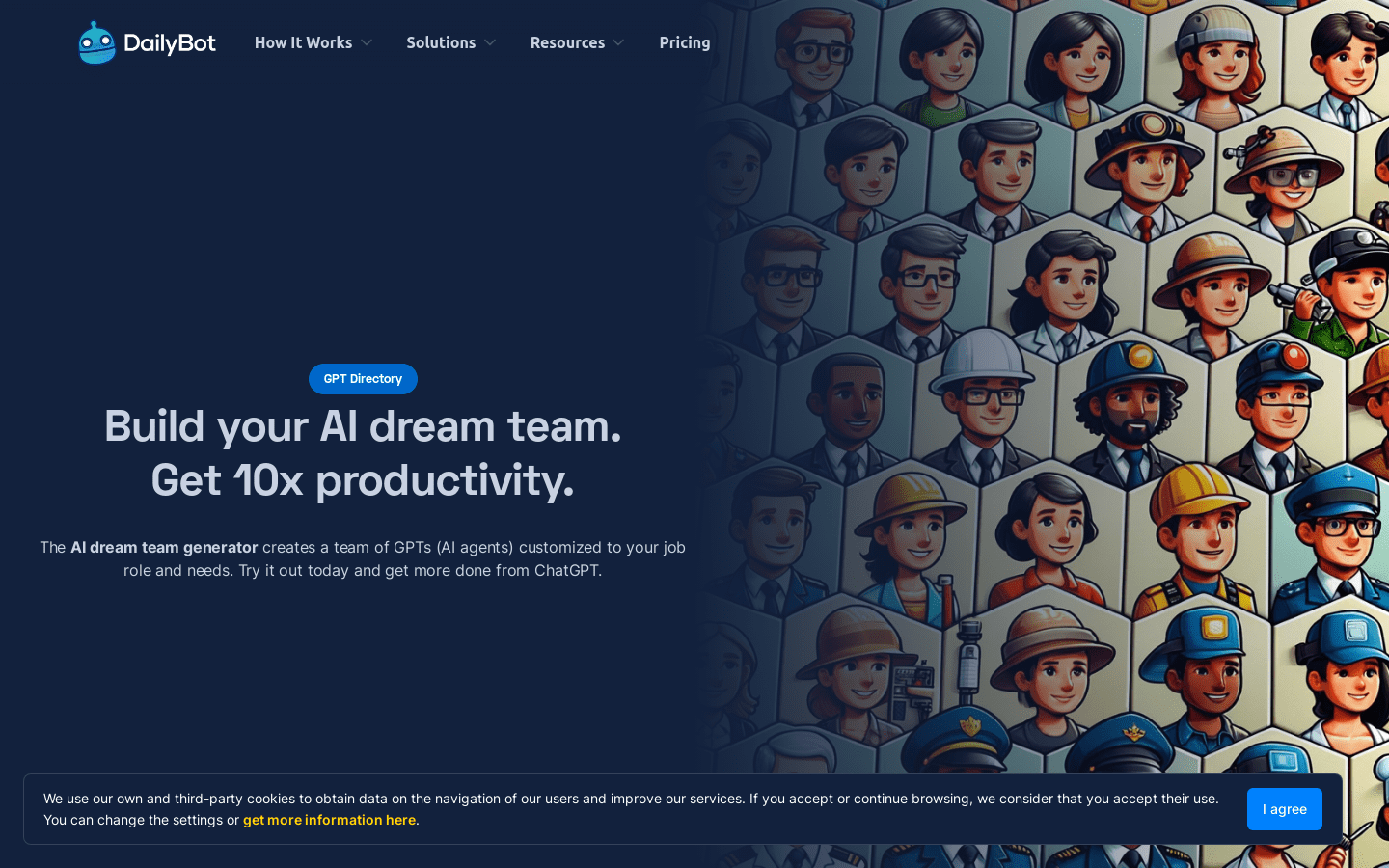
Screenshot archived from the listing page, for preview only.











