
DapperGPT
AI writing and chat assistant with pluginsSmart search, notes, and voice tools in one app
Highlights
What you can do with it
- Writers drafting articles and copy
- Researchers doing smart search and notes
- Users automating repetitive form filling
How to use it
- 1 Install and open DapperGPT
- 2 Use smart search from anywhere
- 3 Dictate text with voice to text
- 4 Save notes with the AI note feature
- 5 Enable the Chrome plugin for forms
Who it is for
Pros
- Free basic features
- Voice tools built in
- Chrome plugin for automation
Limitations
- Advanced features need a purchase or plan
- Depends on upstream OpenAI models
- Voice and form access touches sensitive input
What DapperGPT is
DapperGPT is an AI writing and chat assistant with notes and plugin features. It is built on OpenAI's ChatGPT technology and adds a Spotlight style smart search, voice to text, text to voice, AI notes, and a Chrome plugin that fills forms on common websites. Basic features are free, and advanced features are unlocked through a one time purchase or an annual plan. Functions can be personalized through settings.
What you can do with it
- Search and write with an AI assistant
- Dictate text and have it read back to you
- Save quick notes with the AI note feature
- Fill forms automatically with the Chrome plugin
Who it is for
- Writers drafting articles and copy
- Researchers who want fast search and notes
- Everyday users who repeat form filling tasks
What to watch out for
Advanced features require a purchase or annual plan, so the free tier covers basics only. The service builds on OpenAI models, so its behavior and availability depend on that upstream provider. Voice and form features touch sensitive input, so review privacy terms before granting access. Assistant output still needs human review for accuracy and tone. Generated suggestions are for reference only, so verify anything that affects professional judgment or important data. Start with a small sample to confirm the output meets your expectations before processing the full batch. Processing speed depends on file size and network conditions, so retry later if a task stalls during peak hours. Run one full task end to end first, then expand once you are comfortable with the workflow and the result quality. When quality matters, export a small draft first to confirm the result before producing the final file.
FAQ
Is DapperGPT free?
Basic features are free, and advanced features are unlocked through a one time purchase or annual plan.
What does the Chrome plugin do?
It automatically fills forms on common websites.
What technology is it based on?
It is based on OpenAI's ChatGPT technology.
Why it is free
What the official page says: 免费
Free limits, trial length and features are decided by the official site and can change at any time.
Product preview
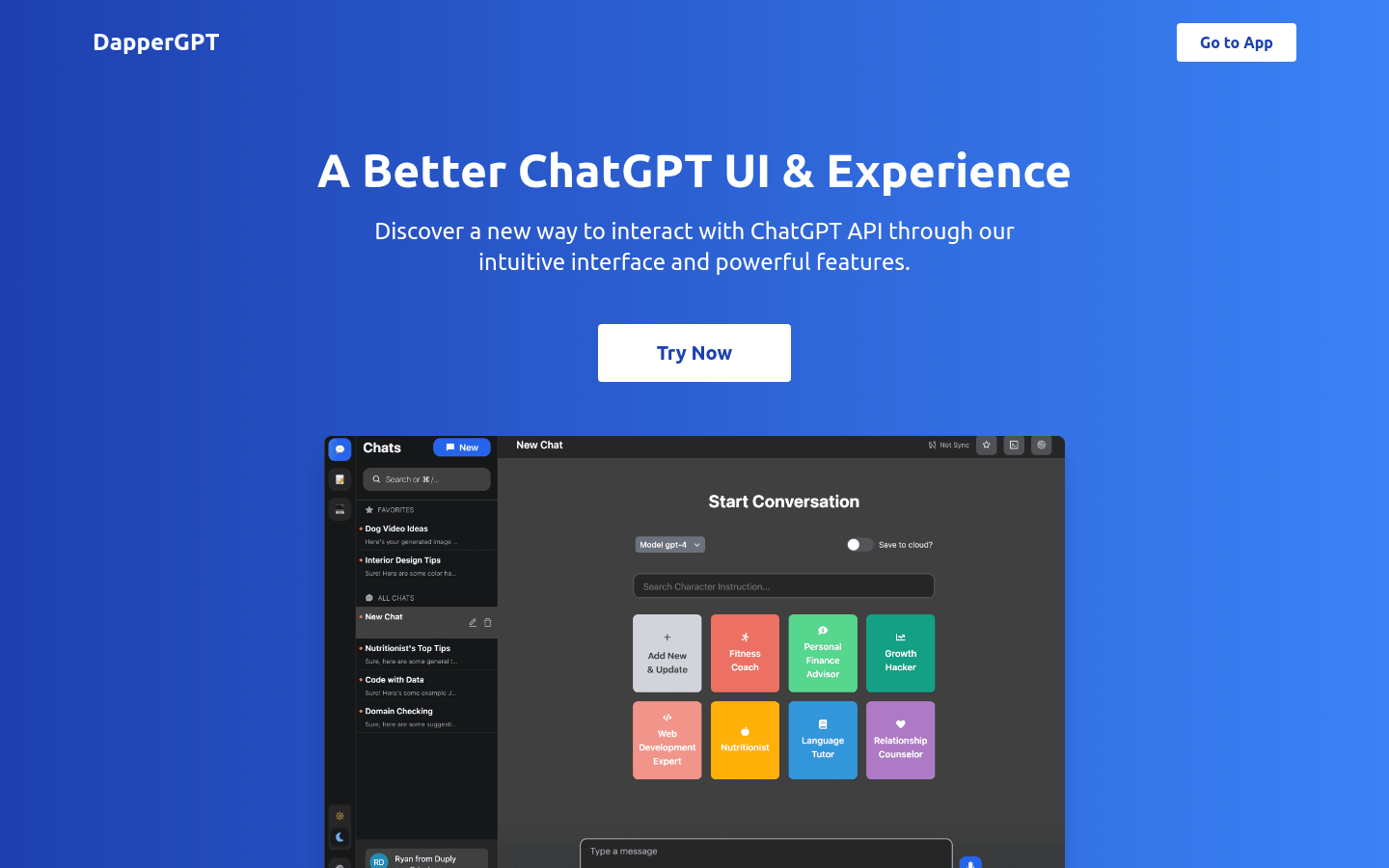
Screenshot archived from the listing page, for preview only.











