
DataNormalizer
AI tool that normalizes and cleans messy data fastClean inconsistent data in seconds with AI
Highlights
What you can do with it
- Cleaning inconsistent data from an Excel export
- Normalizing fields inside a Python data pipeline
- Tidying SQL tables before they feed a report
How to use it
- 1 Open the DataNormalizer website in your browser
- 2 Register an account and collect the 200 starting points
- 3 Upload or paste the data you want to normalize
- 4 Set the normalization rules or let the AI suggest them
- 5 Run the job, review the cleaned output, and download it
Who it is for
Pros
- Fast first pass on messy data without writing code
- Free starting allowance of about 100 rows
- No install and no environment setup
Limitations
- Free allowance covers only a limited number of rows
- Normalization at the edges needs human review
- Rule tuning takes trial and error before results are reliable
What DataNormalizer is
DataNormalizer is an AI data normalization tool built to clean inconsistencies in your data within seconds. The site describes a points system: new accounts receive 200 points at registration, which is enough to process about 100 rows of data for free. There is nothing to install because it runs as a web tool. The idea is that you describe the outcome you want and the AI normalizes values, formats, and categories across your dataset instead of you writing cleaning rules by hand. It is aimed at people who handle messy exports regularly and want a faster first pass.
What you can do with it
- Clean inconsistent data in spreadsheets such as Excel exports
- Normalize fields as part of a Python data workflow
- Tidy SQL tables before they feed a report or a model
- Standardize names, units, and categories across a dataset
Who it is for
- Analysts who receive messy exports from clients or systems
- Developers who need quick normalization inside Python or SQL pipelines
- Small teams that do not want to maintain cleaning scripts
What to watch out for
The free allowance covers roughly 100 rows, so larger jobs need points or a paid plan. Pricing details are not spelled out on the page. Normalization is guesswork at the edges, so review results before the data reaches production. The rules you set can take some trial and error to get right, and very messy inputs may still need manual fixes. Features and interface details may change between versions, so review the latest notes on the page before you start. For team use, agree on naming and editing conventions in advance to avoid version conflicts or duplicated work.
FAQ
Is DataNormalizer free to use?
There is a free starting allowance. Registration gives 200 points, which the site says covers about 100 rows of processing.
What kind of data can it clean?
It is aimed at inconsistent data such as spreadsheet exports, Python workflow data, and SQL tables.
Do I need to install anything?
No. It runs as a web tool, so you work in the browser.
Can I trust the output without checking?
Review the cleaned data before it reaches production, especially for values the AI had to guess.
Why it is free
What the official page says: for free
Free limits, trial length and features are decided by the official site and can change at any time.
Product preview
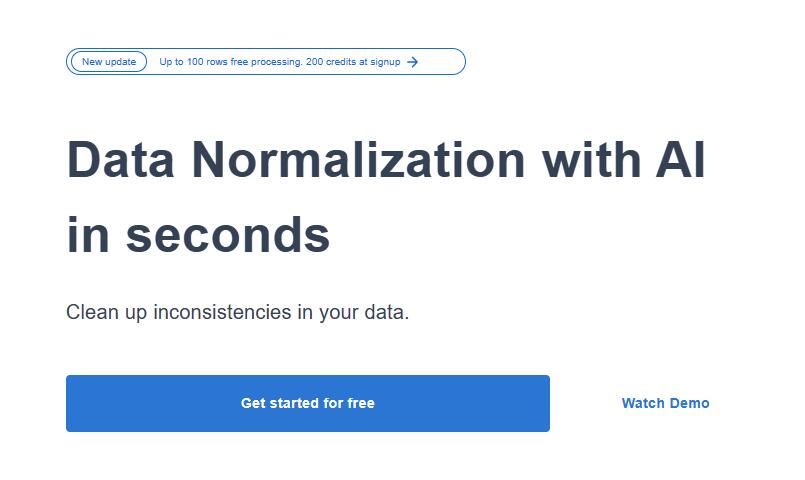
Screenshot archived from the listing page, for preview only.











