
DB Pilot
Database GUI with an AI assistant for SQLQuery PostgreSQL, MySQL, and SQLite with less SQL
Highlights
What you can do with it
- Explore a production database without writing SQL by hand
- Run an analytical query across connected sources
- Reuse a saved query from history on a new question
How to use it
- 1 Install DB Pilot and create a connection.
- 2 Add your database credentials for PostgreSQL, MySQL, or SQLite.
- 3 Connect any additional OLAP built-in information you need.
- 4 Describe the query you want and let the AI assistant draft the SQL.
- 5 Run it, check the results, and save the query to history.
Who it is for
Pros
- Free version available to start
- AI assistant lowers the SQL barrier
- Familiar spreadsheet-like editing surface
Limitations
- AI-generated SQL still needs review before running
- Higher tiers are paid, so costs scale with use
- Some listed features are still in development
What DB Pilot is
DB Pilot is a database GUI tool that supports PostgreSQL, MySQL, and SQLite. It also integrates OLAP databases, so you can connect several built-in informations in one place instead of switching clients. The feature that draws attention is a built-in AI assistant that helps write SQL queries, which is useful when you know the question but not the exact syntax. The editor behaves like a spreadsheet, there is query history for reuse, and a mode editor is listed as coming. Pricing runs from a free version through Plus to Pro.
The design goal is to make a database feel like a spreadsheet to people who do not write SQL for a living. You connect a source, describe what you want in plain terms, and the assistant produces a query you can then read and adjust. For analysts that removes a translation step, and for developers it removes the friction of remembering exact function names across three different database dialects.
What you can do with it
- Connect to PostgreSQL, MySQL, or SQLite databases
- Add OLAP sources alongside transactional ones
- Draft SQL with the AI assistant, then edit it
- Browse and edit results in a spreadsheet-like grid
- Reuse saved queries from history
Who it is for
- Analysts who run queries every day
- Developers debugging data problems
- Business users who understand the question but not the SQL
- Small teams without a dedicated database administrator
What to watch out for
AI-drafted SQL should be read before it runs, because a generated query can return plausible but wrong results, or touch more data than you intended. Some features are listed as upcoming, so do not plan around them yet. The free version is a starting point, and higher tiers are paid, so check whether the features you need sit above the free line. Database credentials are sensitive, so review how the tool stores and transmits them before connecting to production, and never point it at a live database you cannot restore.
FAQ
Which databases are supported?
PostgreSQL, MySQL, and SQLite, plus OLAP built-in informations.
Does it help with SQL?
Yes, a built-in AI assistant helps write queries.
What are the plans?
A free version, a Plus version, and a Pro version.
Why it is free
What the official page says: free version
Free limits, trial length and features are decided by the official site and can change at any time.
Product preview
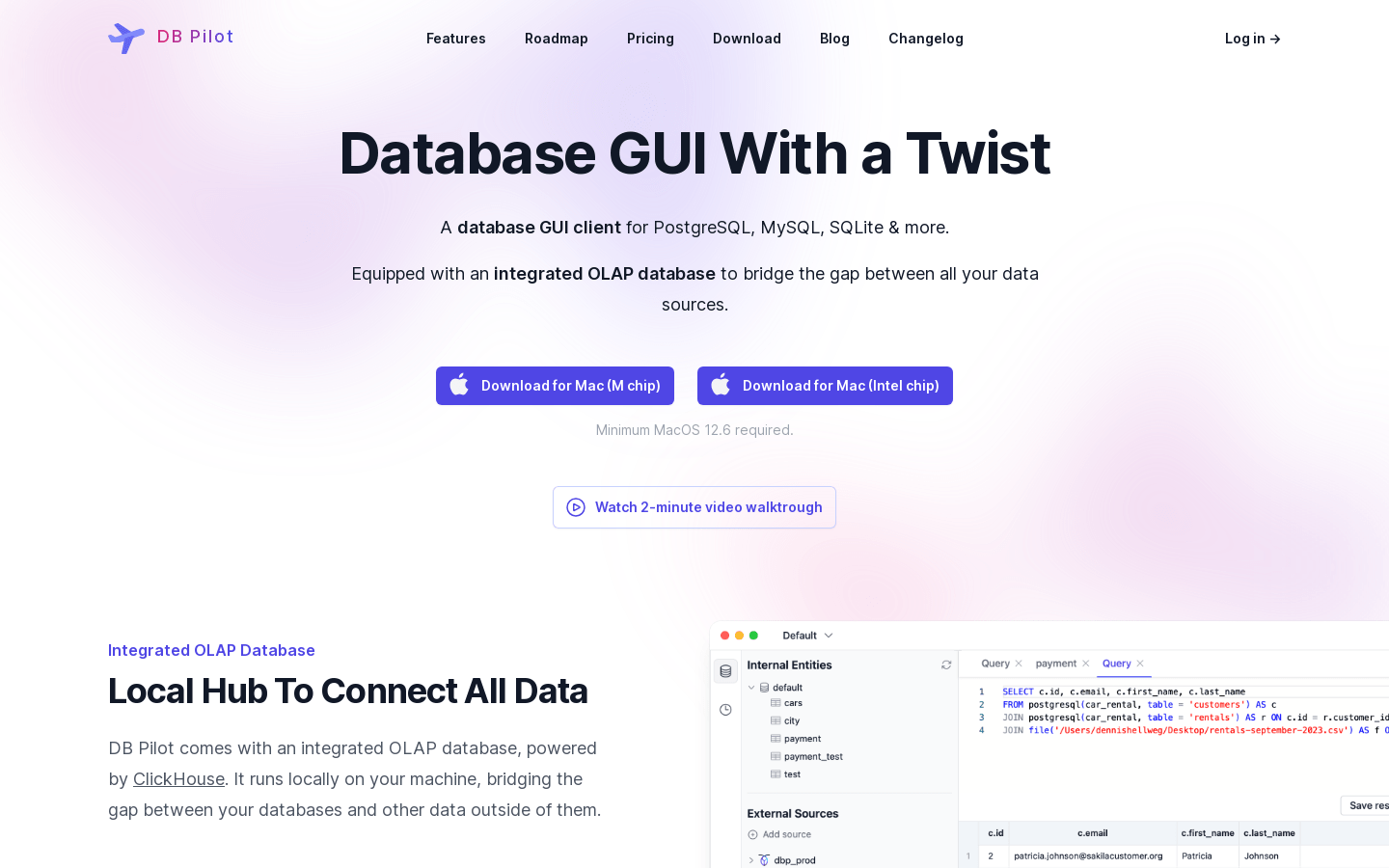
Screenshot archived from the listing page, for preview only.











